LFW Academy · Everyone track · F3
Accessible Content Basics
Headings, link text, alt text, documents, color, captions and forms, plus the Title II dates and exceptions.
7 lessons · about 55 minutes · Foundations
You have done every lesson in this course on this device. A free LFW account keeps it and gives you a dated completion record.
7 lessons, about 55 minutes.
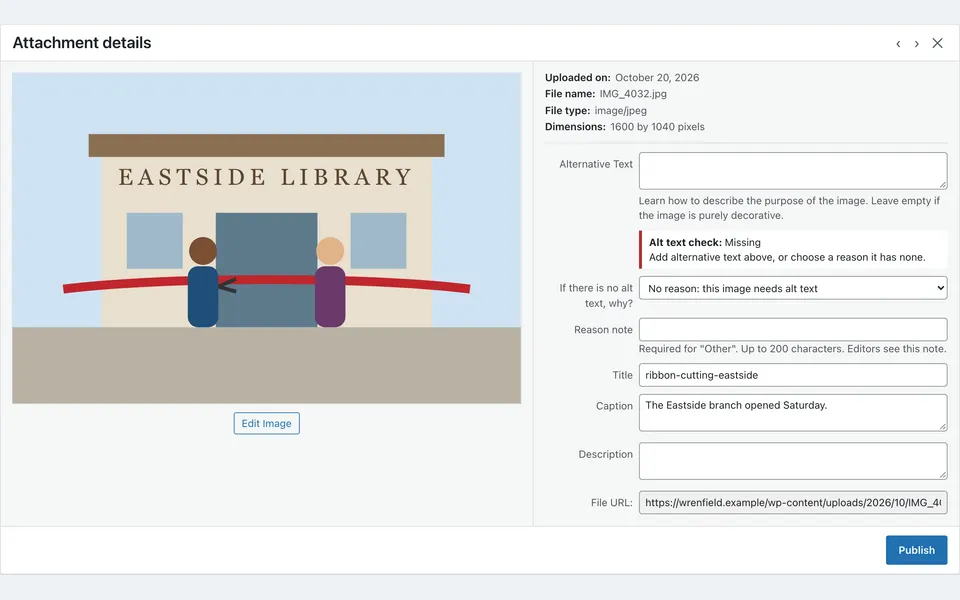
Each lesson is a short video or a WordPress simulation, with notes, a task at your institution and a short quiz. The list marks the ones still being made.
You will be able to.
- Structure pages with real headings
- Write link text and alt text
- Choose between a web page and a PDF, and know the Title II exceptions
- Check color contrast
- Caption video and fix forms
Course facts
- Level
- Foundations
- Length
- About an hour, in seven lessons
- For
- Content editors, clerks and communications staff.
- Before you start
- None.
- Assessment
- A task on your own site and a short check in each lesson, with the reason for every answer.