LFW Tag Manager
Every tag on your website, under one set of privacy rules.
Analytics, replay and advertising tags, managed from your LFW account.
- Each visitor’s privacy choices govern every tag
- Nothing changes on your site until someone publishes it
In your LFW account · not released yet
See it with sample data.
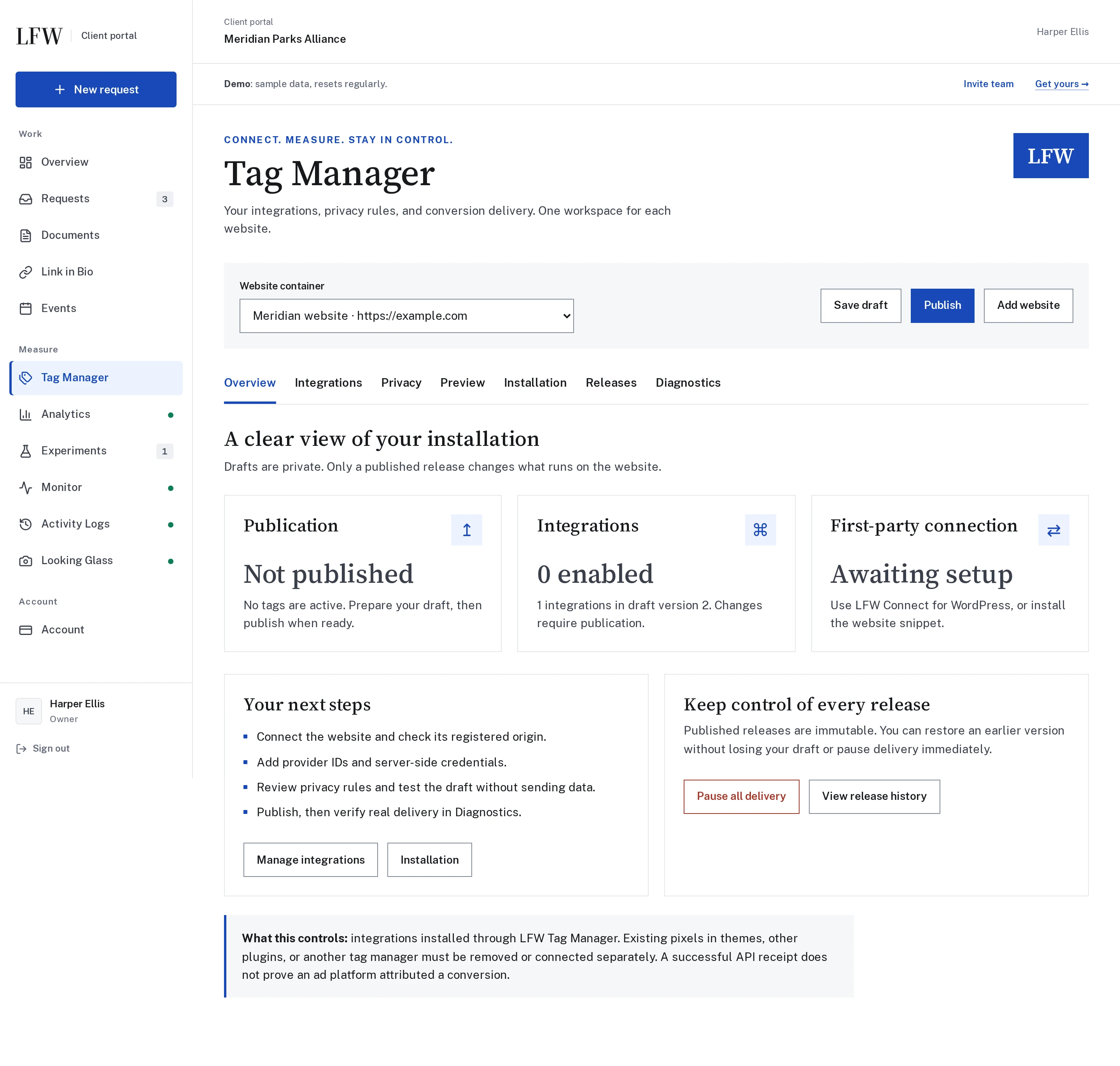
Tag Manager in the LFW account demo, for a fictional parks alliance.

Enlarge to view the full screenshot.

Enlarge to view the full screenshot.

Enlarge to view the full screenshot.
What it manages.
One container for each website, with its own integrations, privacy rules and release history.
- LFW Analytics Page views for your LFW account’s Analytics screen, counted only for visitors whose choices allow analytics.
- LFW Replay The permission for recorded page visits. The recorder itself is set up separately for each site.
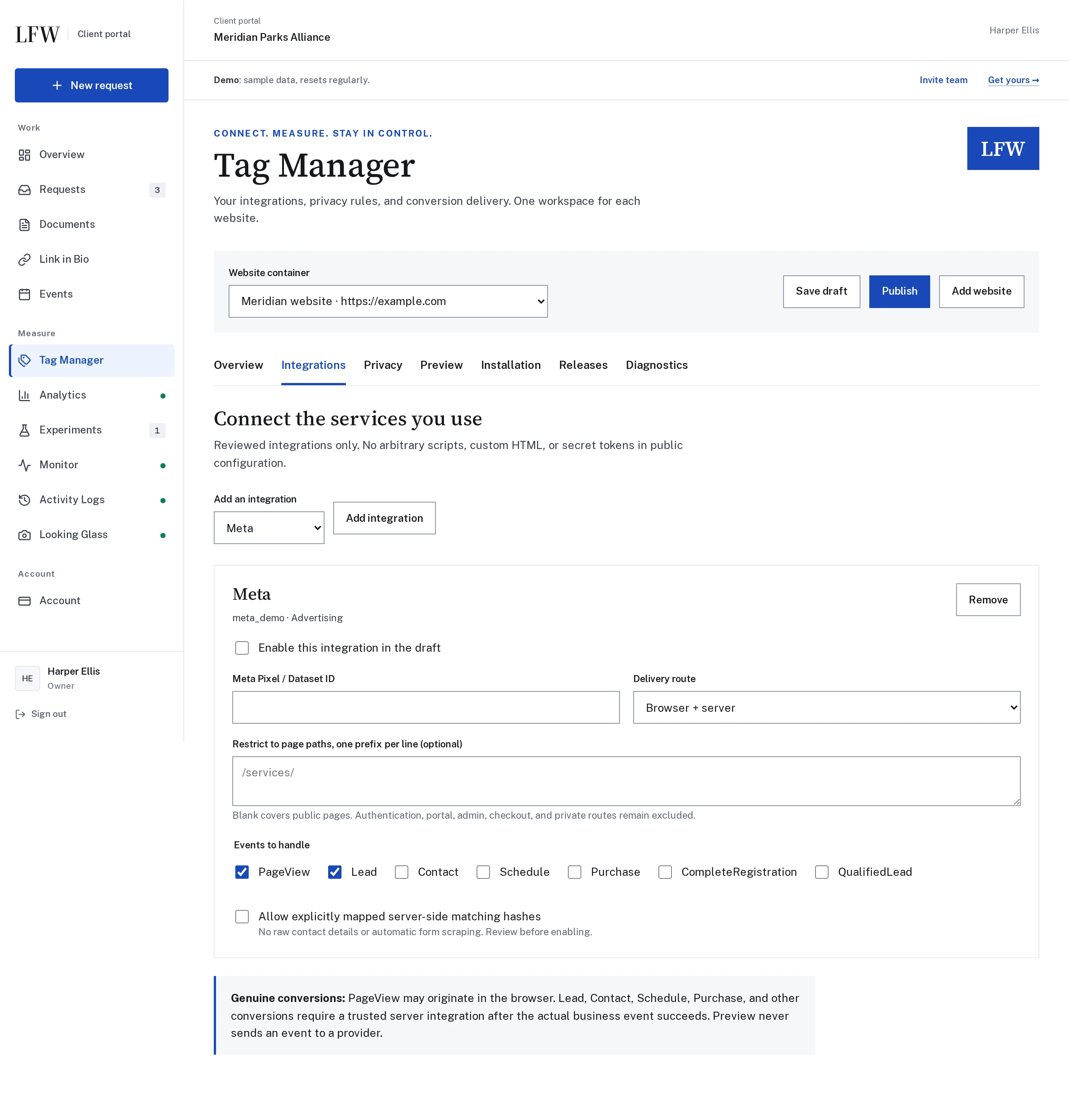
- Advertising tags Meta, LinkedIn and Google Ads, each with your account ID and the events you choose.
- Conversions from your server A successful Contact Form 7 submission or a paid WooCommerce order, sent from WordPress once the visitor’s choice allows it.
- No custom scripts Reviewed integrations only. No arbitrary code, custom HTML or secret tokens in the public configuration.
- Private pages left out Sign-in, account, admin and checkout pages are never tracked, whatever the settings say.
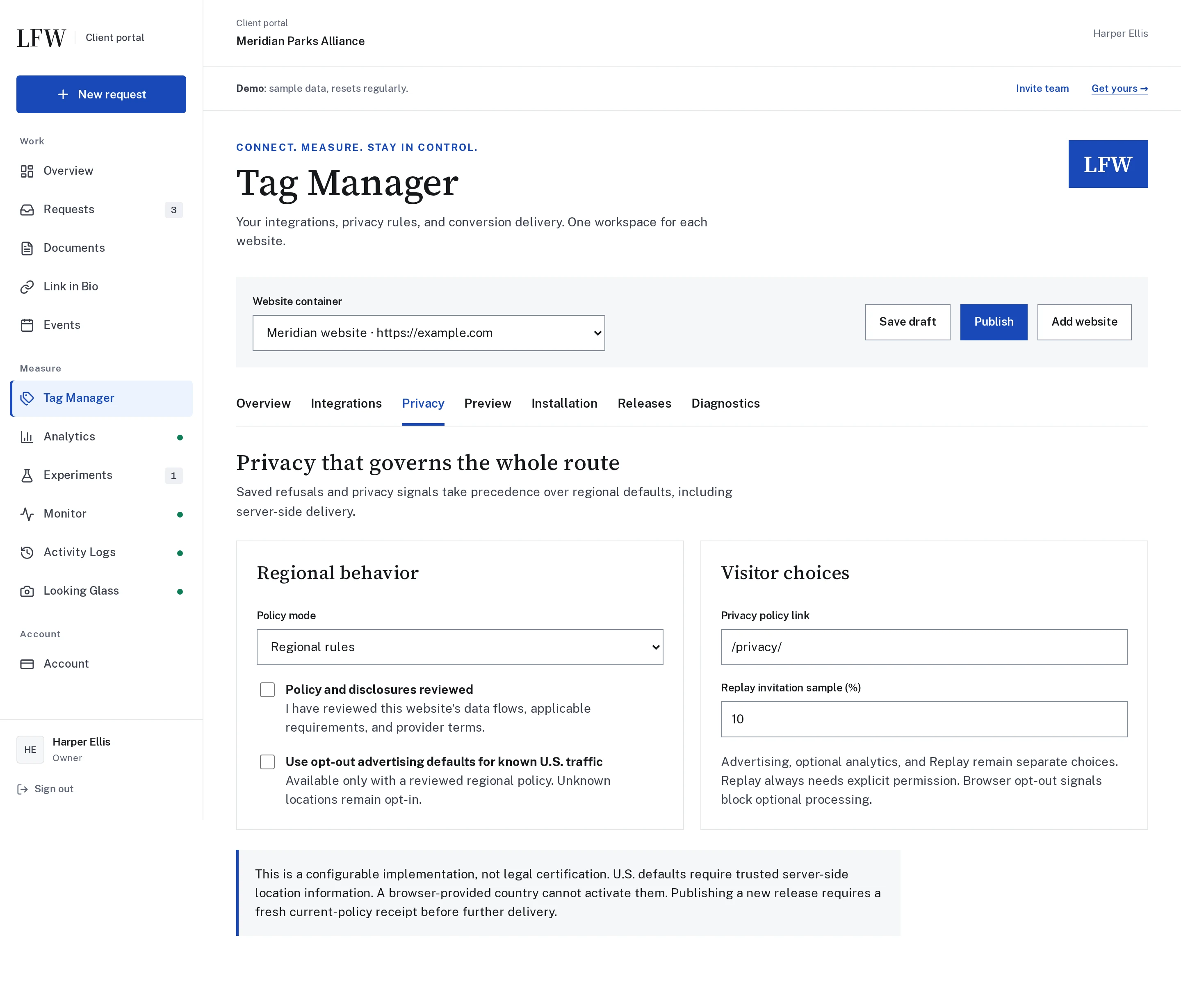
Privacy choices that govern every tag.
The privacy notice is part of Tag Manager, so it sets the rules before any optional tag runs.
- Separate choices Advertising, analytics and replay are separate choices. A yes to one is not a yes to the others.
- Browser signals win Global Privacy Control and Do Not Track turn off optional processing, whatever the regional default.
- Rules by region Ask first everywhere, or use opt-out defaults for known U.S. traffic once your policy is marked reviewed. Unknown locations are asked first.
- A no stops what is waiting A refusal or a withdrawn choice blocks deliveries already queued for that visitor.
Tag Manager is a configurable implementation, not a legal certification. Pixels written into a theme, another plugin or a second tag manager stay outside its control until they are removed or connected.
Changes go through a release.
Owners publish. Members edit drafts. Viewers see the settings.
- Private drafts Only a published release changes what runs on the website.
- Preview without sending Test a draft on the site. A preview never sends anything to a provider.
- Restore an earlier release Published releases cannot be edited. Restoring one publishes it again as a new release.
- Pause all delivery One button stops optional tags and delivery until you turn them back on.
- Diagnostics Each event shows whether it was received, queued, accepted, failed or blocked by a privacy choice.
- Every publication recorded Each publication, pause and restore is kept with who made it.
What it needs.
- Your website
- An HTTPS website. On WordPress, the LFW Connect plugin installs it; other sites add one snippet.
- LFW Connect
- One plugin and one connection key from your LFW account. Tag Manager is one of its modules, switched on separately. WordPress 6.0 or newer, PHP 7.4 or newer.
- Advertising accounts
- Your own account IDs and server credentials, stored encrypted. A provider accepting an event does not prove it matched or attributed it.
- On LFW.com
- LFW.com’s own privacy choices and replay notice run through Tag Manager.
- Release
- Built and in the LFW account. Not released to clients yet, and no price is published.
Ask about it for your site.
Tell us which tags your site runs today and who has to approve a change. We reply within one business day.