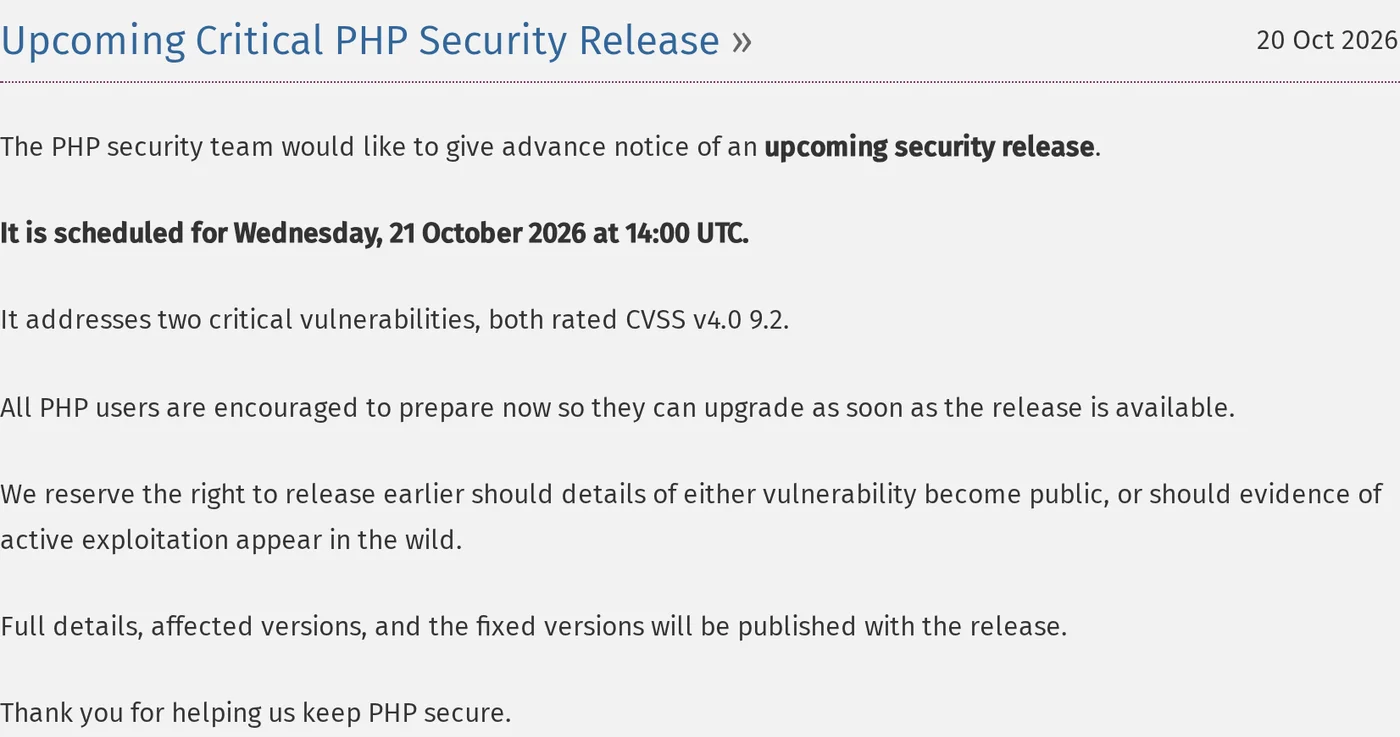
The PHP security team released a security fix today, October 21, for two vulnerabilities, both rated 9.2 out of 10. It was scheduled for 10:00 AM Eastern and came out early.
Security researchers call the pair PHP2Shell. Their official names are CVE-2026-109618 and CVE-2026-109619.
If your website runs on WordPress or Drupal, it runs on PHP.
Update, 9:36 AM Eastern: the fix is out
PHP released the fix ahead of schedule. We saw it on php.net at 9:36 AM Eastern.
Update to PHP 8.5.12, 8.4.27, 8.3.36 or 8.2.35. PHP 8.1 and older get no update from the PHP project. Some Linux distributions and support vendors backport the fix, so ask yours, or move to a supported version.
With the release, PHP published what the issue actually is. In plain terms:
- Both bugs are in how PHP sets up and cleans up each web request. One happens when PHP runs out of memory halfway through setting up a request: the cleanup can then treat half-built data as real. The other leaves a request's data behind after its memory is freed, so the next request on the same worker can use it.
- Either one can let a stranger run their own code on your server, without logging in, by sending specially crafted requests.
- It affects PHP that serves web pages: PHP-FPM, Apache with mod_php, php-cgi, FrankenPHP and LiteSpeed. PHP says the risk is highest with Apache's mod_php, where it has a working exploit.
- It happens before your site's own code runs. That means a security plugin inside WordPress or Drupal can't see it. What protects you is the update, and limits applied in front of PHP.
PHP also lists settings that reduce exposure if you can't update right away, and says they don't make a server safe. The advisory on php.net has them.
Why LFW.com was never exposed: these bugs live in the code that runs when PHP handles a request. LFW.com's pages are files built ahead of time, and no PHP reads any request on our servers, so there is nothing to trigger. The read-only copies the European governments put up this morning are safe for the same reason.
If you took a site down, it can come back once your host confirms it's on one of the fixed versions.
What we checked on our own servers
We started with our own setup this morning.
- LFW.com: not affected. It is built with Astro and served by Node.js, and no PHP is installed on our servers.
- A WordPress demo: we found a containerized WordPress demo we had stopped about three weeks ago and never removed. It wasn't running, and it sat behind a password. We removed it anyway, with its database and images.
- Our development machines: the local WordPress copies we build with are stopped, and none can be reached from the internet.
The demo is the part worth sharing. Nothing was wrong with it today. It was simply a PHP site we no longer needed, and it was still there.
The site nobody remembers
On a day like this, the main website usually gets patched. Someone owns it, and someone is watching it.
The risk is more often a site nobody remembers owning:
- the microsite for a campaign that ended
- the staging copy a vendor set up for a redesign
- the event site from a few years back
- a demo or test install that was never taken down
Those sites still run PHP, and nobody is waiting for the update.
What we'd do today
In this order:
- Check your host first. On managed hosting, look at your host's status page or blog. On a day like this most post their plan, and many update PHP for you, so you may not need to contact them.
- List every site that runs PHP. Include the forgotten ones. Remove what you don't use.
- Patch the rest the day the fix ships. Ask whoever runs each site to tell you when it's done.
- Keep a firewall in front until then. A web application firewall only helps if the server refuses traffic that doesn't come through it, so check that setting too.
Taking the server down
The UK's National Cyber Security Centre says that if you can't update or apply PHP's temporary fixes, you should consider taking the system offline until you can. Given the reported severity, that isn't bad advice, even if it feels overzealous.
Taking the server down doesn't have to take the site down. You can put up a read-only copy in the meantime: static pages, with no PHP behind them.
- Residents can still read the pages and find the phone numbers.
- Forms, logins and searches wait until the patch is on.
- The copy comes down once the patched site is back.
For a public website people rely on, that is a better middle ground than a blank page.
Governments took sites offline this morning
Several governments decided a few hours offline was worth it.
Here is what we saw at 8:50 AM Eastern:
- The Dutch National Cyber Security Centre took its own site, NCSC.nl, offline as a precaution.
- DigiD and MijnOverheid, the Dutch government's login and citizens' portal, both showed "temporarily unavailable" pages.
- The University of Vienna switched off its websites, online forms, webmail and Moodle.
- The Dutch House of Representatives site didn't load for us at all. NL Times reported it was taken offline too.
- Finland's government IT center, Valtori, shut off incoming internet traffic to the state's public services as a precaution, and said so on its site. It added that the outage was not caused by an attack.
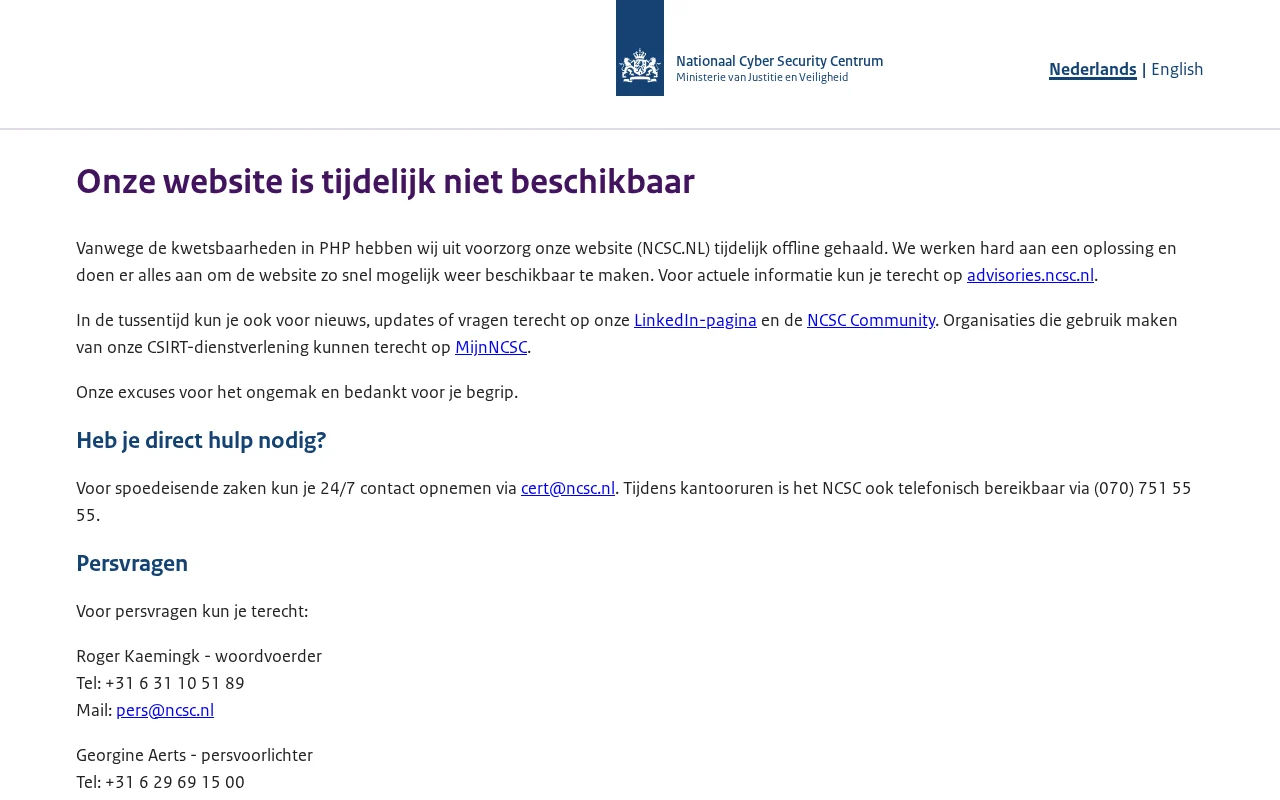
There's no shame in that. It's a few hours, and the issue is serious enough that the agency whose job is cybersecurity chose it for its own site.
What cybersecurity agencies told organizations
It wasn't only Europe. National cybersecurity agencies on three continents put out alerts the same day, and they mostly agree:
- United Kingdom: the National Cyber Security Centre says to find every system running PHP, update, and consider taking a system offline if you can't.
- European Union: CERT-EU, which protects the EU's own institutions, advised isolating internet-facing applications where patching can't happen right away.
- Singapore: the Cyber Security Agency says to patch immediately, and to check for PHP on every web server, even where the main website doesn't use it.
- Australia: the Australian Cyber Security Centre urged organizations to find PHP in their environment, prepare to patch and watch for signs of attack.
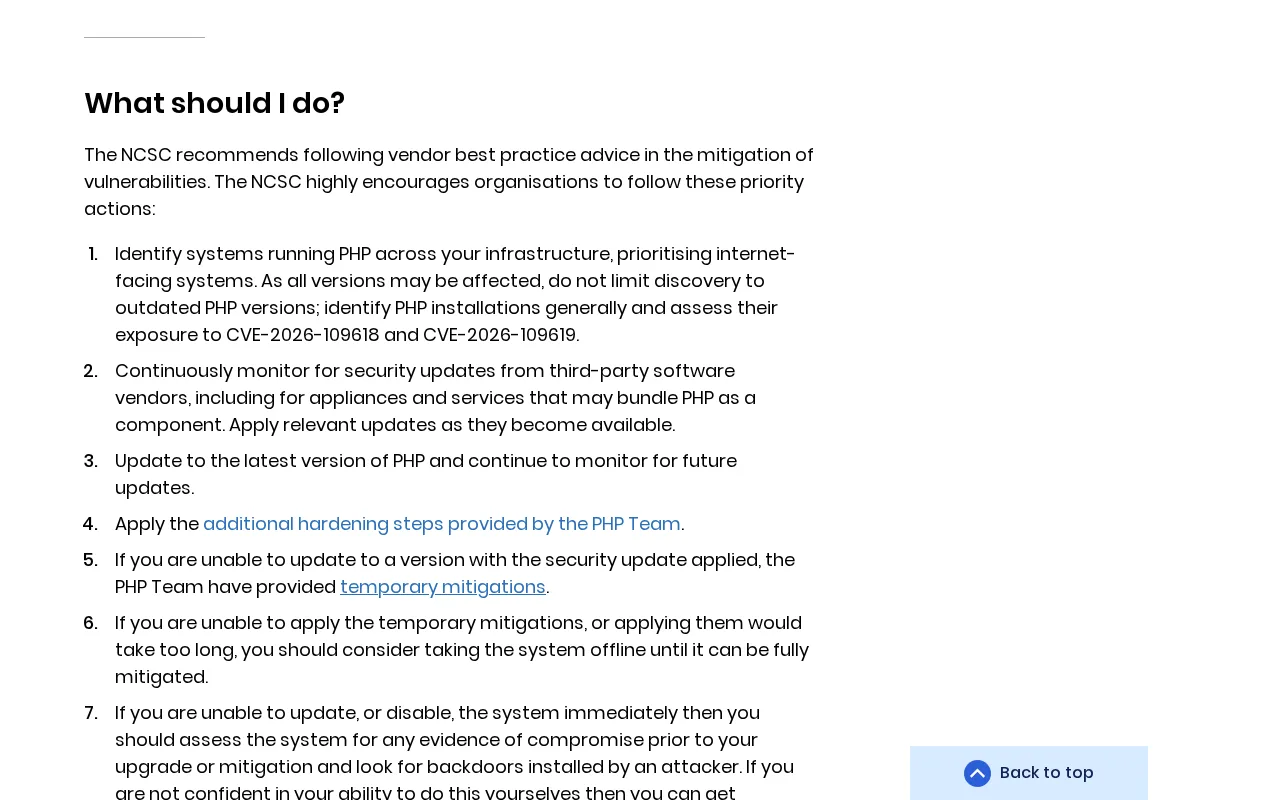
Singapore's point is the one we'd underline. A site built on something else can still have PHP on the same server: an old admin tool, a forgotten install, a vendor's add-on.
What their offline pages got right
Look closely at those pages. They aren't blank, and they aren't error messages.
- They say why. Each names the PHP vulnerabilities as the reason.
- They say what's down. Vienna lists every service, so nobody has to guess.
- They say where to go. The NCSC points to its advisories site, LinkedIn and a 24/7 email address for urgent help.
- They're static pages. No PHP is needed to show them, which is why they're still up.

That last point is the whole idea of the read-only copy. These pages are the smallest version of it.
Write that page before you need it
None of this is hard on a calm day. It's hard at 6 AM on the day of a security release.
So a few things are worth deciding now, while nothing is wrong:
- Who can take the site down, and who they tell. One name, and a backup.
- The offline page itself, written and stored somewhere that doesn't run PHP: the reason, what's down, where to get updates, and a way to reach a person.
- Which pages can never go dark. Emergency notices, boil-water advisories, the phone numbers. Those belong in the read-only copy.
- How you'll know it's safe to come back. Usually: your host confirms the patched version, and you check one page yourself.
A few hours offline, planned, is a good day. Unplanned, it's a story.
If you'd like a hand
We're glad to help you work through any of this, whether that's finding the forgotten sites or standing up a read-only copy. Write to us.
 Leland Fiegel