LFW

Changelog

See what’s changed.

The improvements we make to LFW.com, from clearer page layouts to new ways of getting things done. This is the same ongoing attention we bring to the websites we manage.

69 updates Aug 10, 2026 to Sep 13, 2026

Jump to the first update

A website keeps getting better
when someone keeps working on it.

Subscribe via RSS

Shared update

One update from the archive

September 2026

53 updates
Design

A clearer place for each tool.

Experiments now sits alongside the other retainer tools, with Tag Manager completing the group. Compare what each service helps you do, how it connects, and what setup is needed.

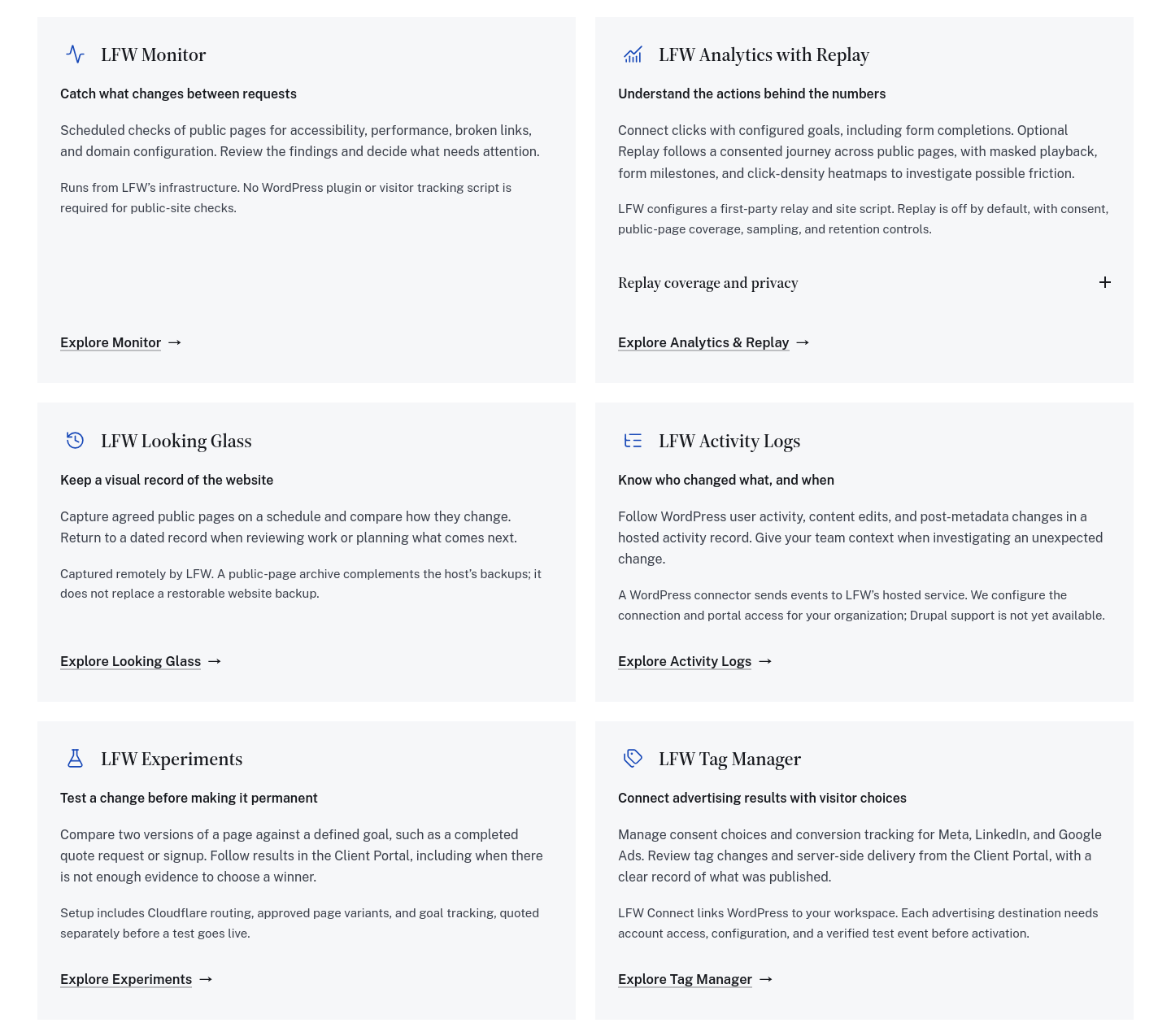
The six descriptions share one grid on desktop and stack on a phone. Replay’s extra coverage and privacy details open inside its own card, where they belong.

The tools section before and after, reconstructed from the actual components at the same desktop width. These are isolated component previews, not archived production screenshots.
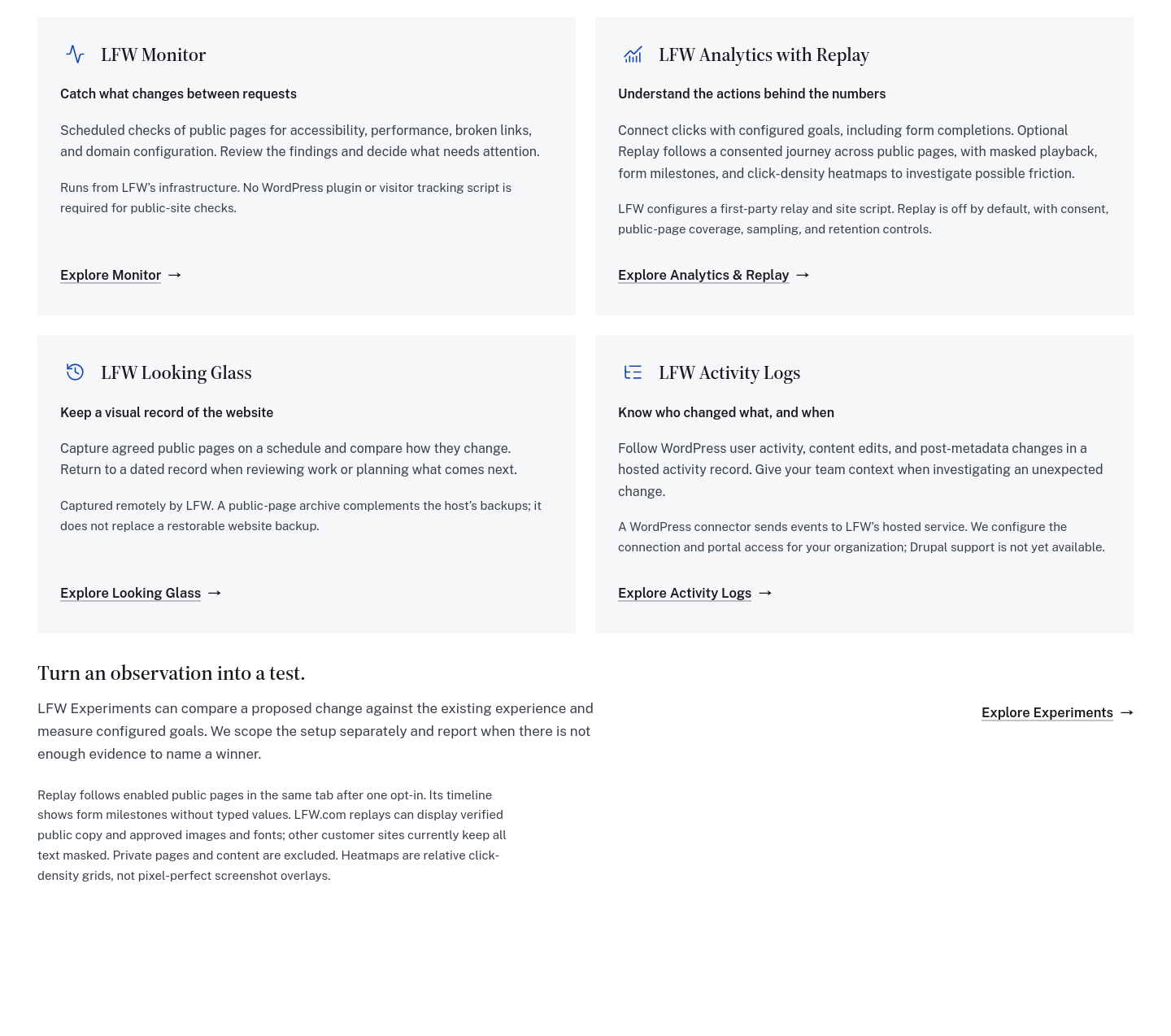
Four retainer tool cards followed by a separate Experiments row and detached Replay notes.

Enlarge to view the full screenshot.
Experiments sat outside the tool grid.
Six consistently arranged tool cards, with Experiments and Tag Manager together in the final row and Replay details inside Analytics.

Enlarge to view the full screenshot.

One consistent grid, with useful setup details for every tool.
Explore the tools and add-ons

Selected public improvements to LFW.com. Client work and confidential operational details stay private. Earlier entries were collected from the project’s history and dated to the relevant milestones. Screenshots labeled “current” show the version captured for this changelog, not necessarily the version on the entry’s date.

What could we improve on your site?

Bring the website you have and the things you’d like to change. We’ll talk through the priorities and prepare a quote for your organization.

Prefer to write?

Tell us what needs to work better.

Slow, fragile, hard to edit, missing a workflow. Say it plainly, and you'll get a straight answer, not a ticket number.