Start on your phone.
Use the portal in your phone’s browser. The form and controls are designed for smaller screens, so you can send a request while the details are fresh.
How we work · Client portal
The next website request might come during a call or in a text, email, or Teams or Slack message. We’ve built the portal for those moments: open it on your phone, send the details, and follow the conversation wherever you are.
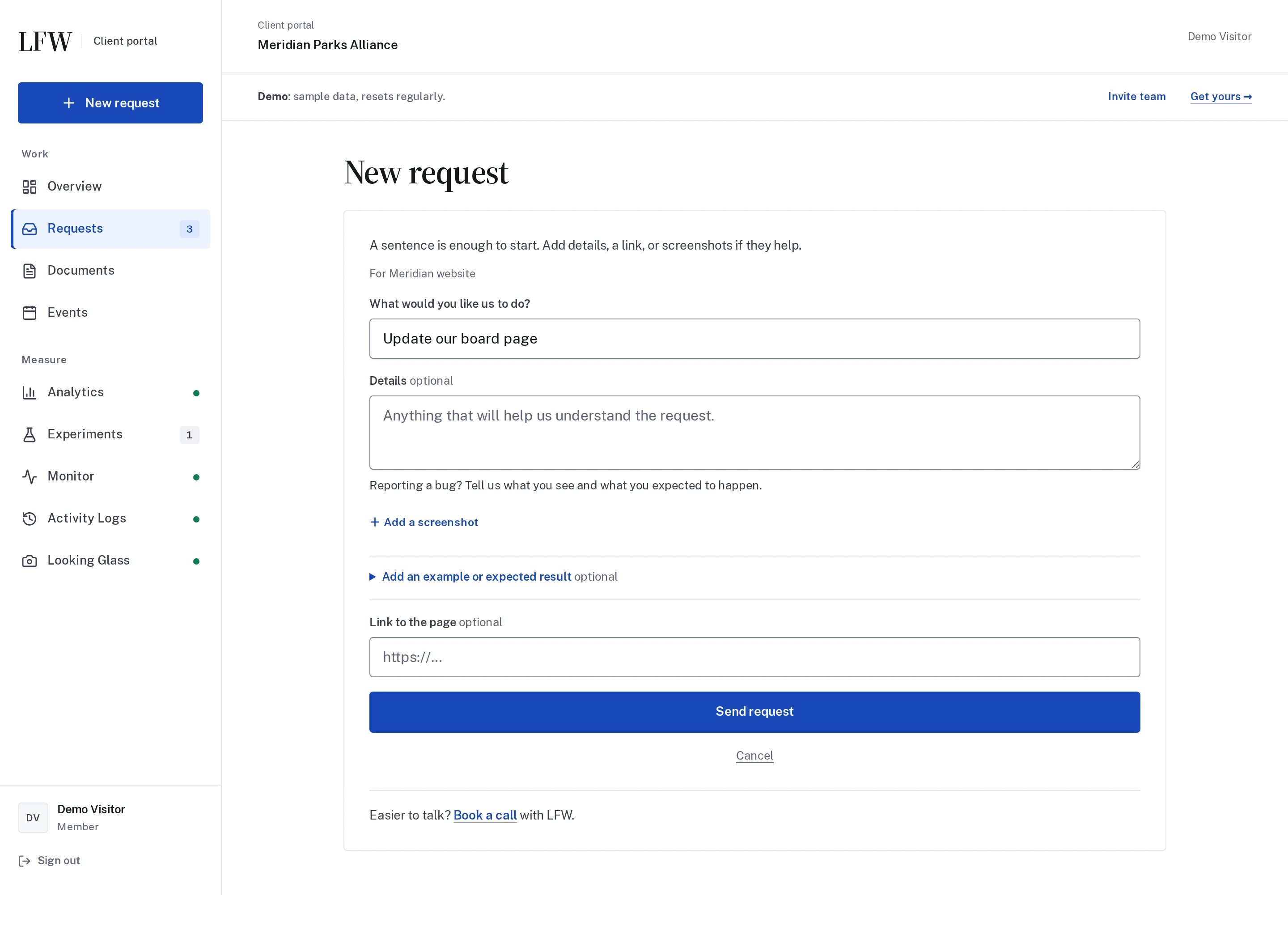
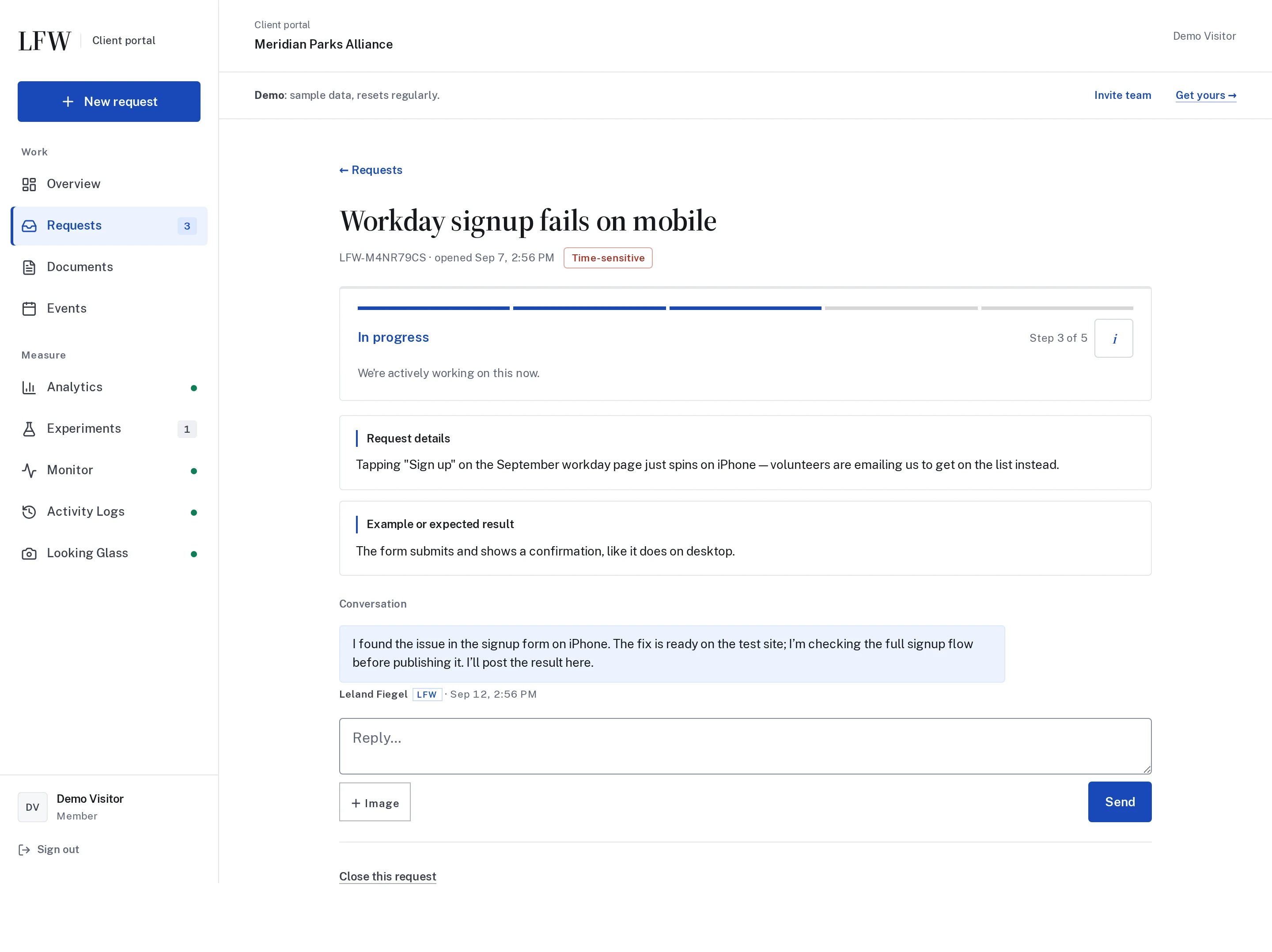
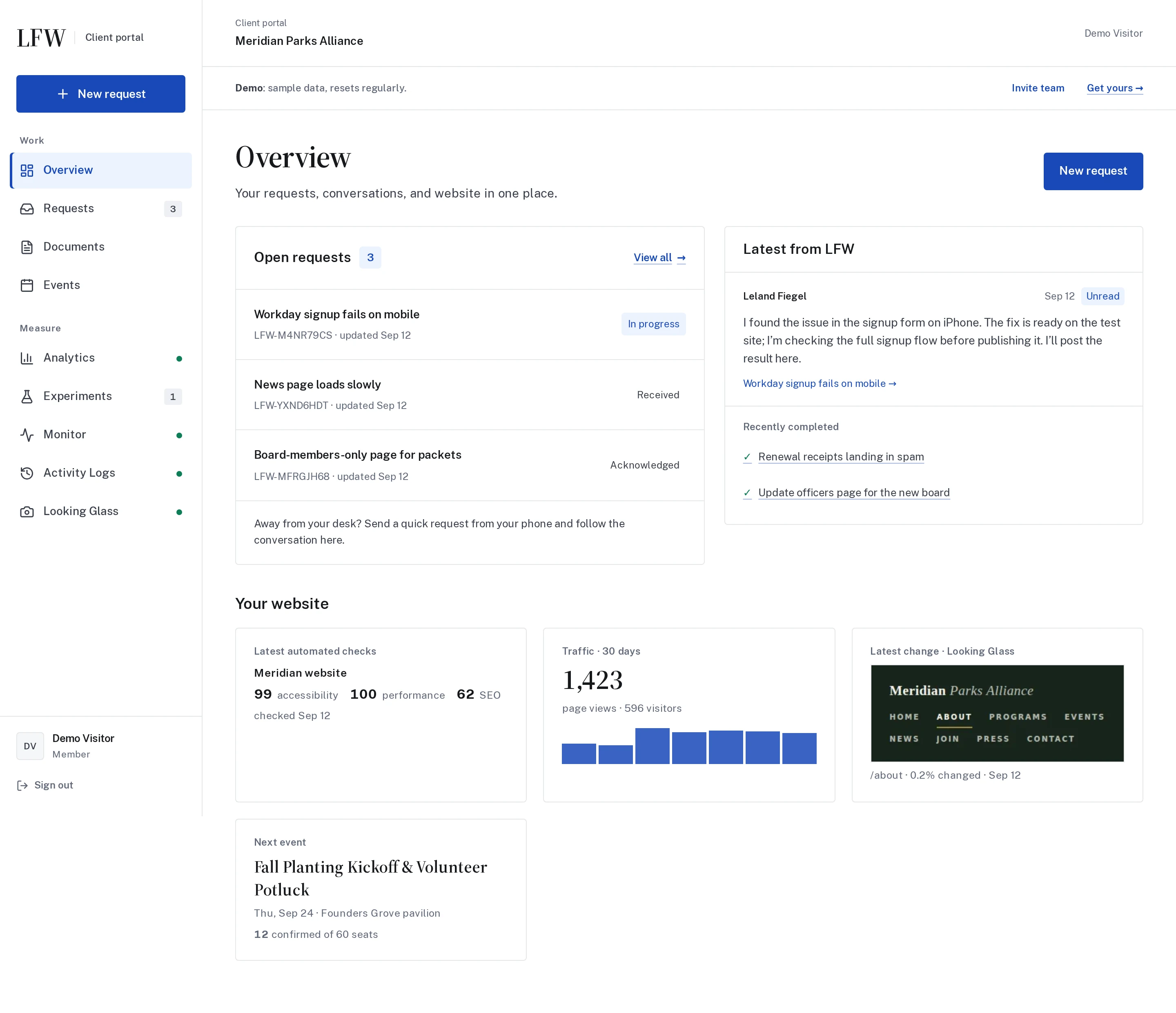
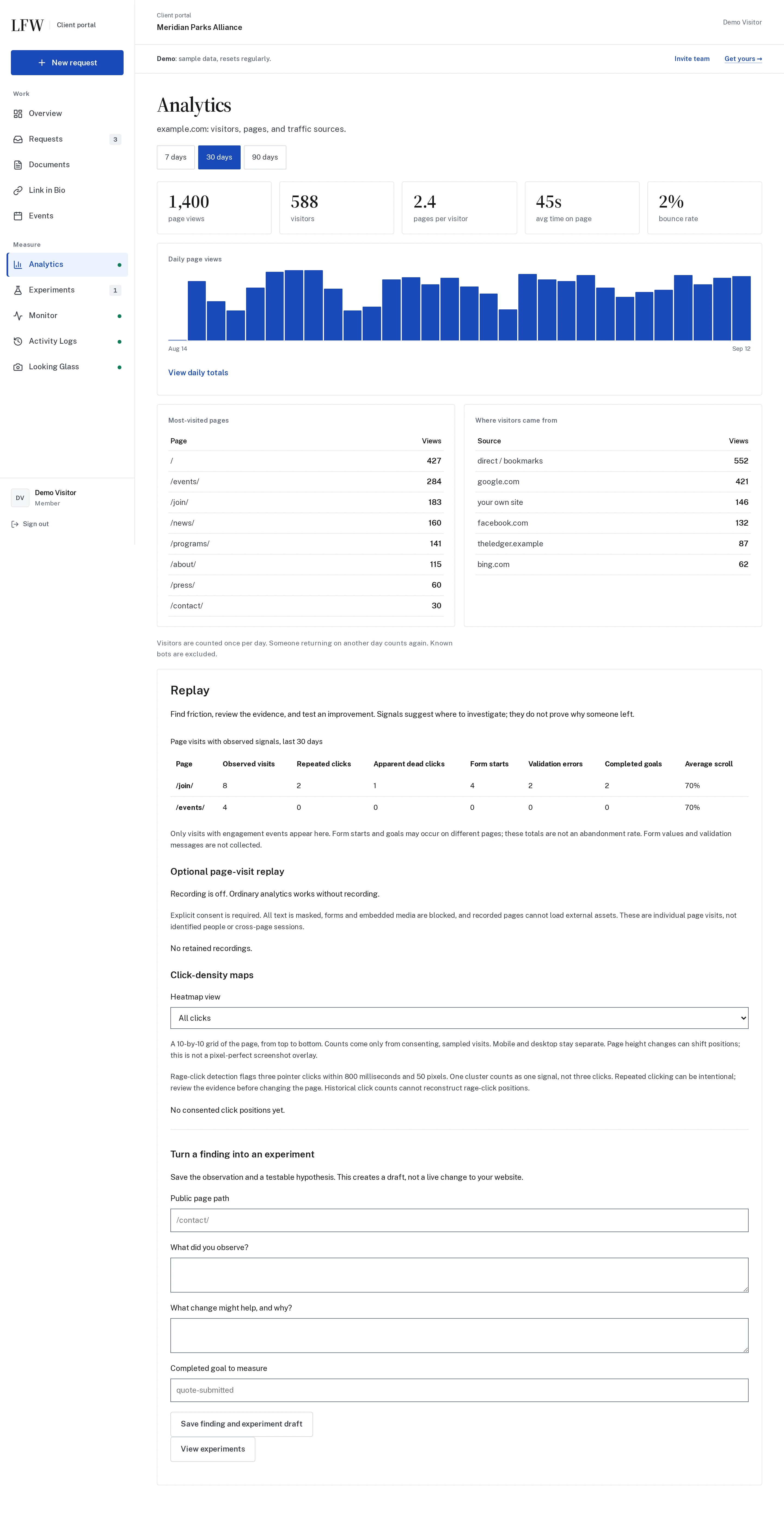
Actual screens from the LFW demo. Fictional organization and sample data.

Enlarge to view the full screenshot.

Enlarge to view the full screenshot.

Enlarge to view the full screenshot.

Enlarge to view the full screenshot.
What to look for
Use the portal in your phone’s browser. The form and controls are designed for smaller screens, so you can send a request while the details are fresh.
Describe what you need in your own words. Add a page link or screenshot if it helps explain the work.
Check the status and reply in the same request thread. Your team’s decisions and the work history stay together.
Requests and the monthly service report are included. Analytics, archives, events, and other connections depend on the agreed scope; the demo shows examples across several modules.
Access is explicitly granted to intended users. Roles control what each person can view and change. The public demo is separate and uses fictional records.
Explore a sample request, then bring the one your team needs help with.