Assign training. Keep the evidence.
LFW Training brings courses, assessments, certificates and continuing-education records into your Platform workspace.
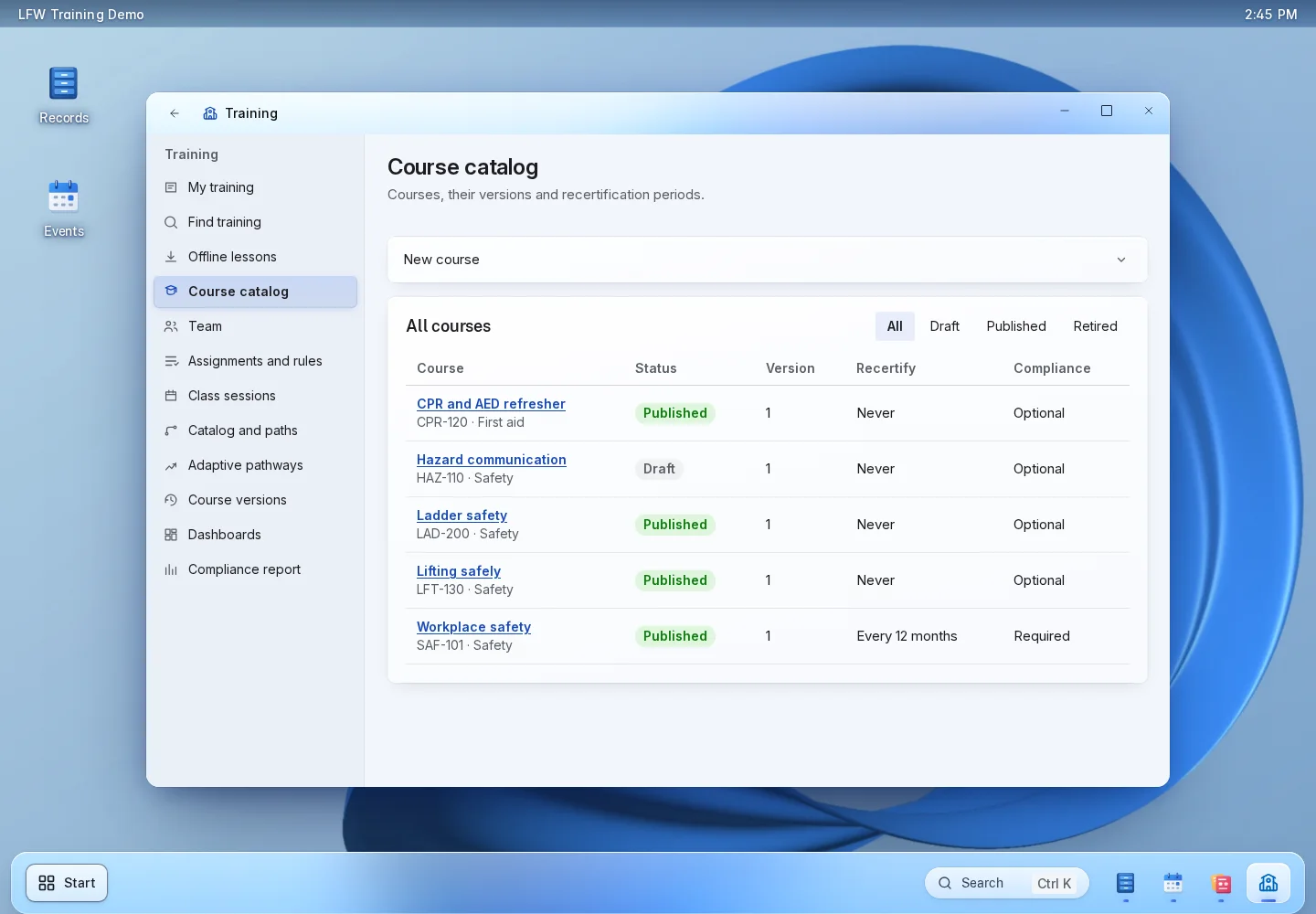
From assignment to completion.
-
Build your courses
Combine reading, video, documents and quizzes. Use single-answer, multiple-answer, true-or-false and matching questions, graded on the server.
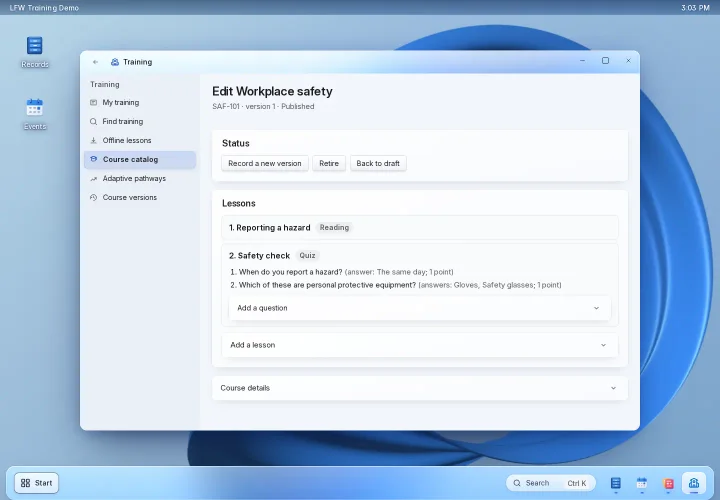
Build your courses -
Assign the right people
Assign by department, job title, role, group or person, with due dates and renewal cycles. Offer a catalog and learning paths for self-enrollment.
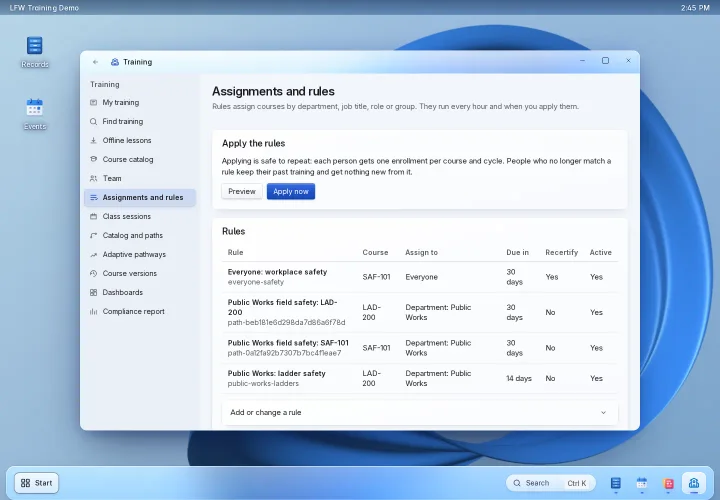
Assign the right people -
Run classes
Schedule instructor-led sessions, set capacity, manage waitlists and record attendance. Add captions and transcripts to video lessons.
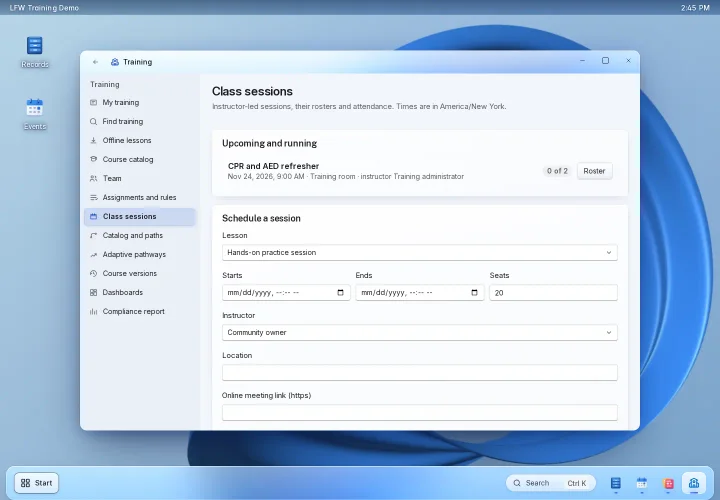
Run classes -
Keep completion records
Issue signed completion records and certificate PDFs. Track continuing-education credits, expiring certificates and recertification periods.
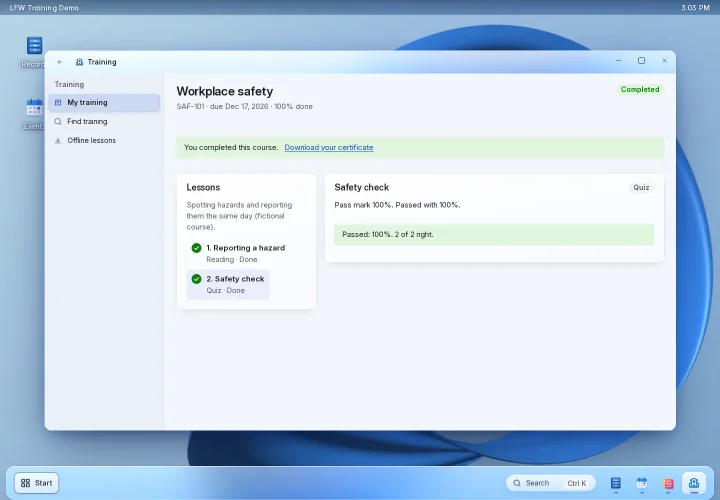
Keep completion records -
See who needs attention
Review completed, overdue and expiring training. Managers see records within their department permissions; waiver and external-course requests follow an approval process.
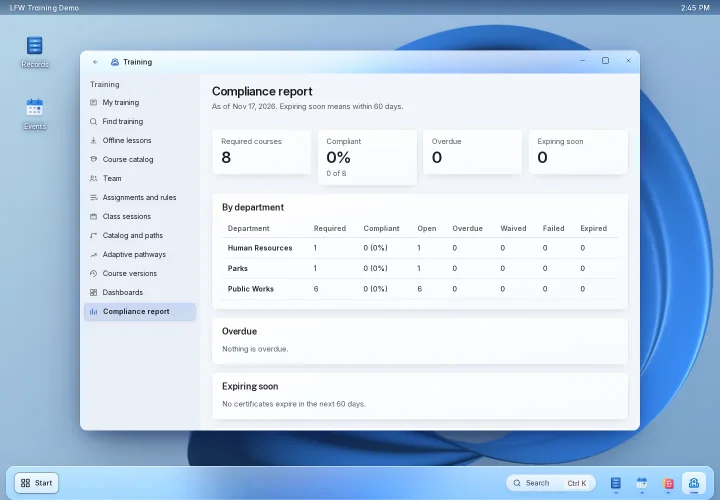
See who needs attention -
Bring your learning content
Support for SCORM 1.2 and 2004, xAPI, cmi5 and AICC. Import training history from CSV. Supported offline lessons synchronize when the learner reconnects.
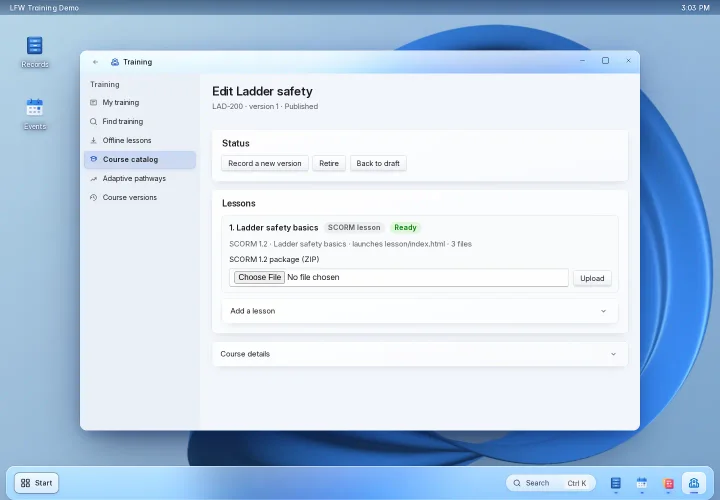
Bring your learning content
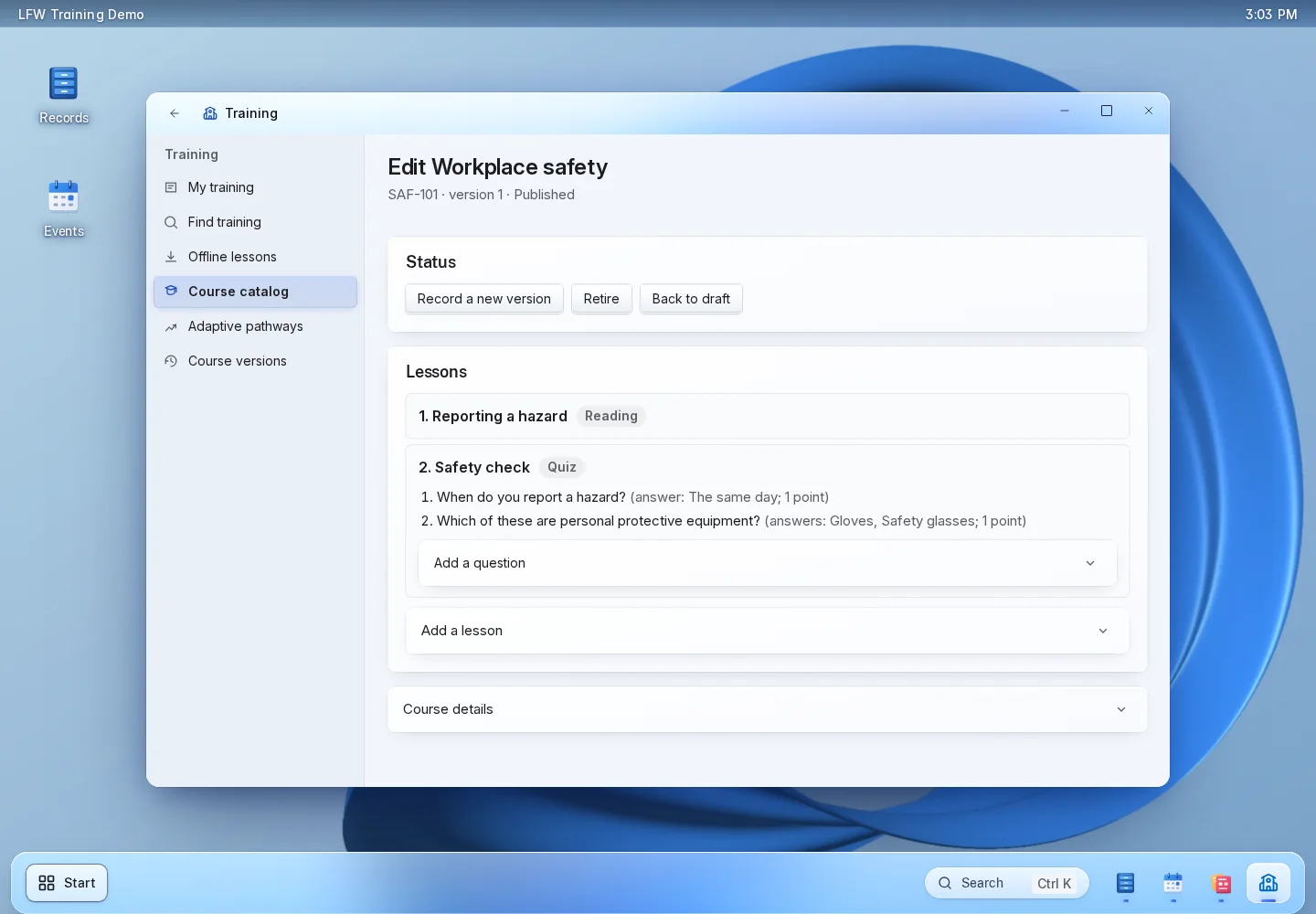
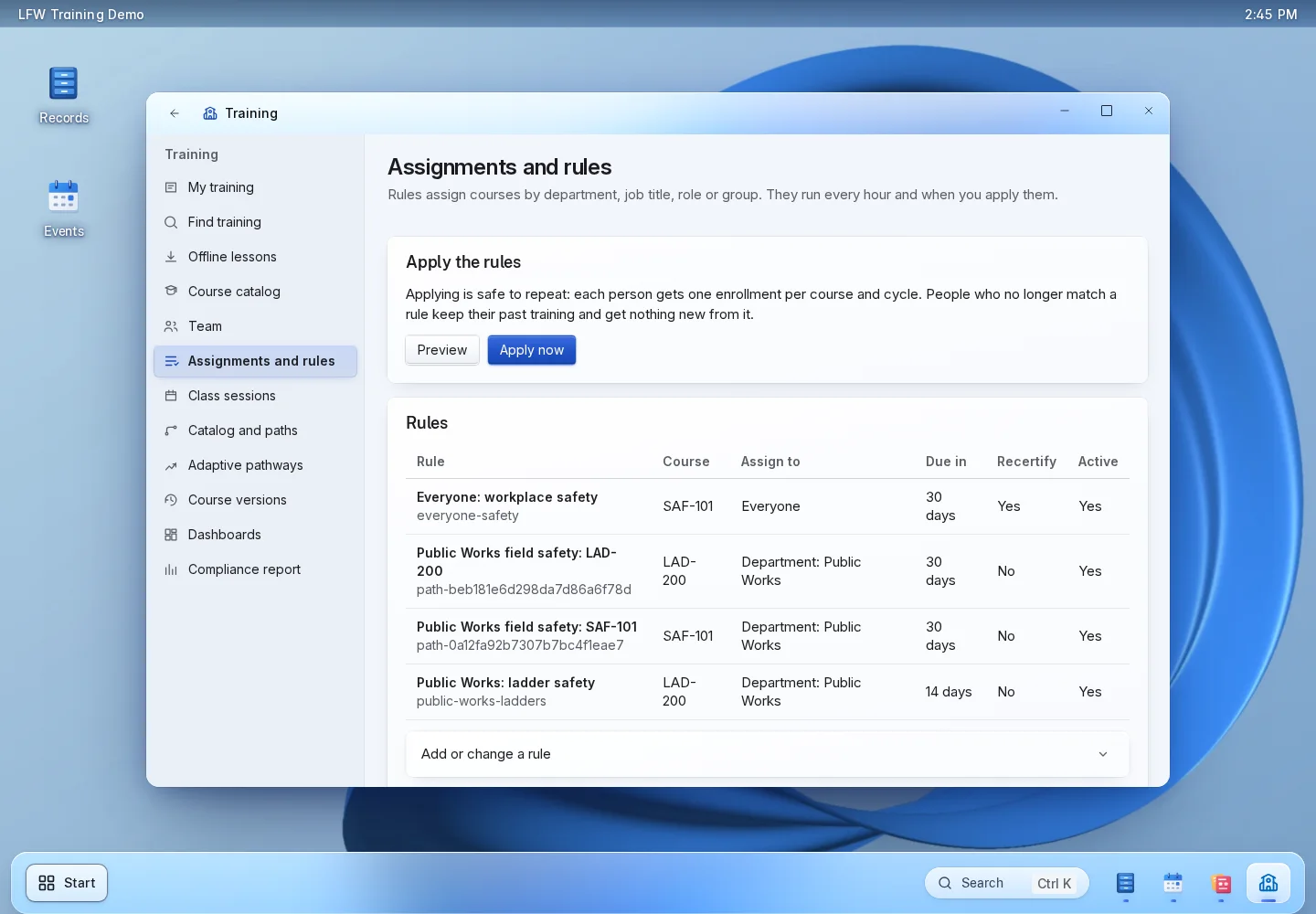
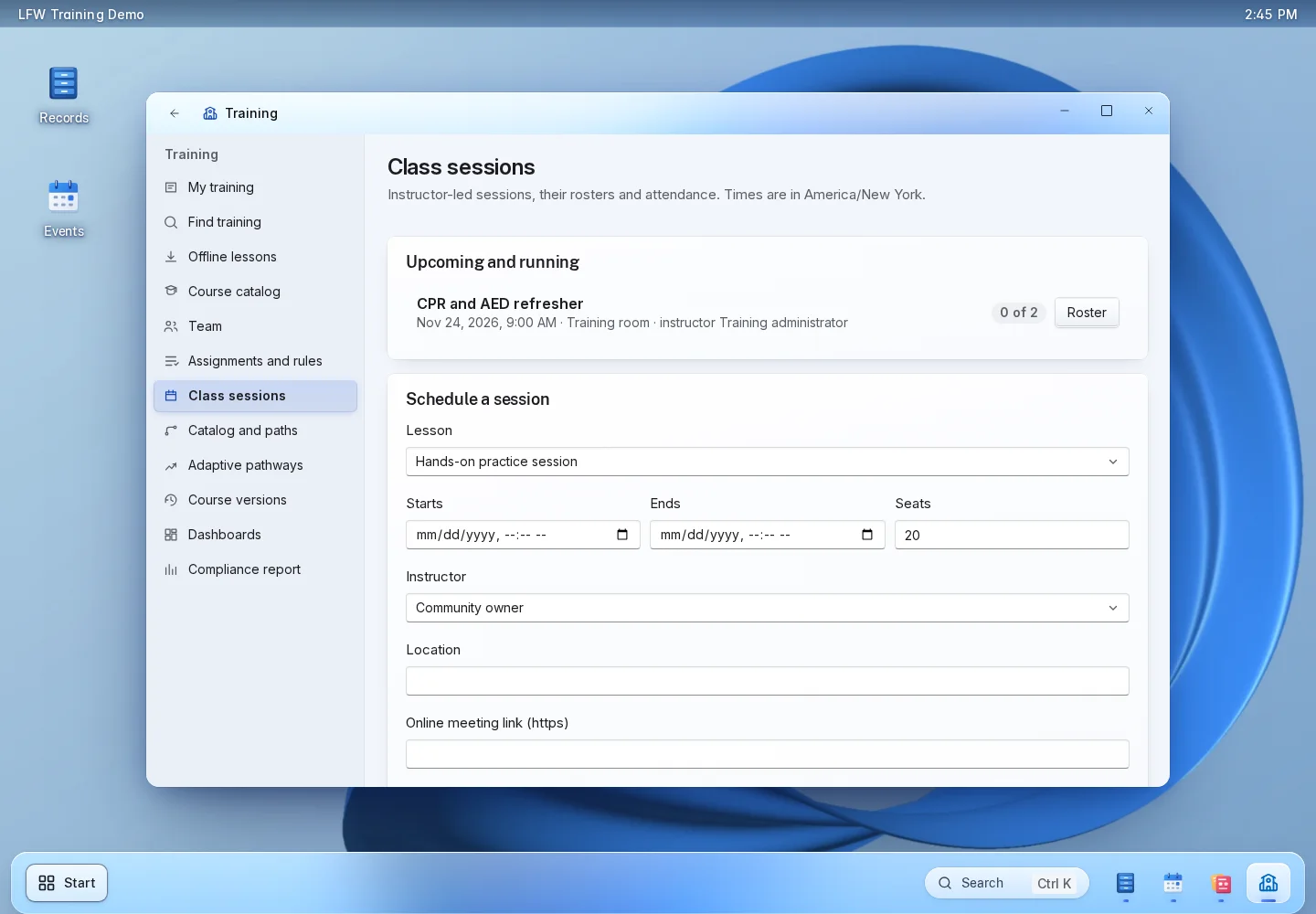
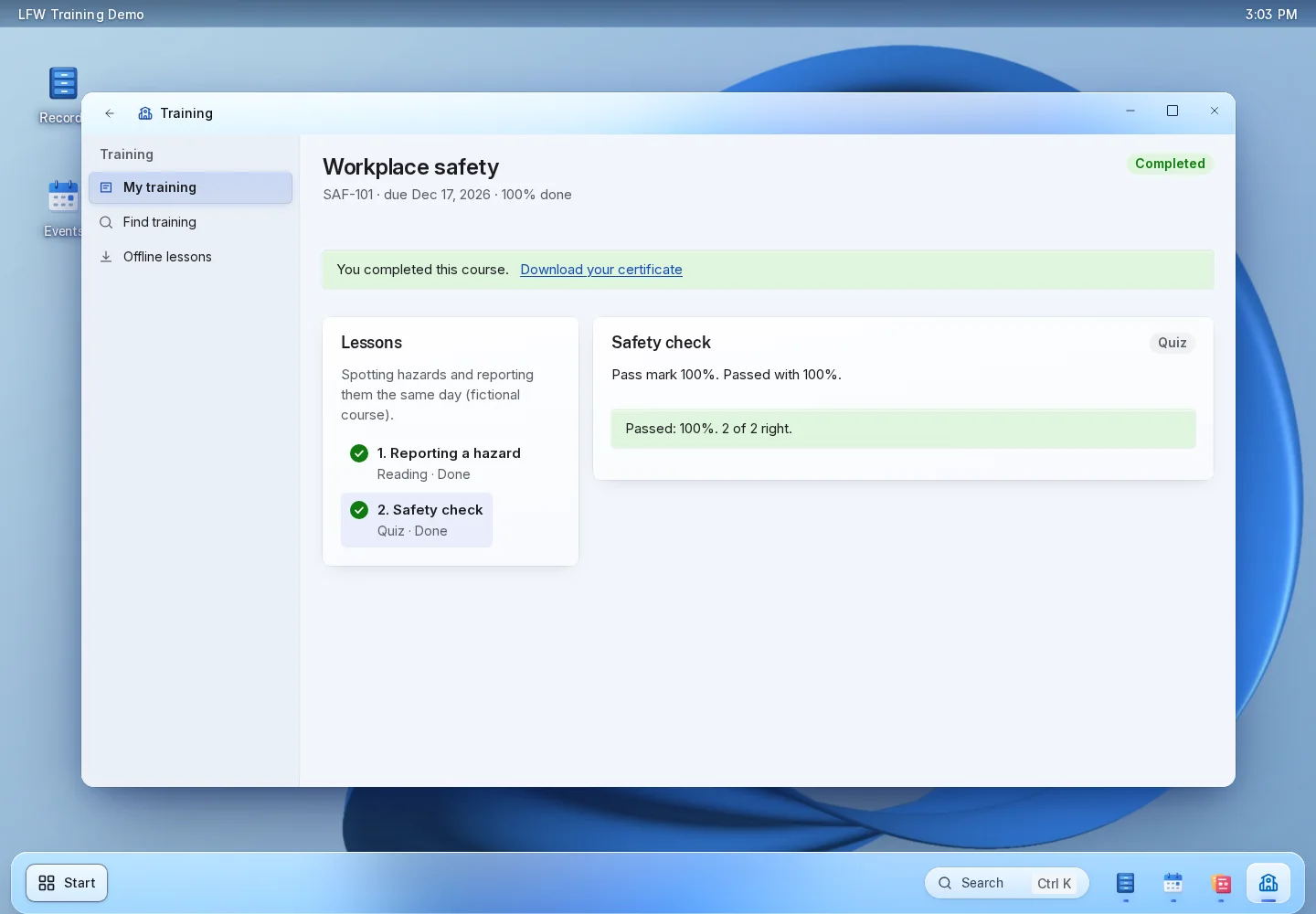
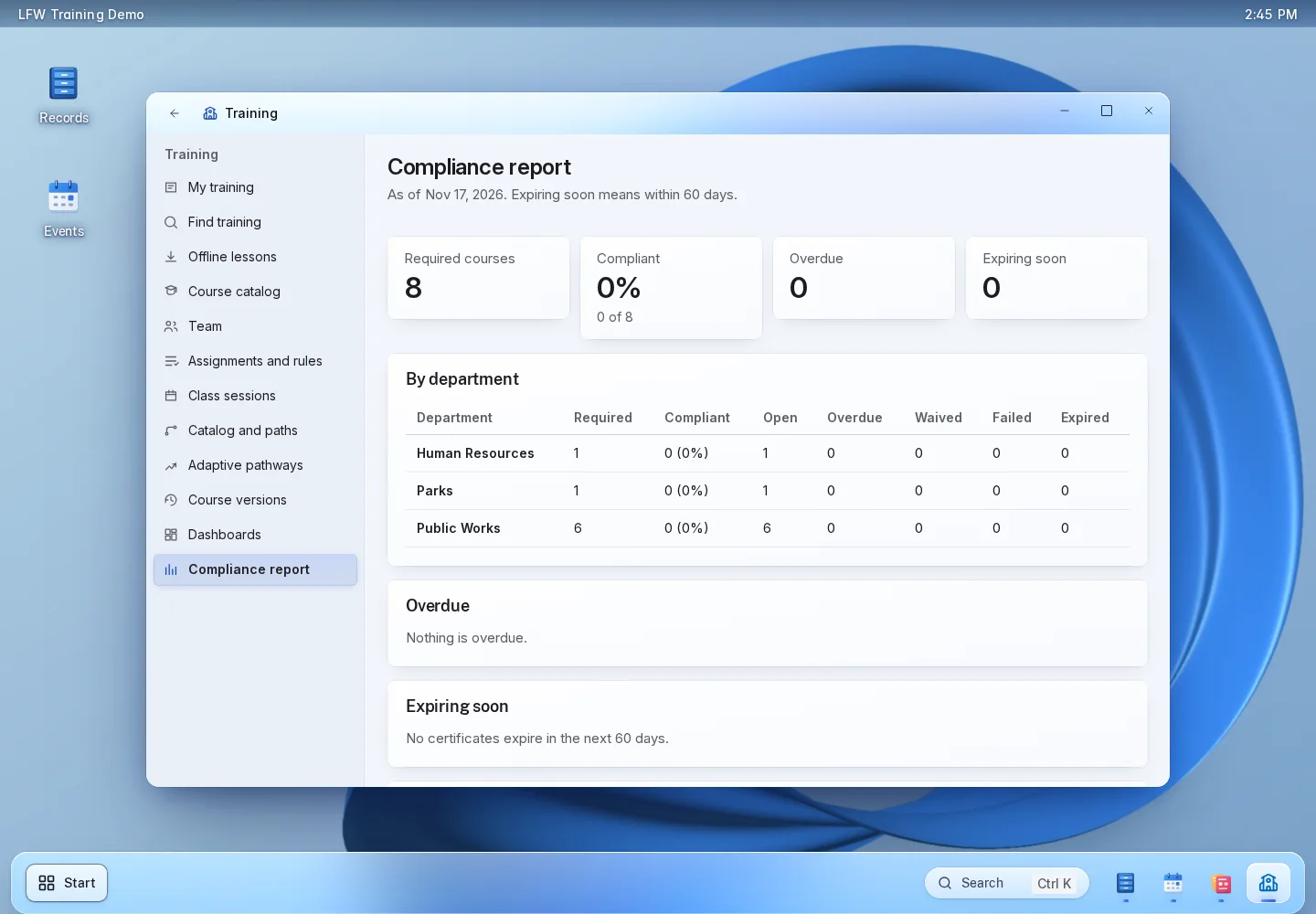
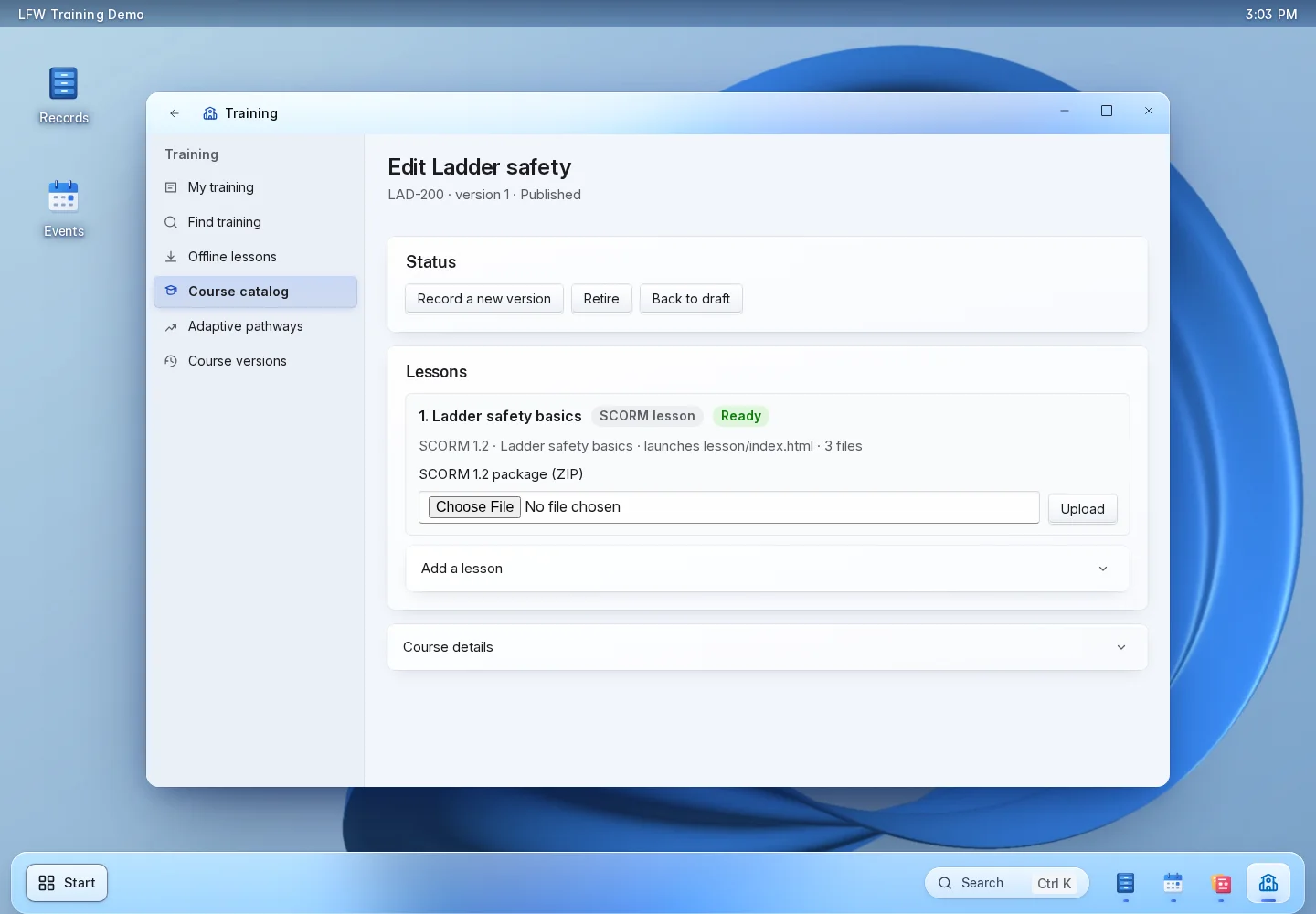
LFW Training Demo. Generic demonstration data; interface shown in English.
A complete training cycle.
Prepare the course
An author adds the lessons and assessments, sets the passing score and publishes a course version.
Assign or enroll
Staff assign required training by rule. Learners find optional courses and follow their learning paths.
Learn and attend
Learners work through lessons and quizzes or register for an instructor-led session. Instructors record attendance.
Review and renew
Staff review verified completions, certificates, credits, waivers and renewal dates.
Inside LFW Training.

Enlarge to view the full screenshot.

Enlarge to view the full screenshot.

Enlarge to view the full screenshot.
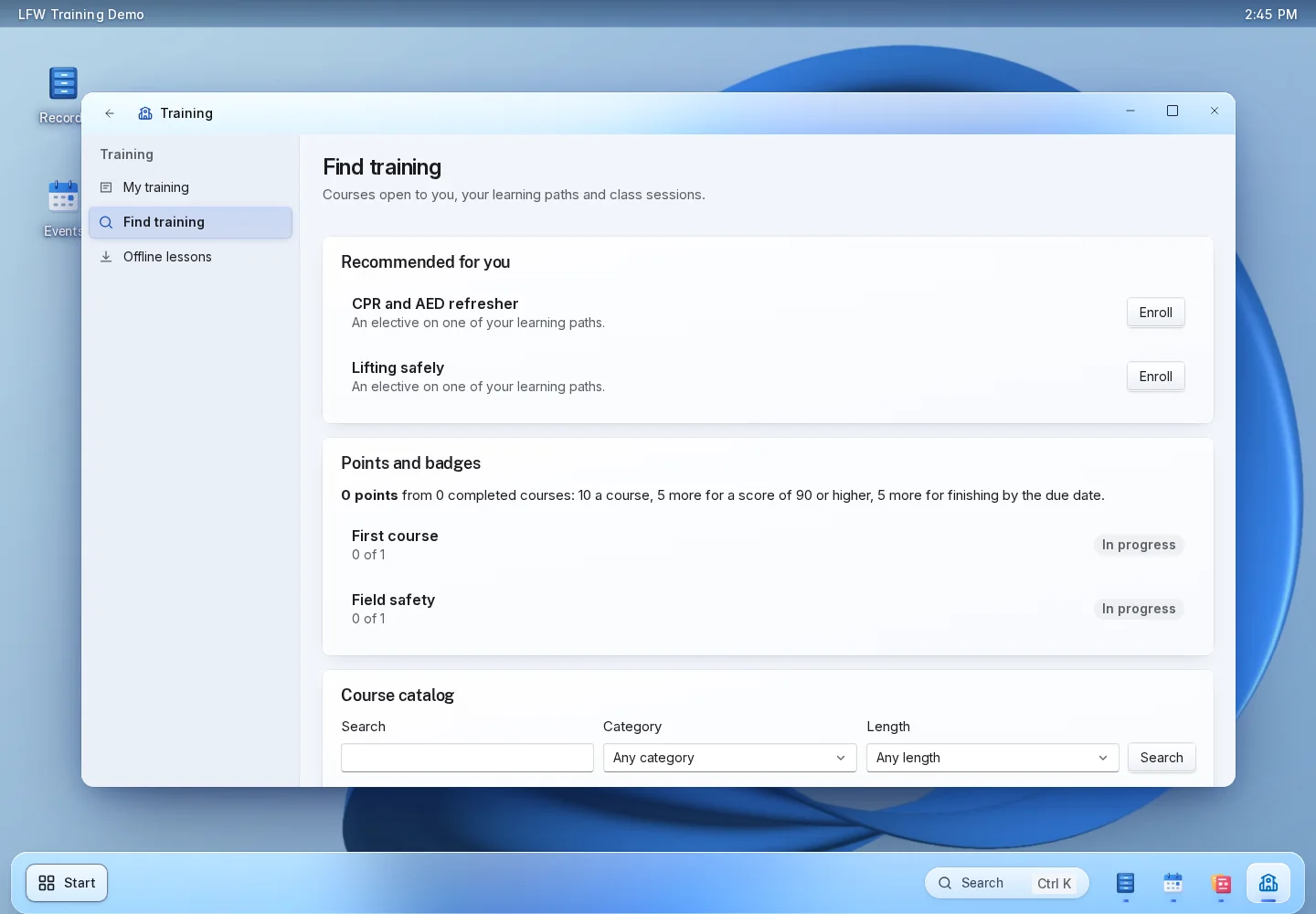

Enlarge to view the full screenshot.

Enlarge to view the full screenshot.
From your course files to a working LMS.
You bring the materials
Course files, a learner list and the rules for who takes what. Include existing completion records if you want them imported.
We configure your workspace
We set up course formats, access, assignments and renewal rules with your training team, and agree the migration scope.
Your team tests the whole cycle
Assign a course, take the lessons, complete the assessment and check the certificate and report. Agree the launch once the workflow works for your team.
Questions about LFW Training.
Can we use our existing courses?
Yes. Bring your documents, videos and supported learning packages. We review content formats and migration requirements during setup.
Can managers see only their departments?
Yes. Department permissions control the training records managers can access. Learners access their own training.
Can we run in-person classes?
Yes. Schedule sessions with an instructor, location, capacity and waitlist, then record attendance. Specialized shift or rank-based scheduling is reviewed separately.
Does it track continuing education?
Yes. Signed completions feed credit records and recertification periods. We review your particular credential rules before quoting the setup.
Are course libraries included?
Specialist content libraries and third-party licenses are scoped separately. You can also use your own course materials.
How do we get started?
Send your program outline and requirements. We provide a written scope and quote for setup, hosting, support and any migration.
Agree the scope before you buy.
Ask for a written quote covering setup, hosting, support and migration. Specialist course libraries and third-party content licenses are scoped separately. Department-specific scheduling, certification rules and integrations need a requirements review.