The improvements we make to LFW.com, from clearer page layouts to new ways of getting things
done. This is the same ongoing attention we bring to the websites we manage.
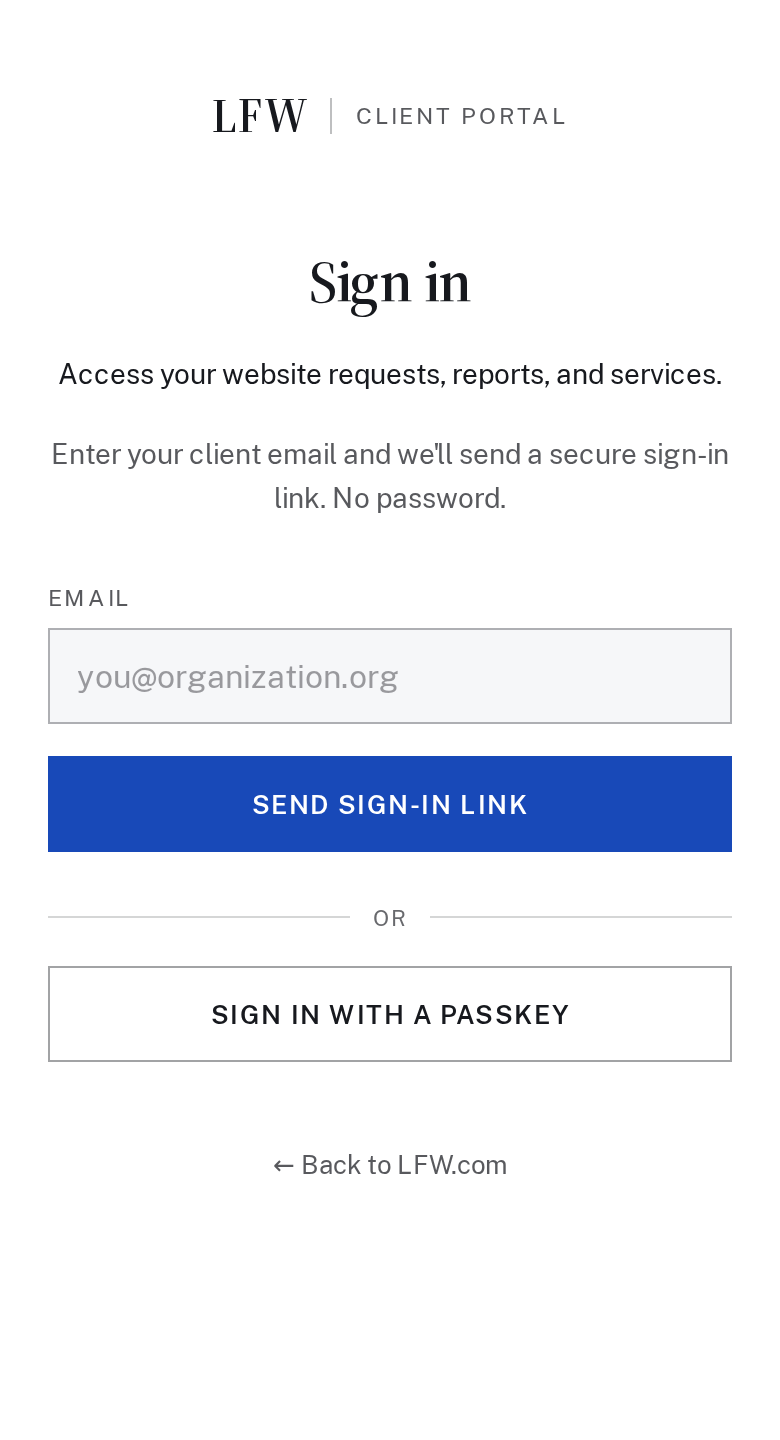
The Client Portal sign-in is centered on phones, with less repeated labeling. Clearer destination names and directions help visitors who arrive at the wrong sign-in page find their way.
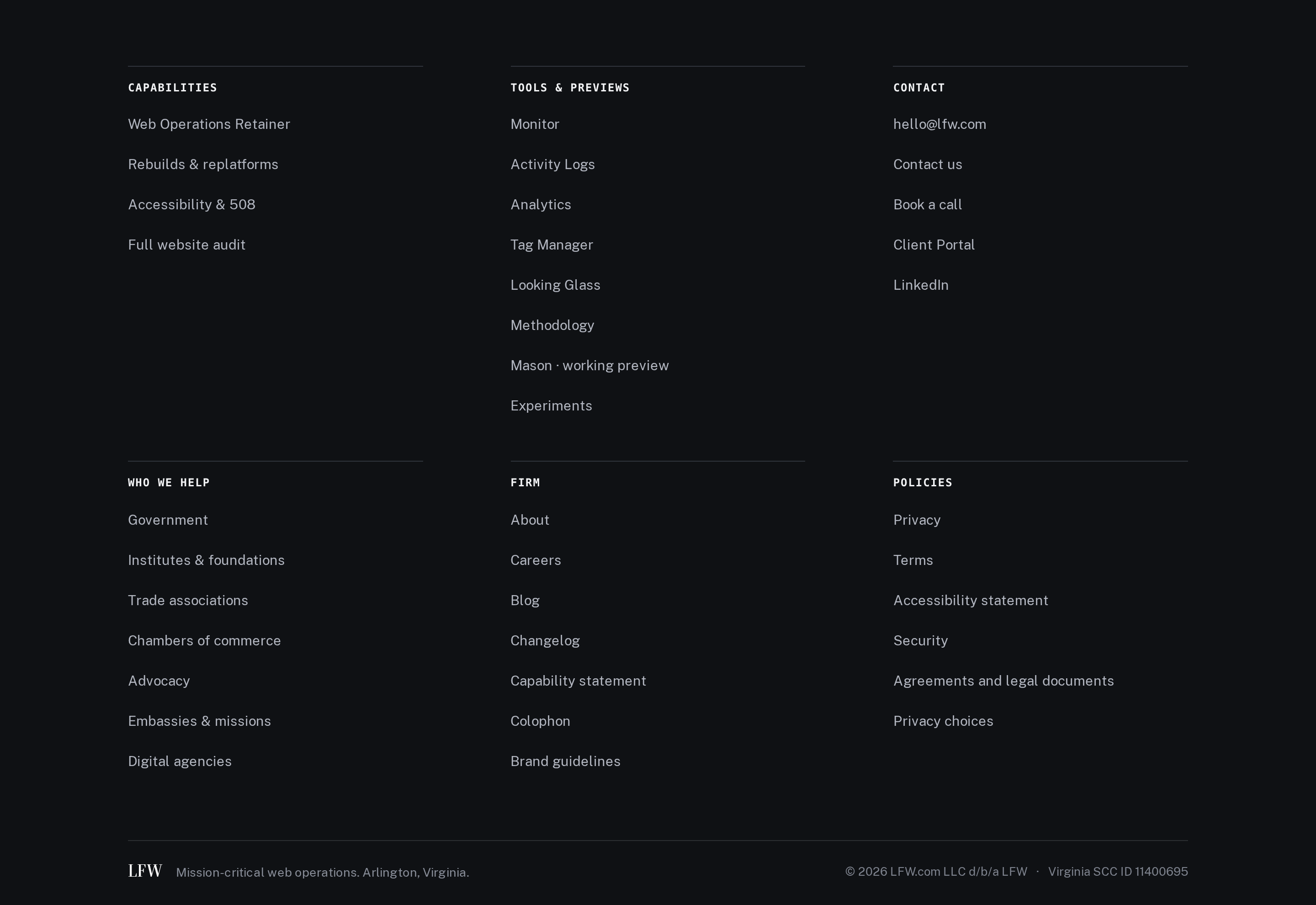
The footer’s second set of navigation groups now starts on a shared row on desktop. Related destinations are easier to scan, and the final divider follows the same content edges.
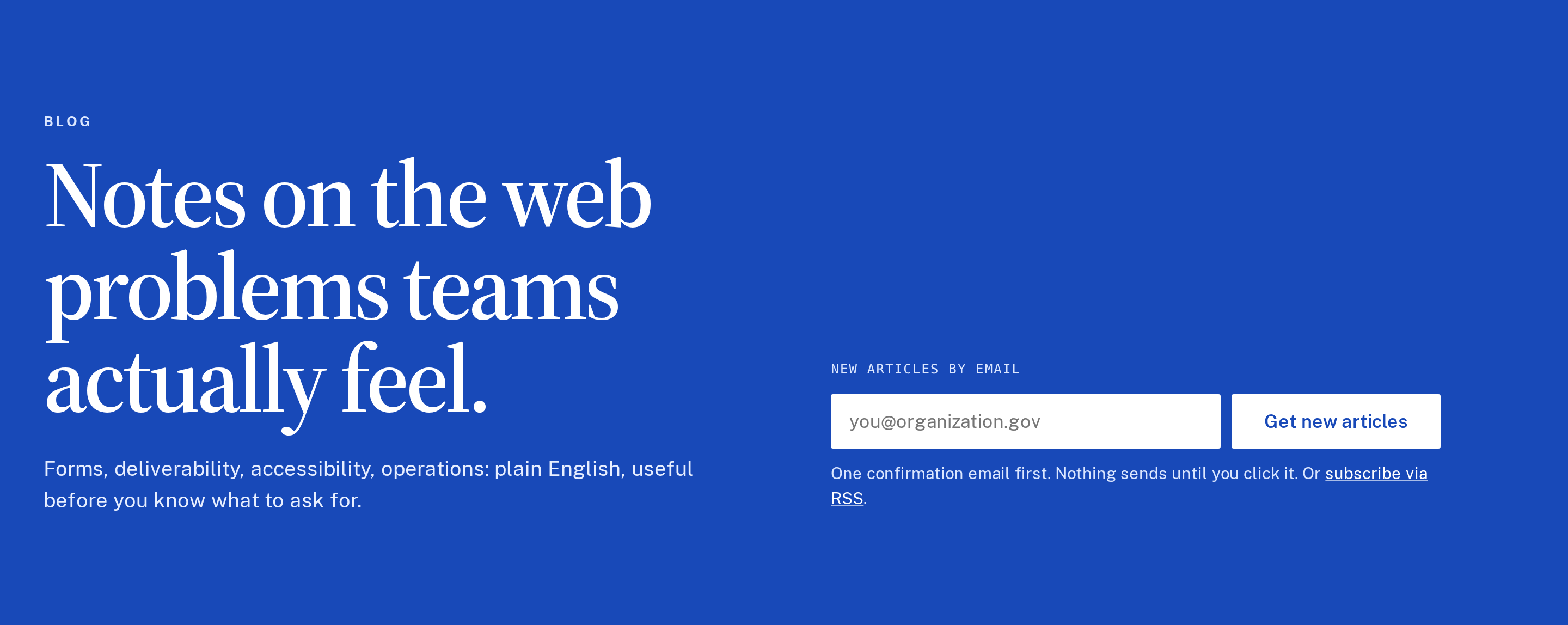
The blog index gives article titles, descriptions, and topic filters a clearer layout across screen sizes. You can scan the collection on a wide screen or work through it comfortably on a phone.
Three articles examine the work behind a reliable website: what a hosting provider handles, what ongoing website management includes, and what monitoring should notice beyond downtime. They give teams concrete questions to ask before choosing a provider.
The footer now separates website policies from the agreements used for client work. The legal-document index focuses on those agreements, making it easier to find the material relevant to an engagement.
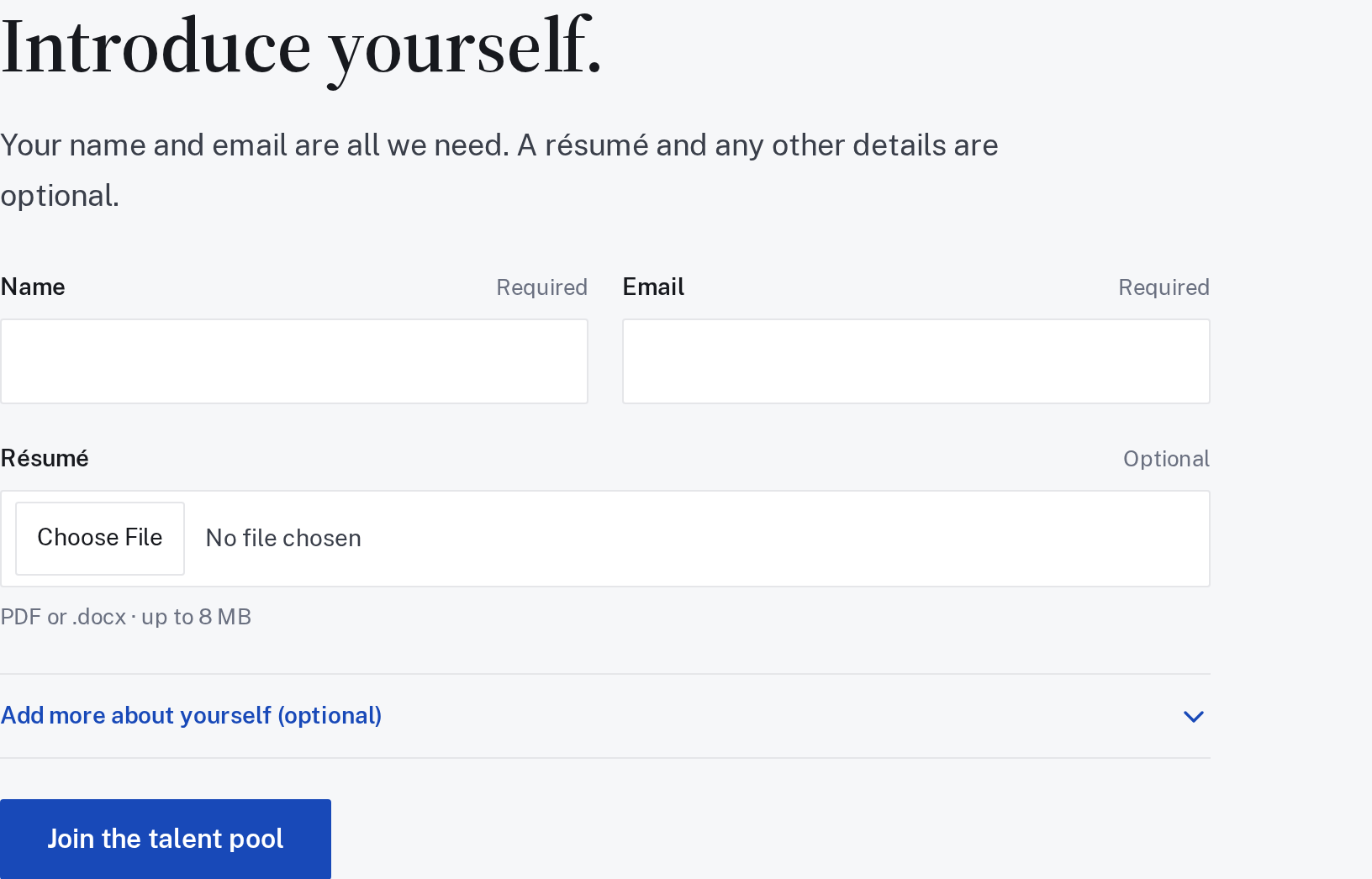
The careers form only requires a name and email to start a conversation. Share skills, links, and other details if you want to, with room for work beyond development alone.
This is a talent pool for future work, rather than an announcement of an open position.
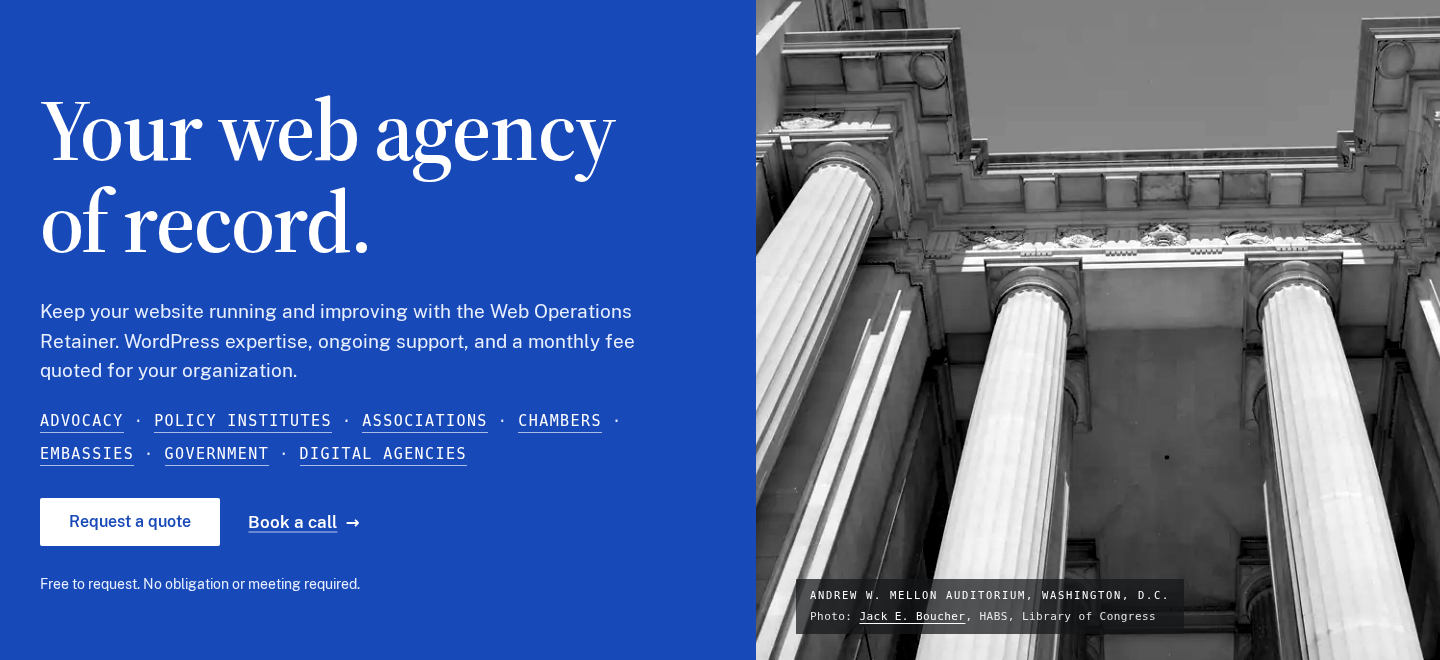
The public site now uses the LFW blue header and gives the homepage more room on a wide screen. Type and spacing were adjusted together so the opening message reads clearly across screen sizes.
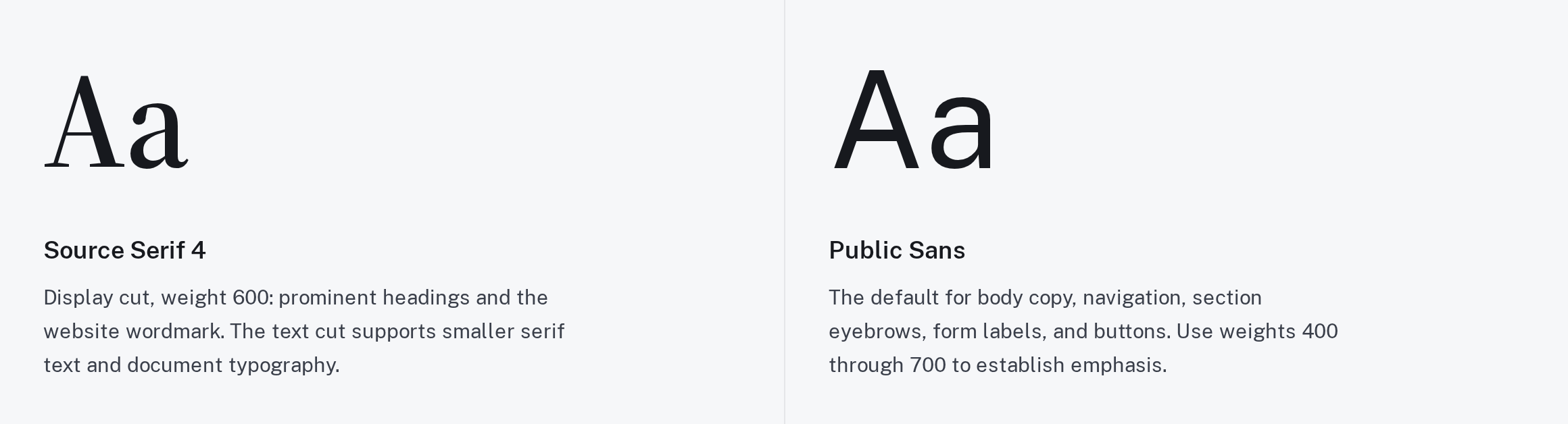
The brand page brings the LFW colors, type, and logo guidance into one place. The examples show how the identity should work across a website and its supporting materials.
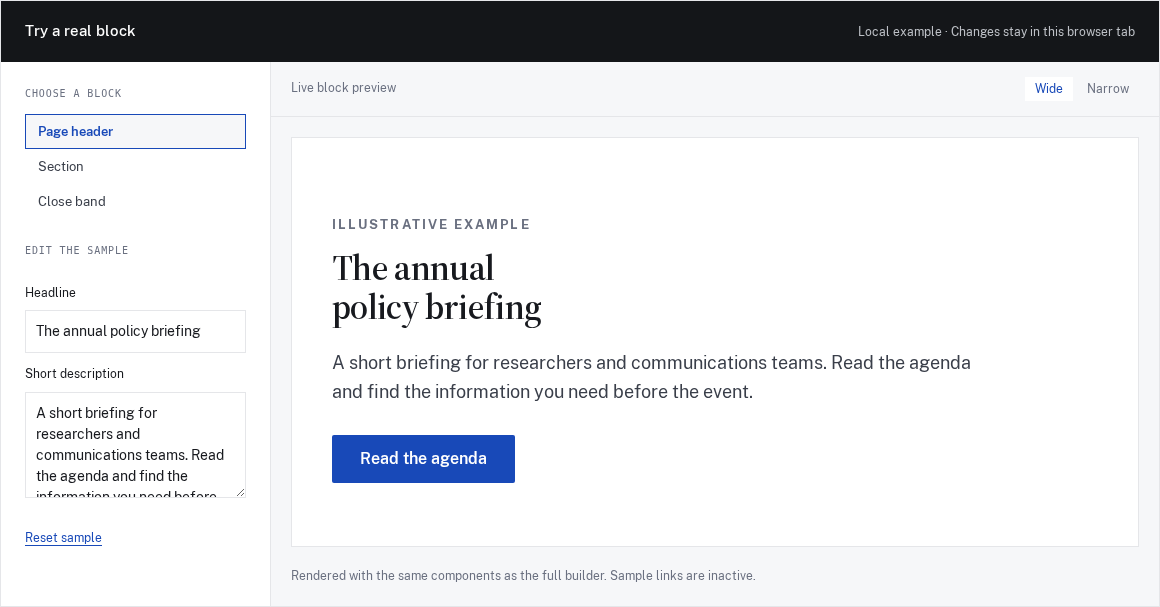
The Mason working preview lets you try arranging and editing page-building blocks in the browser. It is a look at an internal tool under development, with no customer deployment or ready-to-install package being claimed.
The legal-document index puts the service agreement, schedules, and supporting documents in one place. Read them on the website or keep the available PDF versions for your own review.
Public pages now serve more appropriately sized images and load the reading fonts more carefully. These changes reduce unnecessary downloads when someone opens the site on a phone.
Readers can browse translated articles in Spanish or French, alongside the core site. Language-specific feeds make it easier to follow the writing in the version you read.
Selected public improvements to LFW.com. Client work and confidential operational details
stay private. Earlier entries were collected from the project’s history and dated to the
relevant milestones. Screenshots labeled “current” show the version captured for this
changelog, not necessarily the version on the entry’s date.
What could we improve on your site?
Bring the website you have and the things you’d like to change. We’ll talk through the
priorities and prepare a quote for your organization.