A practical guide to better forms.
A guide follows the small decisions that make forms easier to finish, from labels and mobile keyboards to useful error messages. The articles explain the problems and include examples you can try.
Changelog
The improvements we make to LFW.com, from clearer page layouts to new ways of getting things done. This is the same ongoing attention we bring to the websites we manage.
87 updates Aug 10, 2026 to Sep 14, 2026
Jump to the first updateA website keeps getting better
when someone keeps working on it.
Showing 73–84 of 87 updates
A guide follows the small decisions that make forms easier to finish, from labels and mobile keyboards to useful error messages. The articles explain the problems and include examples you can try.
Agencies have a page that speaks to ongoing website work and projects that need experienced hands. It sets out how to discuss scope, delivery, and the relationship with the client before work begins.
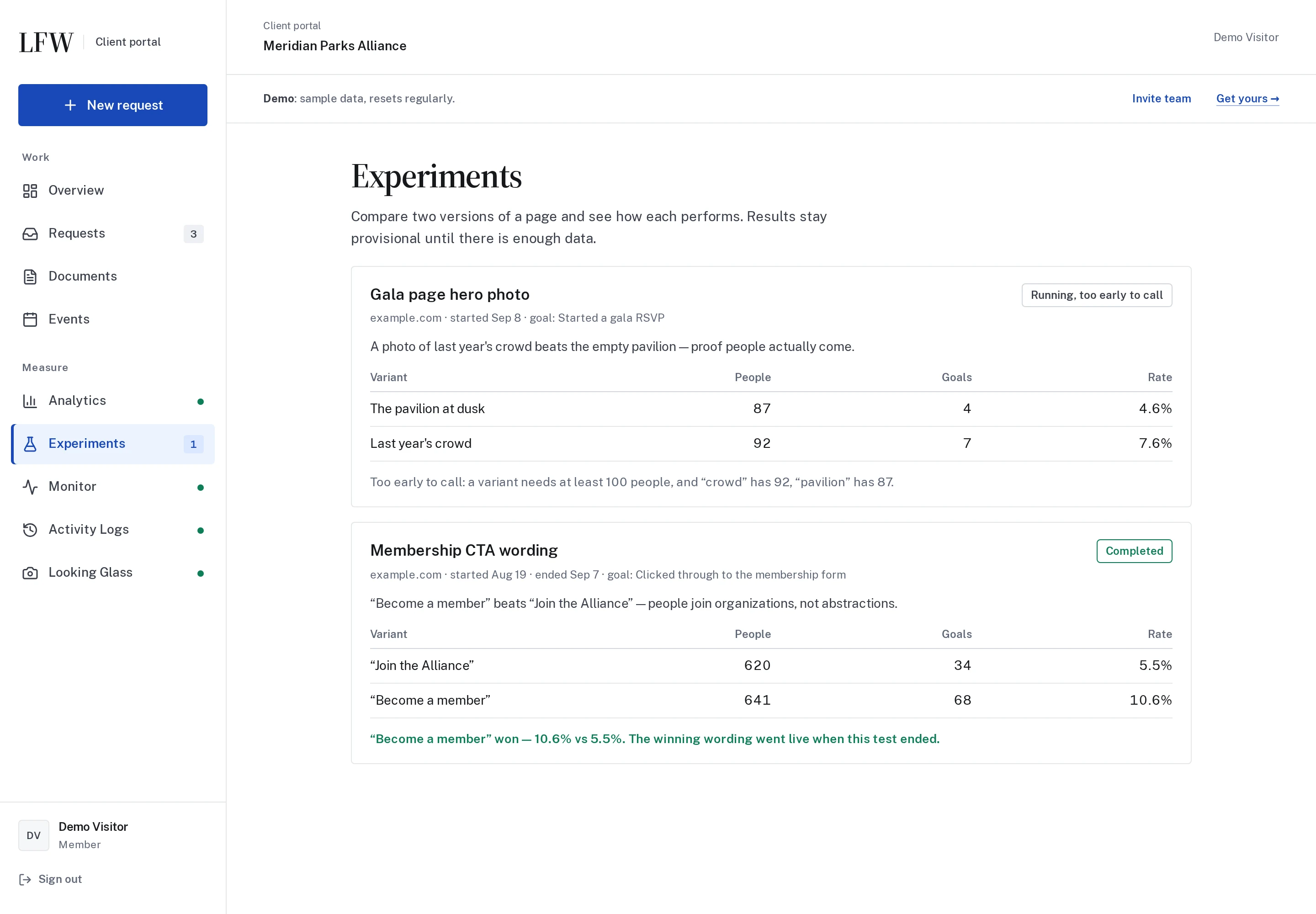
The Experiments example shows how a team can compare two versions of a page and follow the results. It also makes room for an honest answer when there is not yet enough evidence to choose a winner.
Enlarge to view the full screenshot.
The core LFW pages are available in Spanish and French. The language menu helps you continue to the matching translated page when one is available.
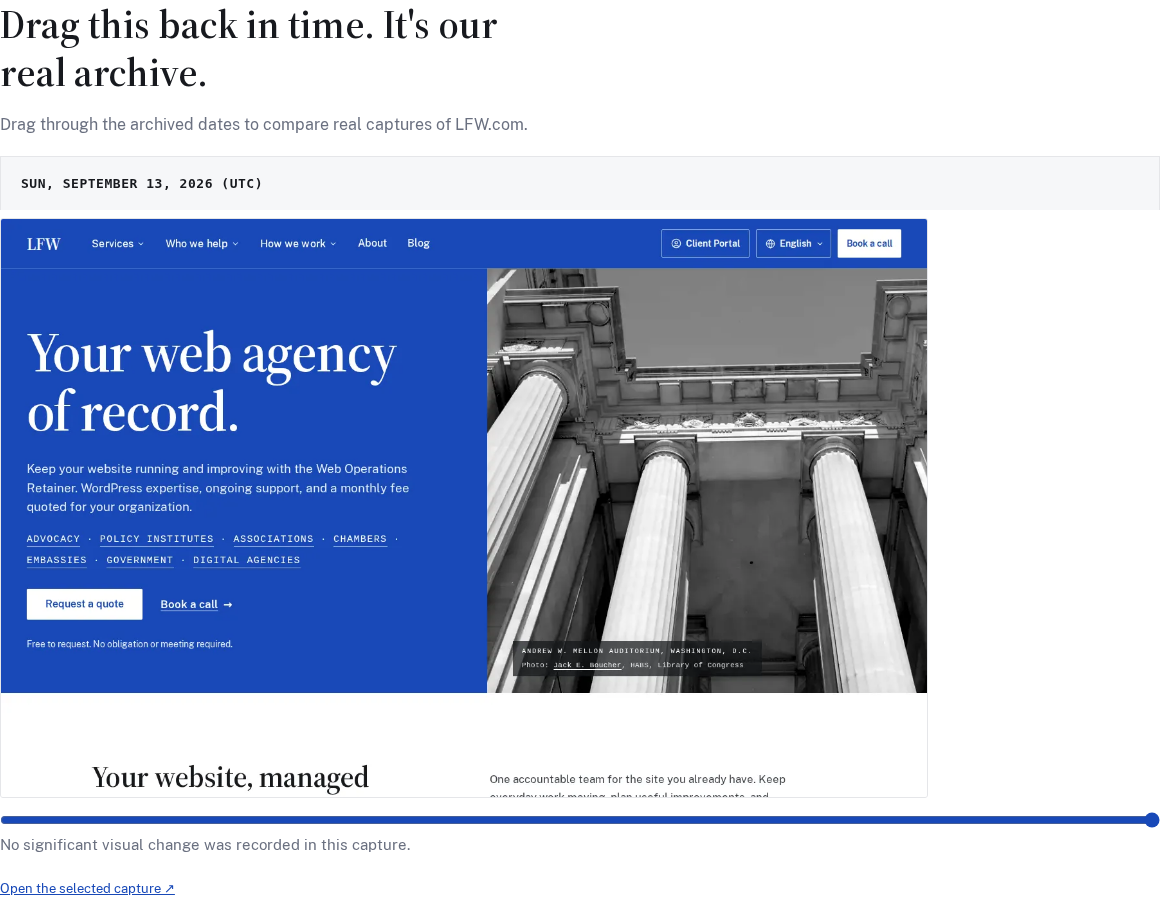
Move through dated captures of LFW.com to see how the website has changed. Looking Glass makes those earlier views easier to inspect when a team needs a record of its public pages.
Enlarge to view the full screenshot.
The capability statement brings our services, background, and contact details into a document you can keep or pass along. It distinguishes Leland’s prior employment from work delivered by LFW.
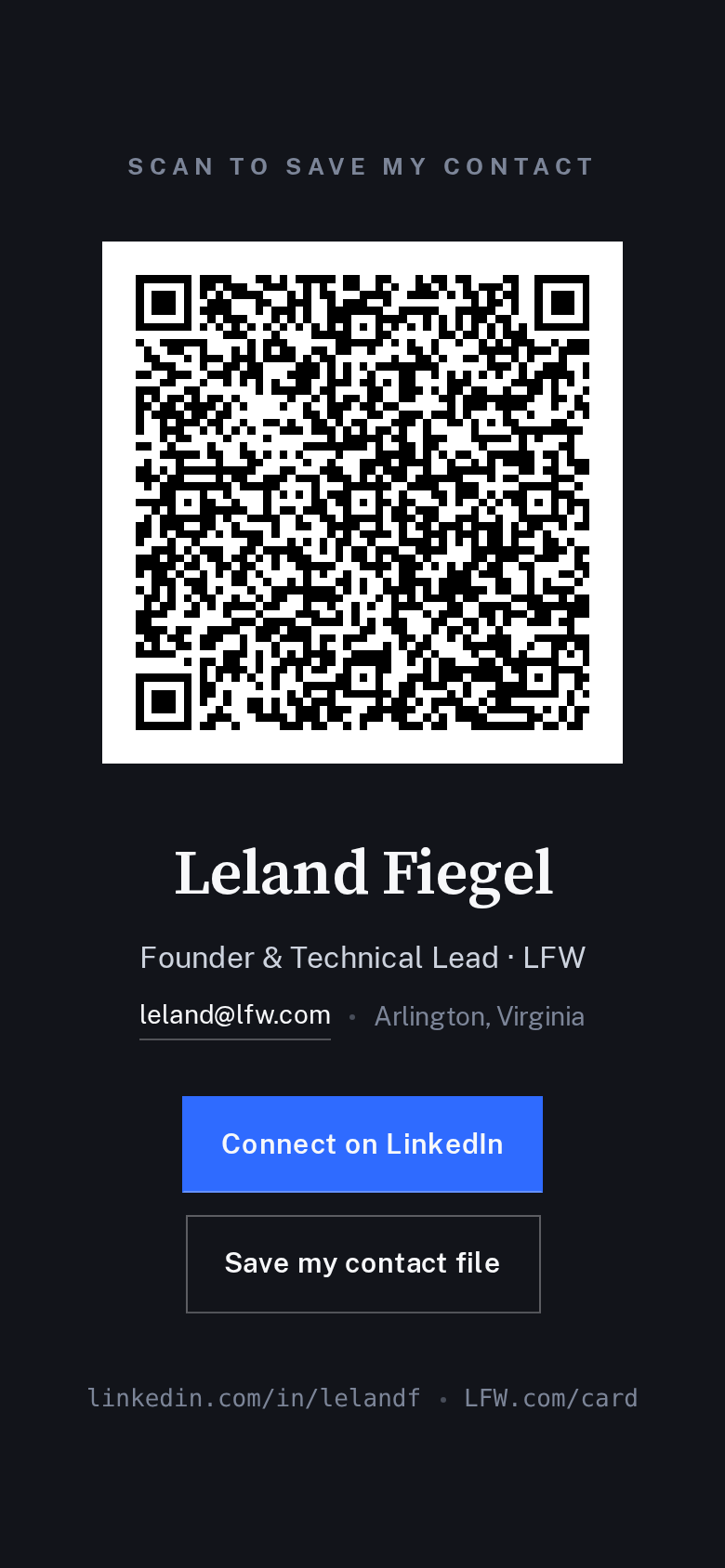
Scan the contact card to save Leland’s details on your phone. The page also gives you direct links to get in touch or connect on LinkedIn.
Enlarge to view the full screenshot.
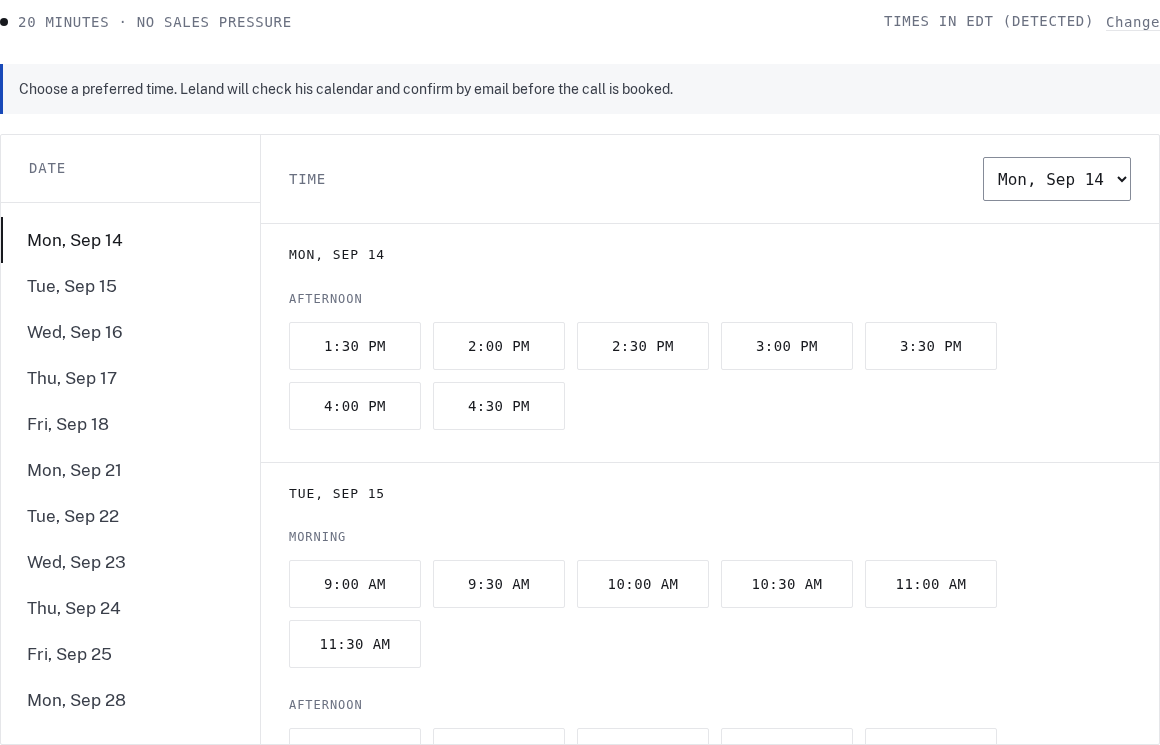
Choose a preferred time, your time zone, and how you would like to meet. The booking flow explains whether the time is confirmed or awaiting a reply, with calendar details to keep once it is arranged.
Enlarge to view the full screenshot.
The analytics page shows an example using activity from LFW.com itself. See how pages, traffic sources, and trends can become a useful picture of what visitors are doing.
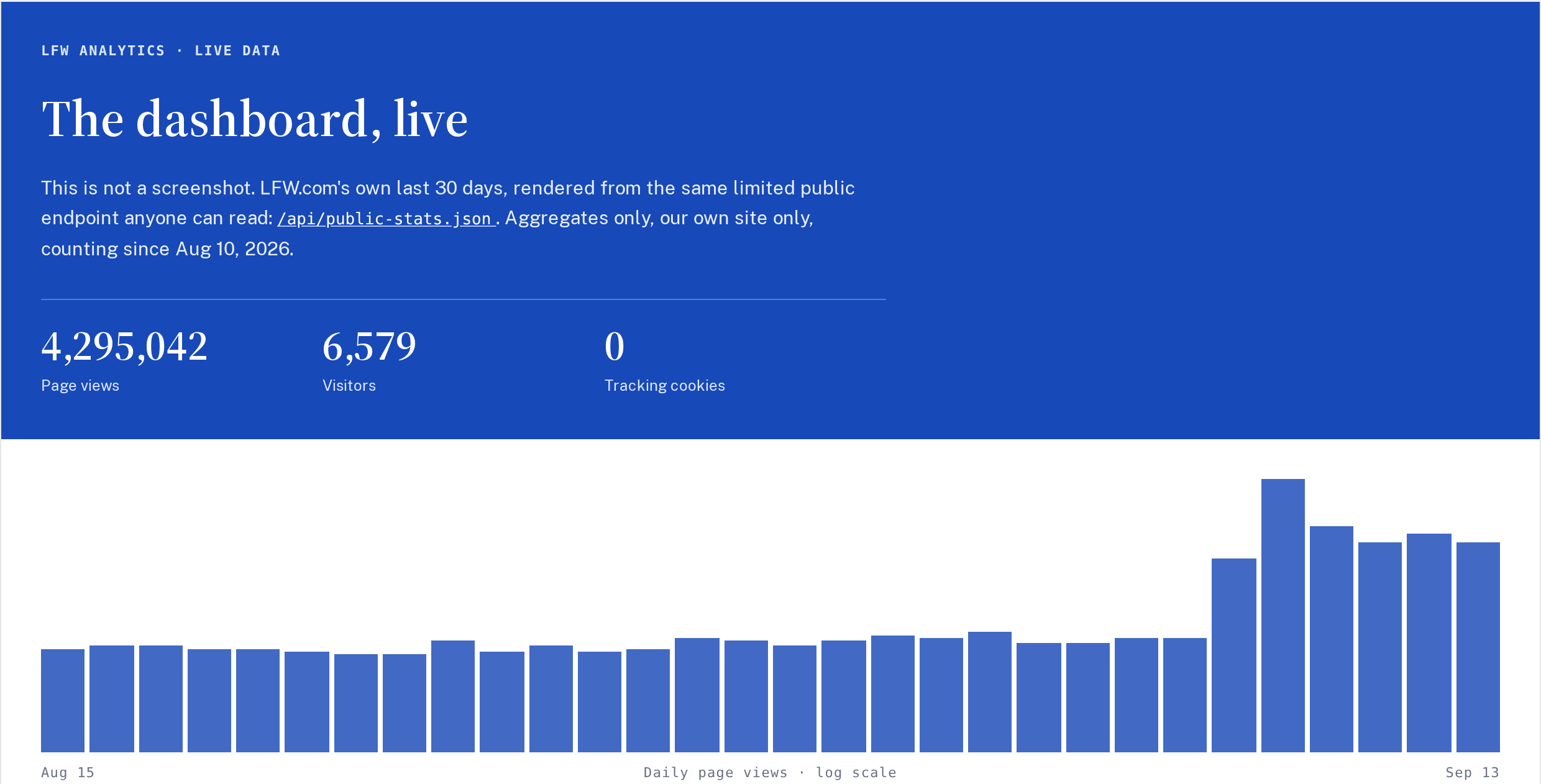
Enlarge to view the full screenshot.
The mobile menu gives each section room to read and tap. Open it to move through the site without squeezing desktop navigation onto a small screen.
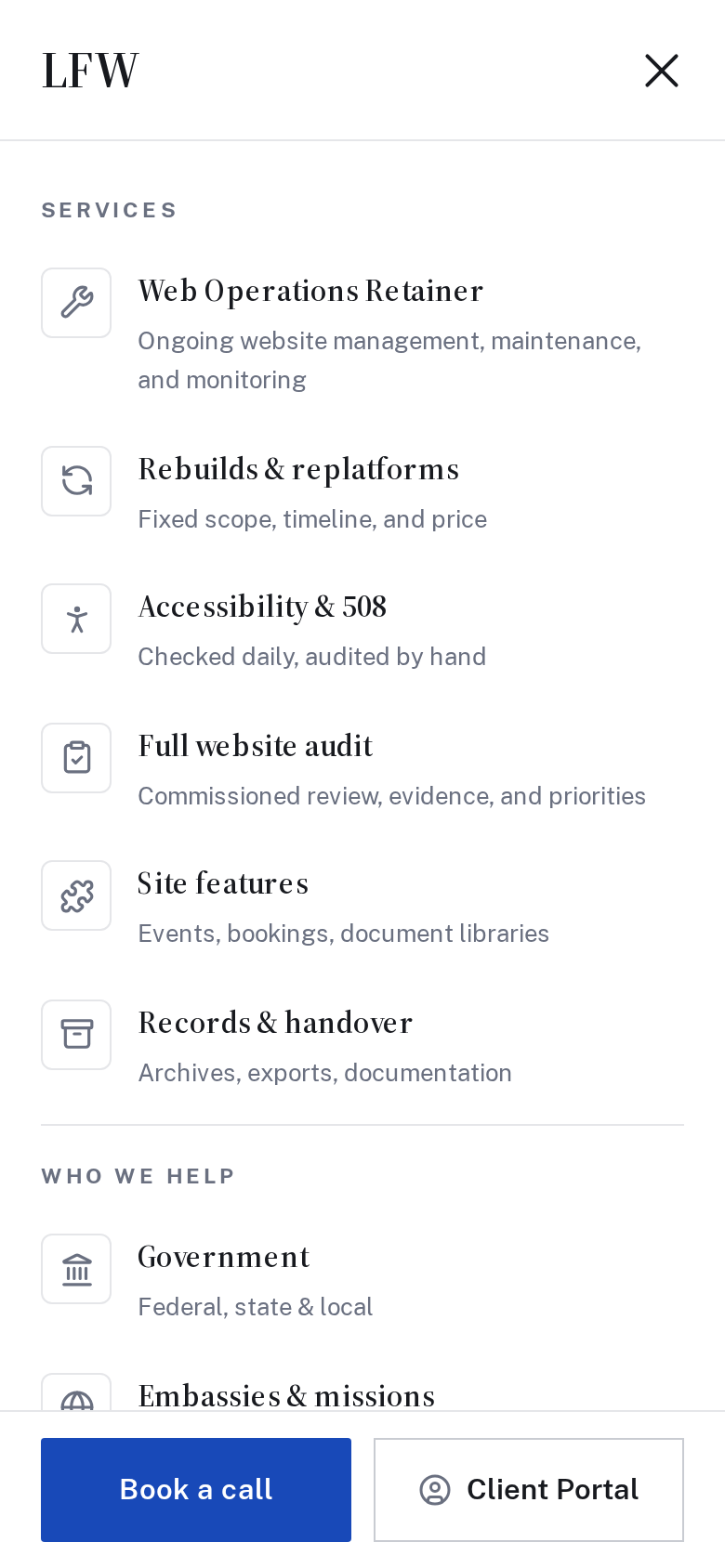
Enlarge to view the full screenshot.
Browse articles by topic, search for a question, or subscribe through your feed reader. Search and filter choices stay in the address, so a useful view can be shared or revisited.
The blog also includes an email signup for readers who prefer to hear from LFW that way.
Enter a domain to get a free first look at the information its website makes public. The results explain what was checked and help you decide what deserves a closer review.
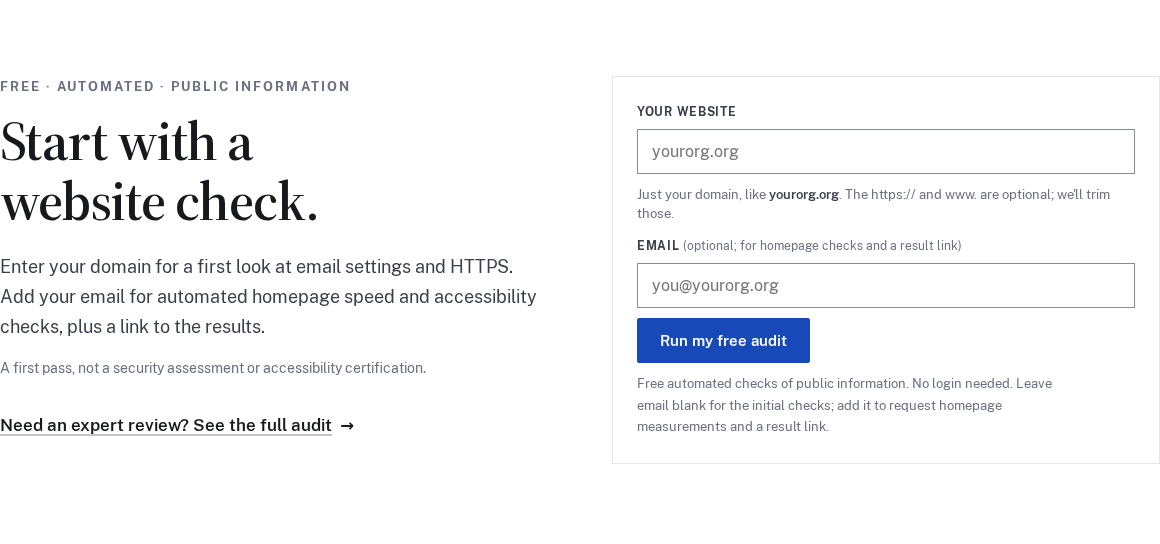
Enlarge to view the full screenshot.
Keep exploring
Showing 73–84 of 87 updates
Selected public improvements to LFW.com. Client work and confidential operational details stay private. Earlier entries were collected from the project’s history and dated to the relevant milestones. Screenshots labeled “current” show the version captured for this changelog, not necessarily the version on the entry’s date.
Bring the website you have and the things you’d like to change. We’ll talk through the priorities and prepare a quote for your organization.