LFW Platform · Applications and approvals
Applications that reach the right person.
People apply online with their documents. Each application goes to the right approver, and every step is recorded.
Used by City and county offices, housing authorities, transit agencies, regional bodies, embassies and colleges.
How it works.
From the form to the decision.
- 1 Your staff
Build the form
Staff build application forms themselves, with file uploads.
A new form does not wait on a developer.
- 2 Applicants
Apply with documents
Applicants fill in the form on your website and upload what you ask for.
- 3 The Platform
Route it
Each application goes to the right approver by type and amount, following your delegation of authority.
- 4 Your staff and applicants
Ask for more, and decide on the record
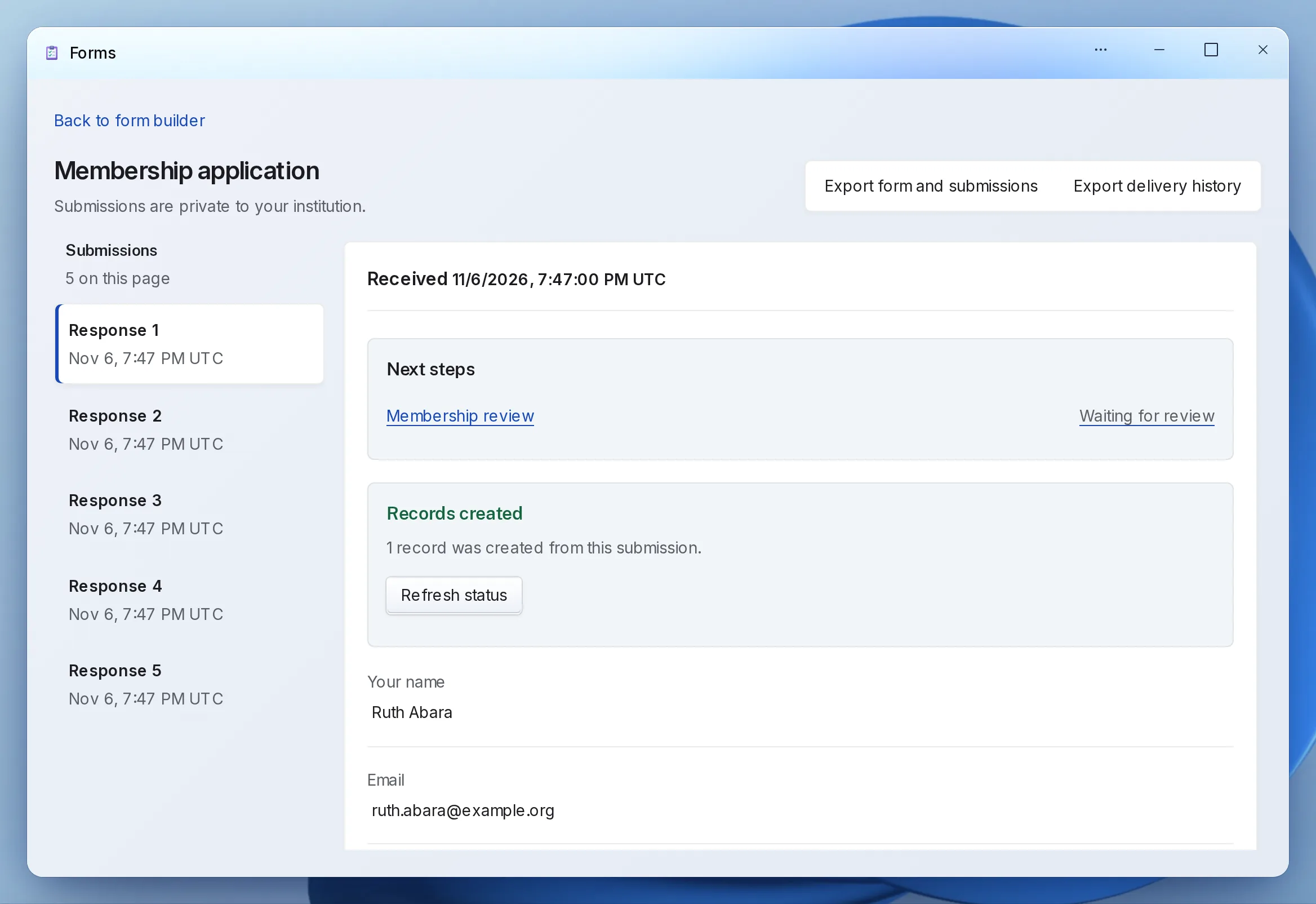
Staff ask the applicant for more information; the applicant answers on their application receipt and replaces any document. Each decision is a step with who, when and why.
- 5 Applicants
Check the decision
Applicants can check whether their application is received, pending, approved or denied.
What your staff control.
Your rules for who decides what.
-
Routing
Route by application type and amount, through your delegation of authority.
-
Field-level access
Give each person only the departments and fields they need.
-
A full record
Every step keeps who did it, when and why. Nobody approves their own request.
-
Deadlines
Staff reminders before and after due dates, with escalation.
Setting it up.
Forms are yours to build; LFW sets up the routing.
What you bring
- Your current application form
- Who approves what, by type and amount
- The documents you require
What we do
- Set up your workspace
- Configure the review steps and routing with you
- Connect the form to your website
- Train reviewers
What it doesn’t do yet.
- Review steps and routing are set up by LFW; staff do not design workflows on a screen.
If you need one of these, say so in your setup request. We’ll tell you what the Platform supports and discuss the gap.
Questions.
Can applicants see where their application stands?
They can check whether it is received, pending, approved or denied, and answer a request for more information on their receipt.
Can approvals depend on the amount?
Yes. Routing follows your delegation of authority by type and amount.
Do we have to replace our website?
No. The public uses it from the website you have, through a link to a hosted page or an embed. WordPress and Drupal sites can also install a connector.
Who sets it up?
LFW sets up your workspace and configures the workflow with your staff. Staff build their own forms and import existing records from a spreadsheet.
How do we get a price?
Send a written setup request or ask for a written quote. We reply within one business day. A call is optional.
Start with one application form.
Send a written setup request. A demonstration is there if you want one.
Need a quote for purchasing? Request a written quote.