LFW Platform · Events and tickets
Event sign‑ups and tickets, checked in at the door.
Free RSVPs and paid tickets, a waitlist when it fills, and QR check-in with a phone.
Used by Libraries, museums, parks departments, public media, colleges and embassies.
How it works.
From publishing an event to the door.
- 1 Your staff
Create and publish
Staff create an event, preview it and publish it, with public places and member places.
- 2 The public
Register or buy a ticket
Free places are confirmed at once. Paid places are held until payment is verified, and a full event keeps a waitlist.
- 3 Your door staff
Scan at the door
Paid ticket holders show a QR code from their account. Staff scan it with a phone or laptop camera, and each ticket gets in once.
No printed list to tick off.
- 4 Your staff
Cancel and refund
Staff cancel a booking and refund it; the places go back on sale. The attendee list downloads as a spreadsheet.
What it looks like
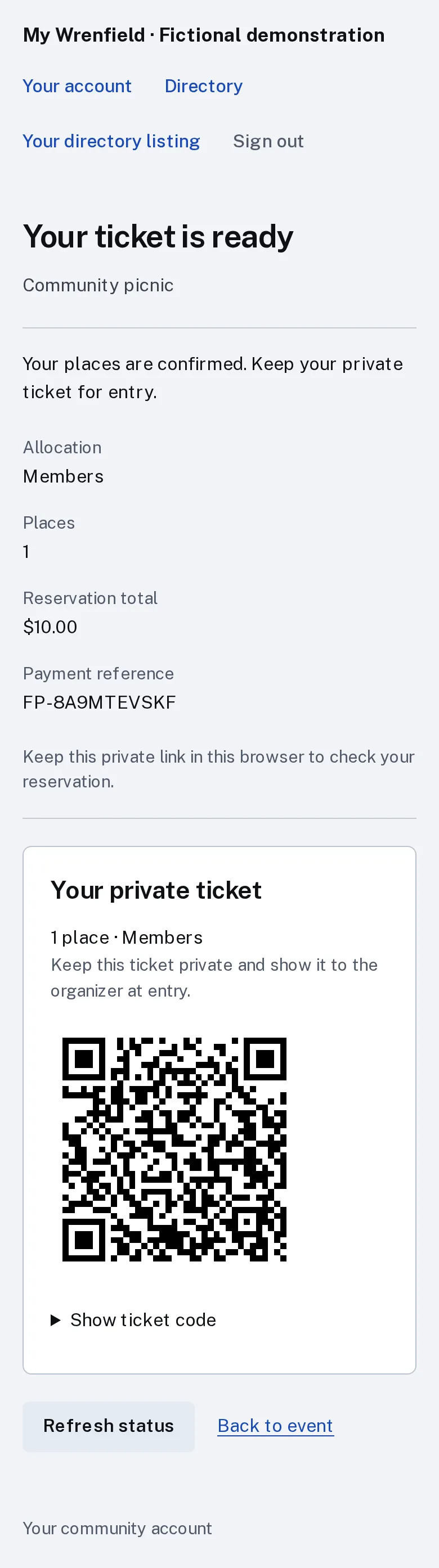
Enlarge to view the full screenshot.
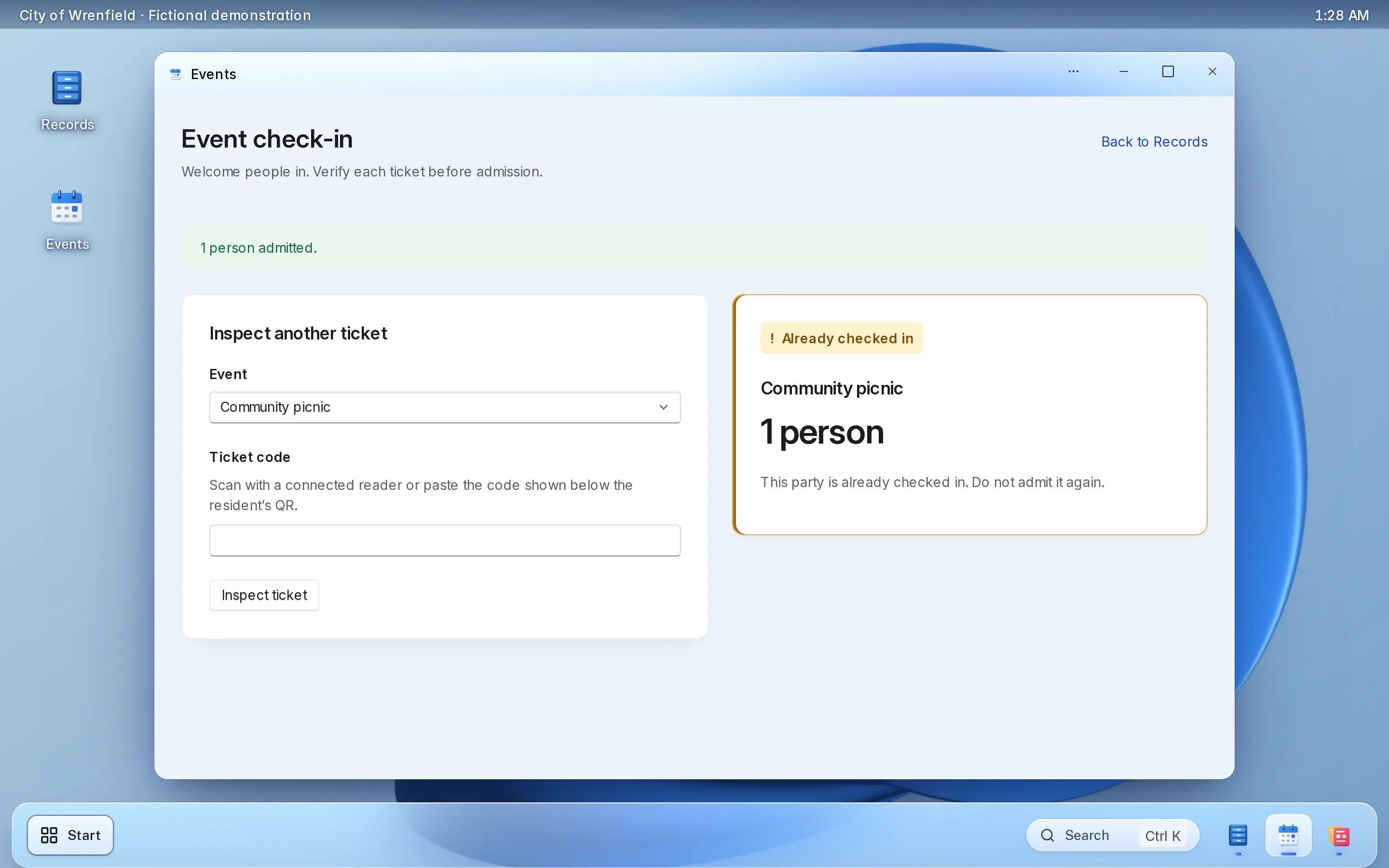
Enlarge to view the full screenshot.
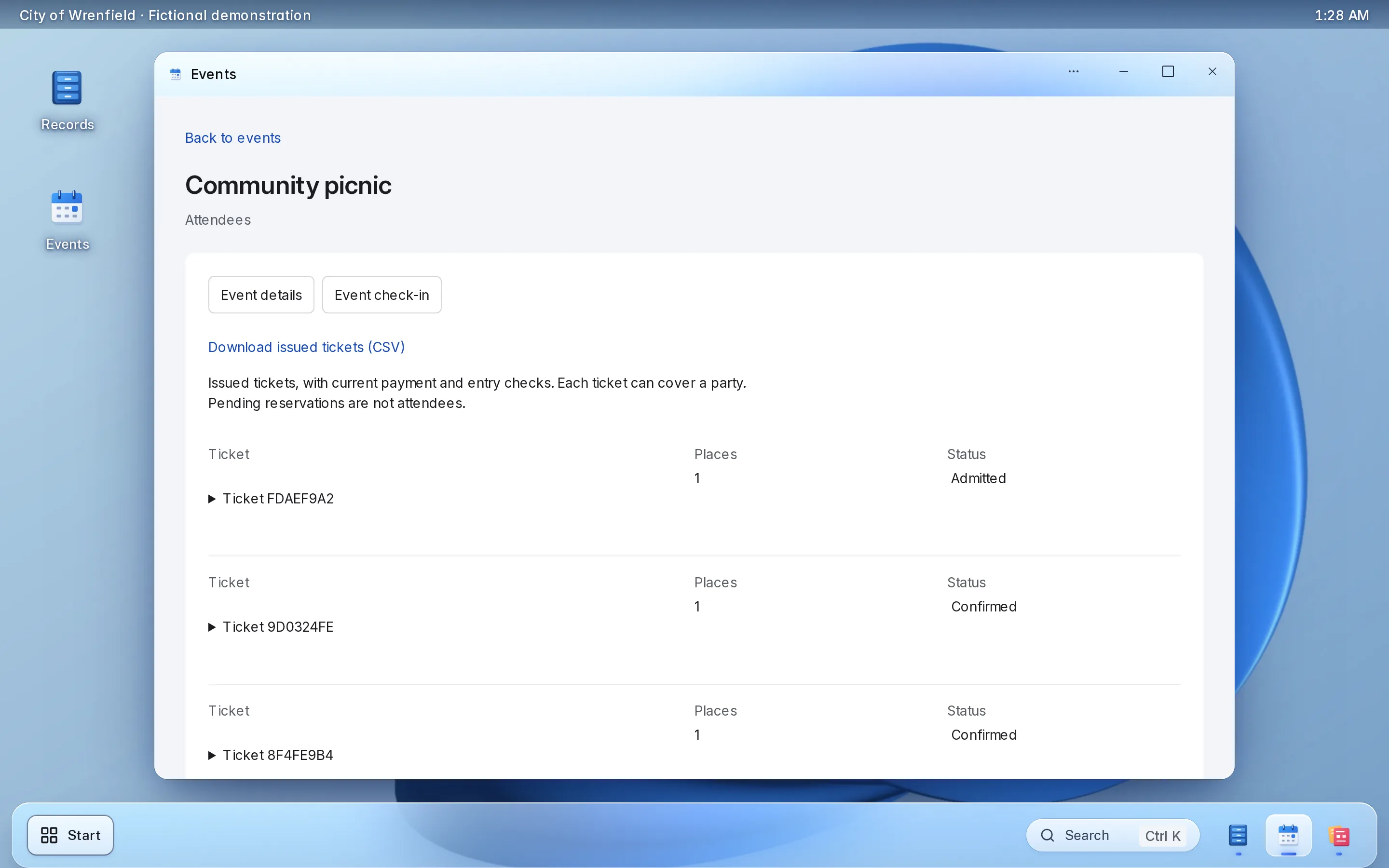
Enlarge to view the full screenshot.
What your staff control.
What your staff decide.
-
Places
Public places and member places for each event.
-
Waitlist
A waitlist opens when the event fills.
-
Door check-in
Each ticket admitted once, safe to scan twice.
-
Website embed
Show your events on your current website with one script tag.
Setting it up.
Staff can create events from the first day.
What you bring
- Your first events and their prices
- A Stripe account in your institution’s name, for paid tickets
What we do
- Set up your workspace and ticketing
- Add the events embed to your website
- Show door staff how check-in works
What it doesn’t do yet.
- Paid tickets are emailed with their QR code once LFW turns on sending for your institution. Until then, attendees open them from their account.
- Free events check in by name through staff, without a QR code.
- Attendees cannot cancel their own booking; staff do it.
If you need one of these, say so in your setup request. We’ll tell you what the Platform supports and discuss the gap.
Questions.
Do we need special scanners?
No. Staff scan QR tickets with a phone or laptop camera.
Can we show events on our current website?
Yes. One script tag shows them on your site.
Where does the money go?
Into your institution’s own Stripe account, in your name. Stripe’s own processing fees apply.
Do we have to replace our website?
No. The public uses it from the website you have, through a link to a hosted page or an embed. WordPress and Drupal sites can also install a connector.
Who sets it up?
LFW sets up your workspace and configures the workflow with your staff. Staff build their own forms and import existing records from a spreadsheet.
How do we get a price?
Send a written setup request or ask for a written quote. We reply within one business day. A call is optional.
Start with your next event.
Send a written setup request. A demonstration is there if you want one.
Need a quote for purchasing? Request a written quote.