The improvements we make to LFW.com, from clearer page layouts to new ways of getting things
done. This is the same ongoing attention we bring to the websites we manage.
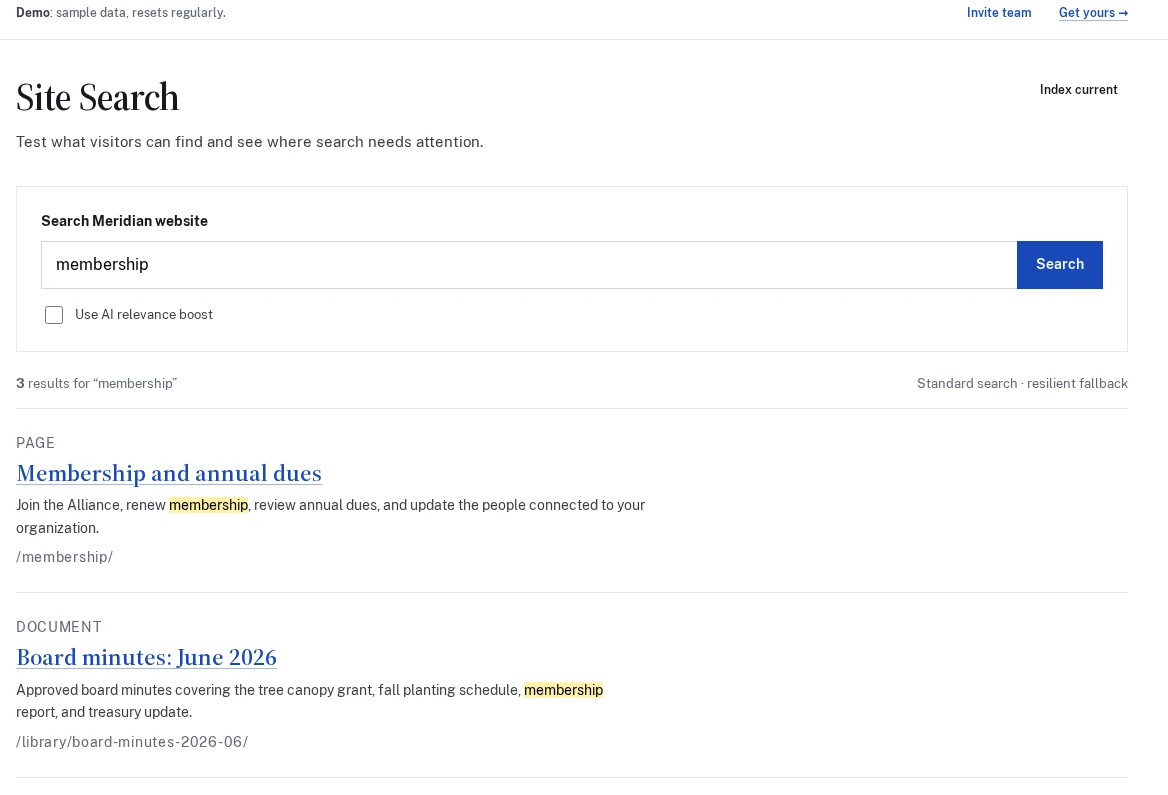
LFW Search adds a hosted service and a portal for testing results. It supports typo-tolerant search, custom content types, and passages that change with the query, with matching words highlighted.
The connector discovers public content types and taxonomies on sites running WordPress. Standard search needs no AI tokens; an optional relevance boost has a fixed allowance and falls back to ordinary results when it cannot run.
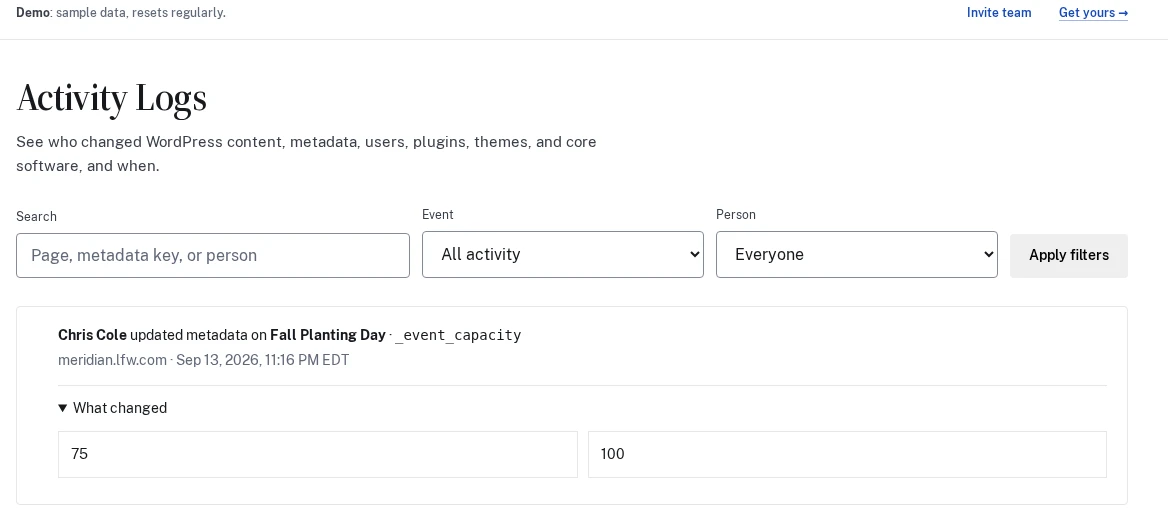
See who changed the content and the fields behind it.
LFW Activity Logs adds a searchable history of changes on sites running WordPress. Look up a page, user, or metadata field, then open an event to compare the previous and new values.
A connector sends the activity to the hosted Client Portal, where it can be reviewed alongside website requests. The product page shows a real connector running on a demonstration installation.
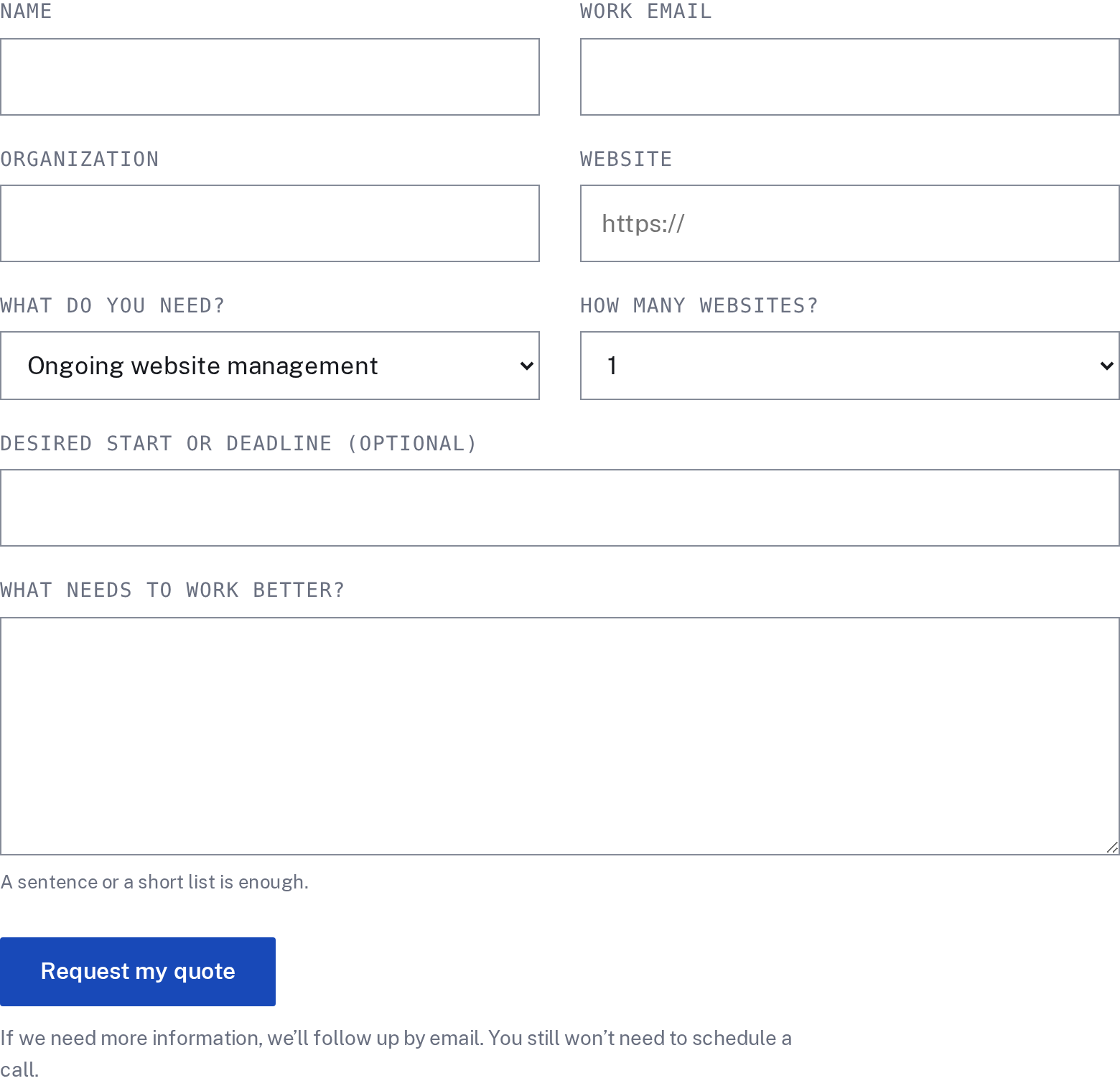
Service pages now lead to a dedicated quote request. Tell us about the website, the work, and your timing, with the service you came from carried into the form. We can follow up with questions before preparing a written scope and price.
A call is available if you have questions or prefer to talk. You do not have to book one to request a quote.
Turn visitor activity into an improvement to test.
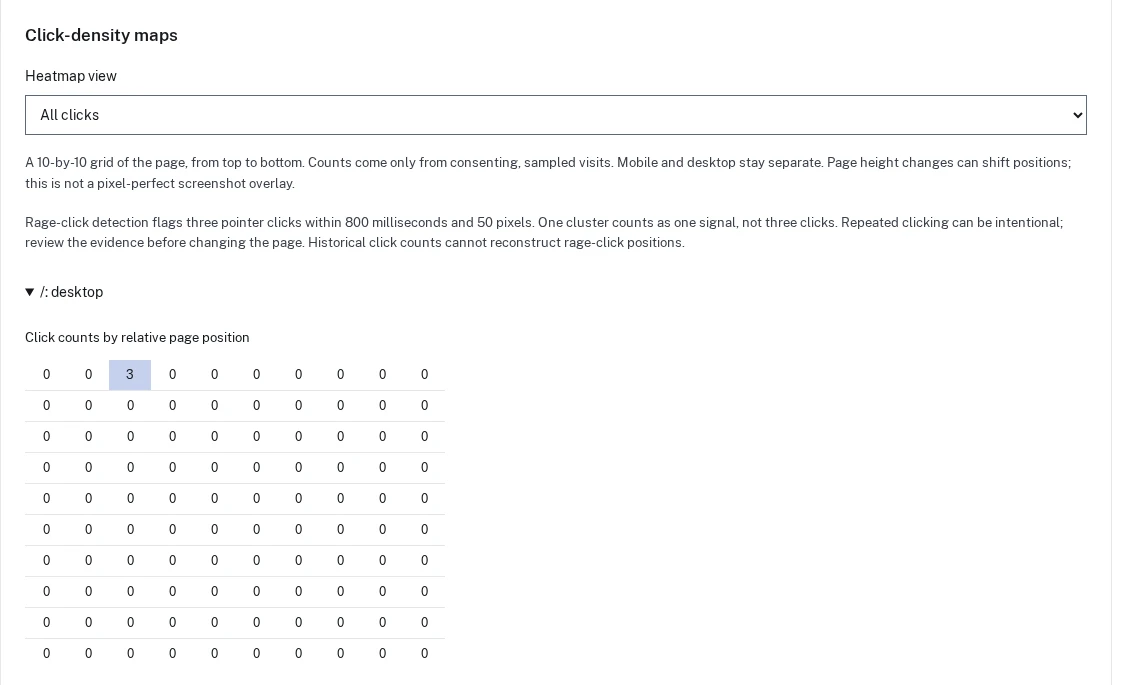
Analytics can compare selected calls to action with completed goals and show click-density and repeated-click maps from consenting sampled visits. A finding can become an experiment draft with the observation, proposed change, and goal kept together.
Drafts wait for review before anything changes on the website. Repeated clicks are a signal to investigate, not proof of somebody’s intent.
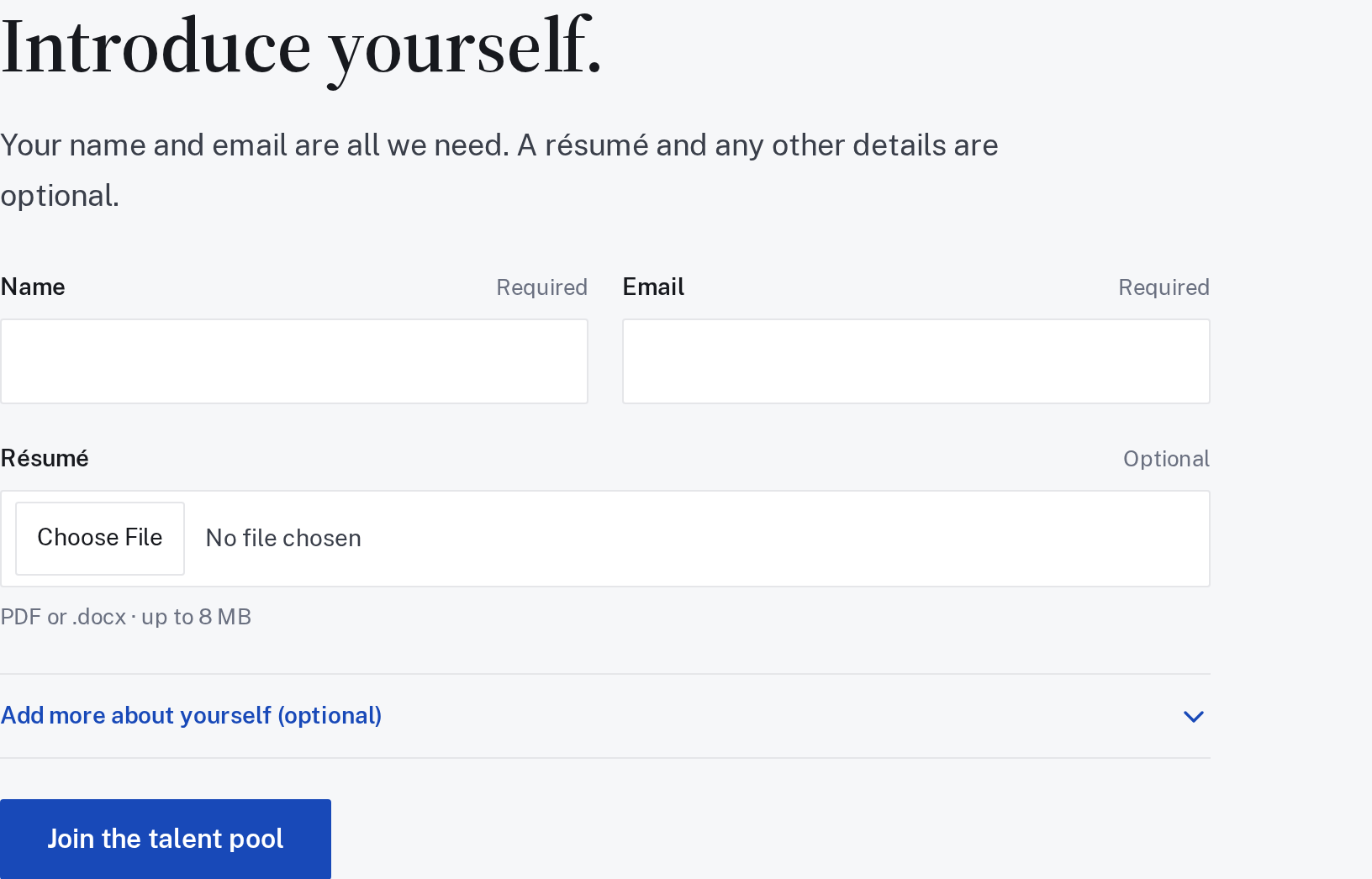
The careers form only requires a name and email to start a conversation. Share skills, links, and other details if you want to, with room for work beyond development alone.
This is a talent pool for future work, rather than an announcement of an open position.
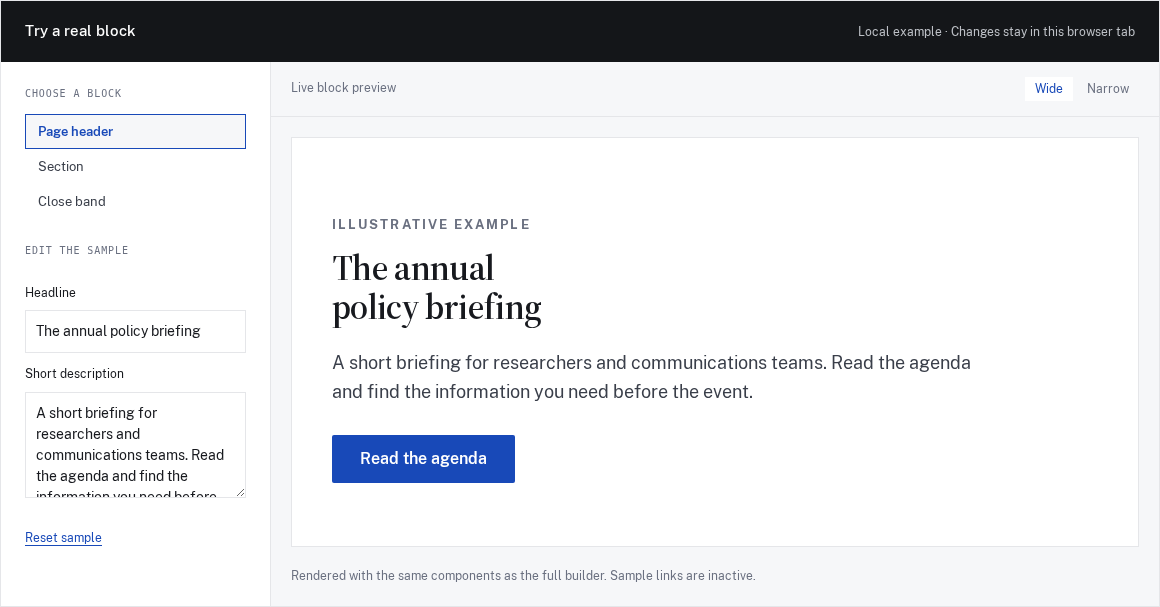
The Mason working preview lets you try arranging and editing page-building blocks in the browser. It is a look at an internal tool under development, with no customer deployment or ready-to-install package being claimed.
Public pages now serve more appropriately sized images and load the reading fonts more carefully. These changes reduce unnecessary downloads when someone opens the site on a phone.
Article collections bring together writing relevant to different kinds of organizations. Each collection has its own feed and email signup, so there are several ways to follow the subjects that matter to your team.
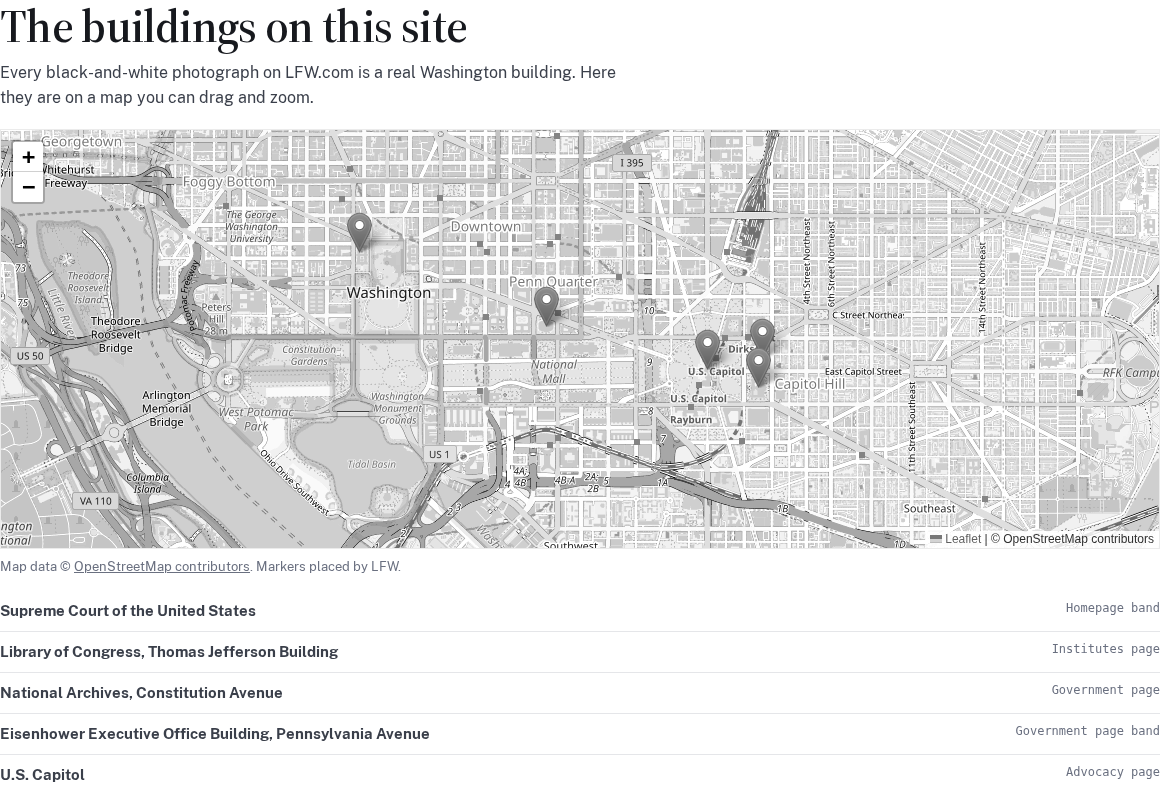
Try an interactive chart and map in the public data demonstration. Tables and text lists accompany the visual views, so the information is still available in another form.
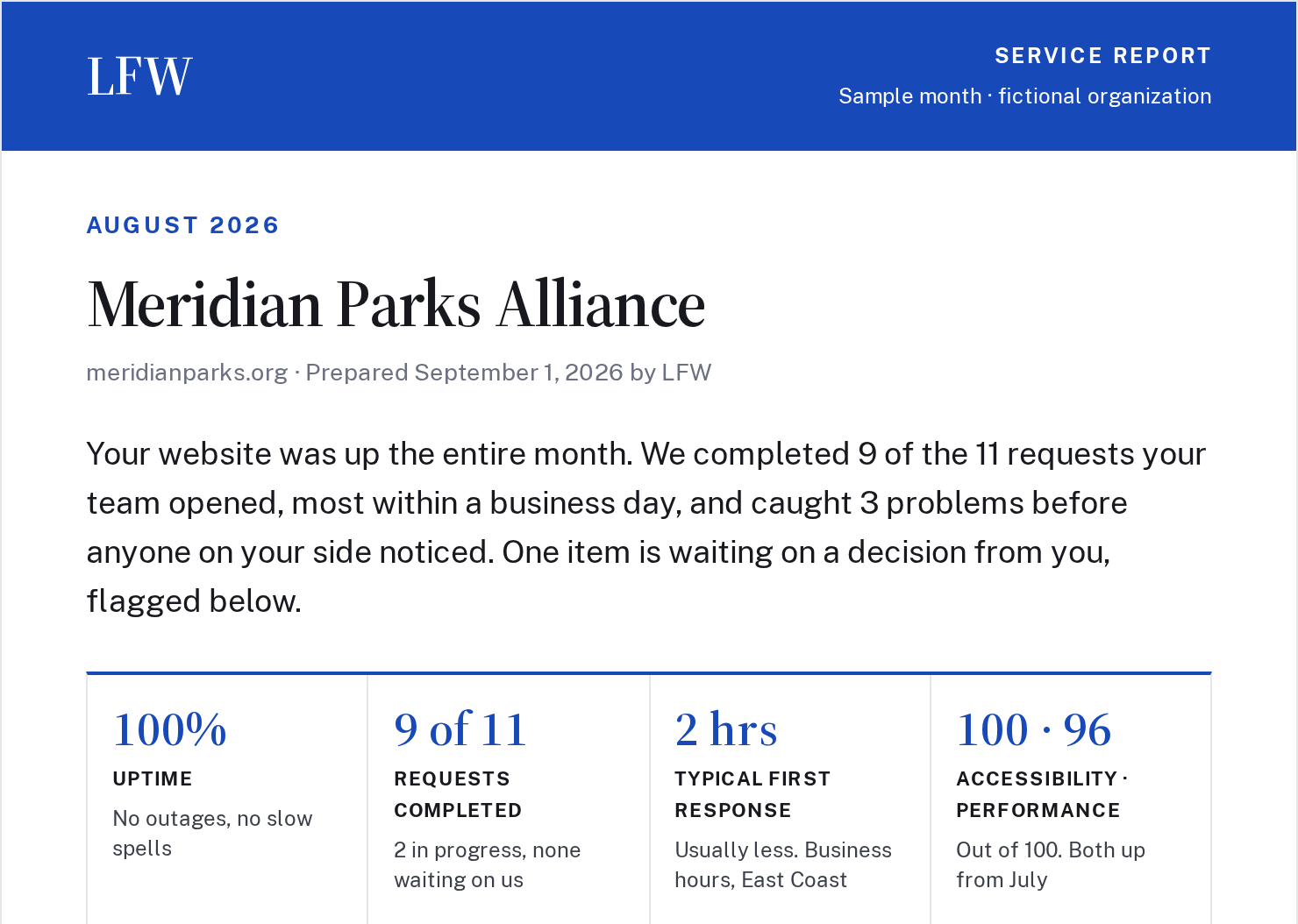
Open a complete sample service report to see the work recorded across a month. Completed requests, work still in progress, and the next decisions are gathered into a document a team can review together.
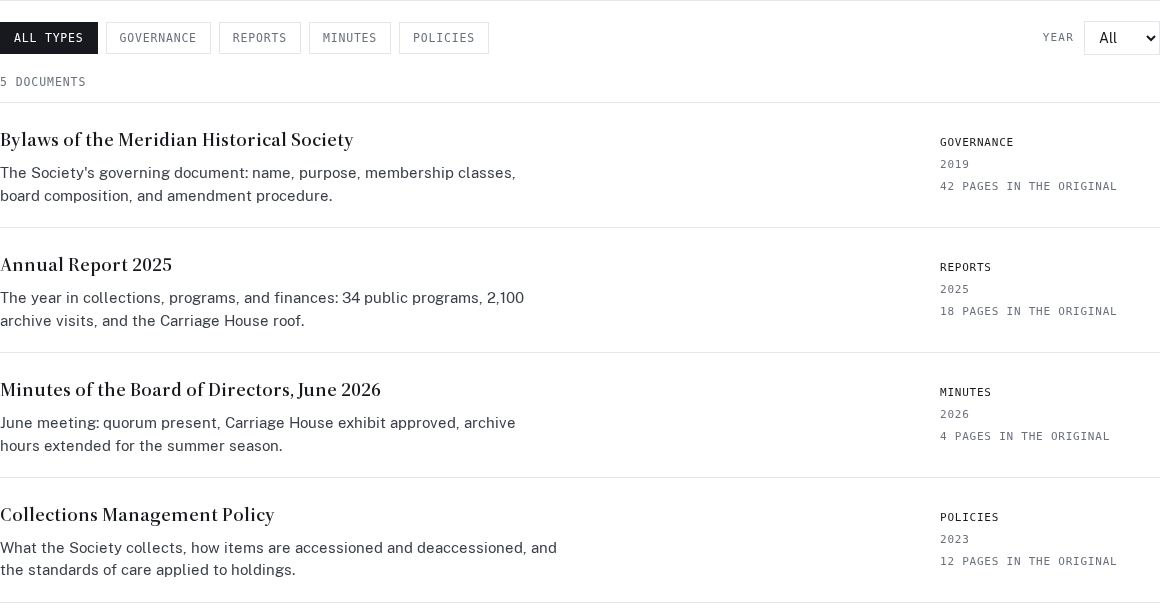
The document library demo lets visitors narrow a collection by document type and year, then read an item as a web page. It uses a fictional historical society to show how an archive could become easier to browse.
This is a prepared browsing demonstration. It does not offer document uploads or live conversion.
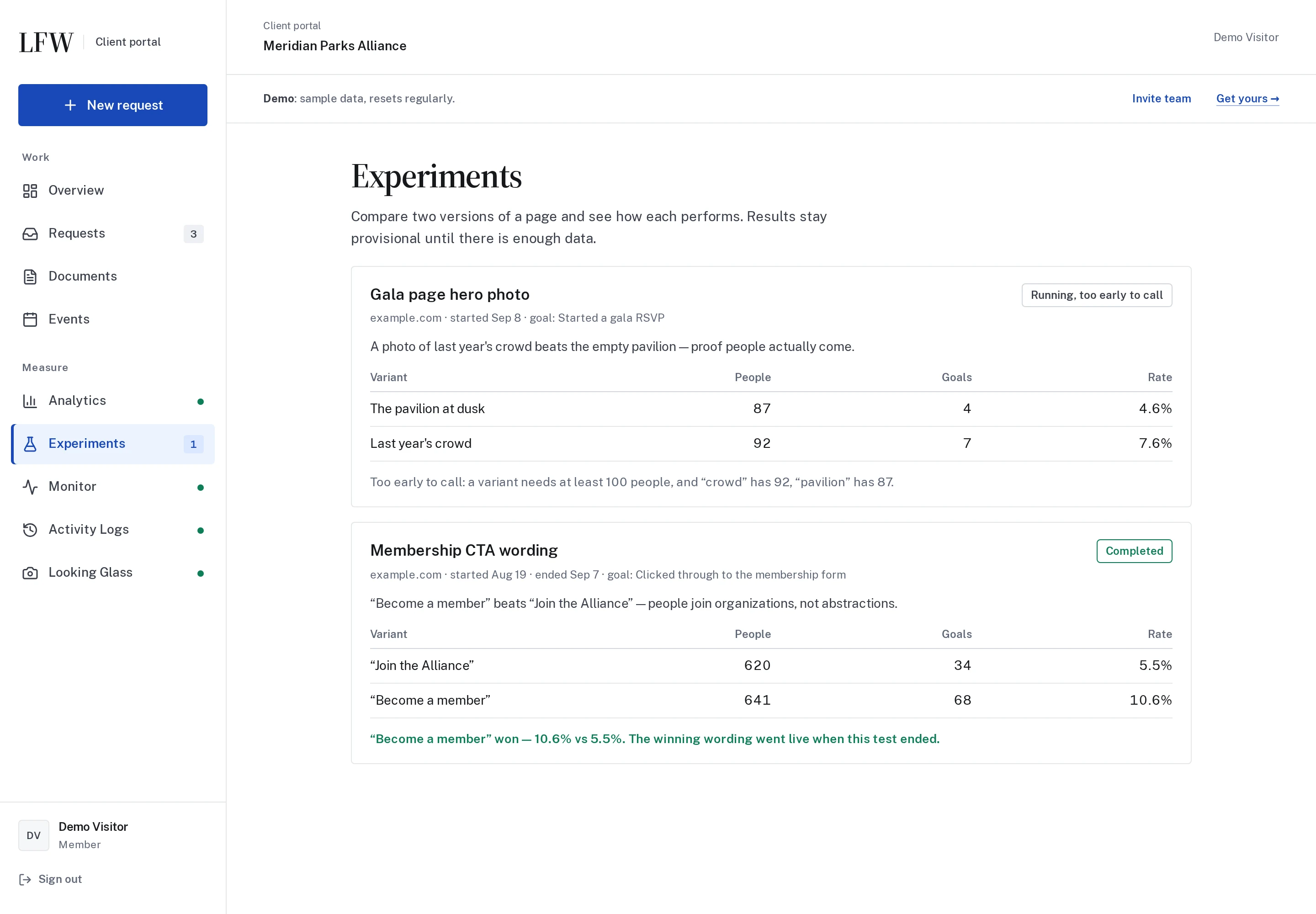
The Experiments example shows how a team can compare two versions of a page and follow the results. It also makes room for an honest answer when there is not yet enough evidence to choose a winner.
Selected public improvements to LFW.com. Client work and confidential operational details
stay private. Earlier entries were collected from the project’s history and dated to the
relevant milestones. Screenshots labeled “current” show the version captured for this
changelog, not necessarily the version on the entry’s date.
What could we improve on your site?
Bring the website you have and the things you’d like to change. We’ll talk through the
priorities and prepare a quote for your organization.