The improvements we make to LFW.com, from clearer page layouts to new ways of getting things
done. This is the same ongoing attention we bring to the websites we manage.
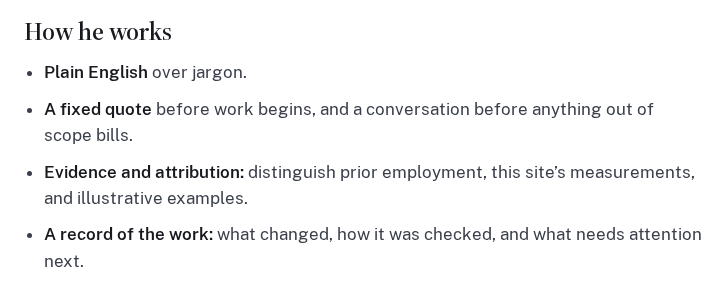
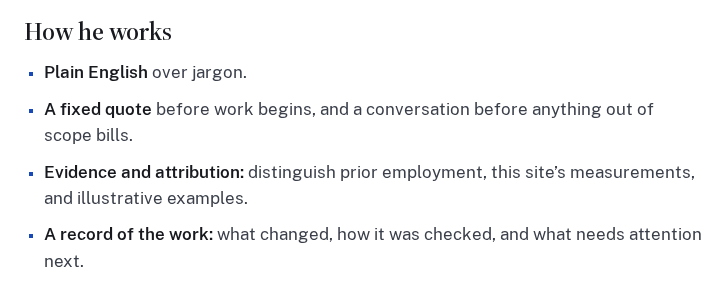
Ordinary lists now use LFW Blue square bullets throughout the public website, including Leland’s biography and the sample service report. Longer items keep their natural line breaks and spacing.
Numbered lists, navigation, and purpose-built icon lists keep their own treatment. Markers on dark backgrounds use a lighter color so they remain easy to see.
The biography list captured from the live page, followed by the same view with the exact updated styles applied in an isolated browser preview. The text and layout are unchanged.
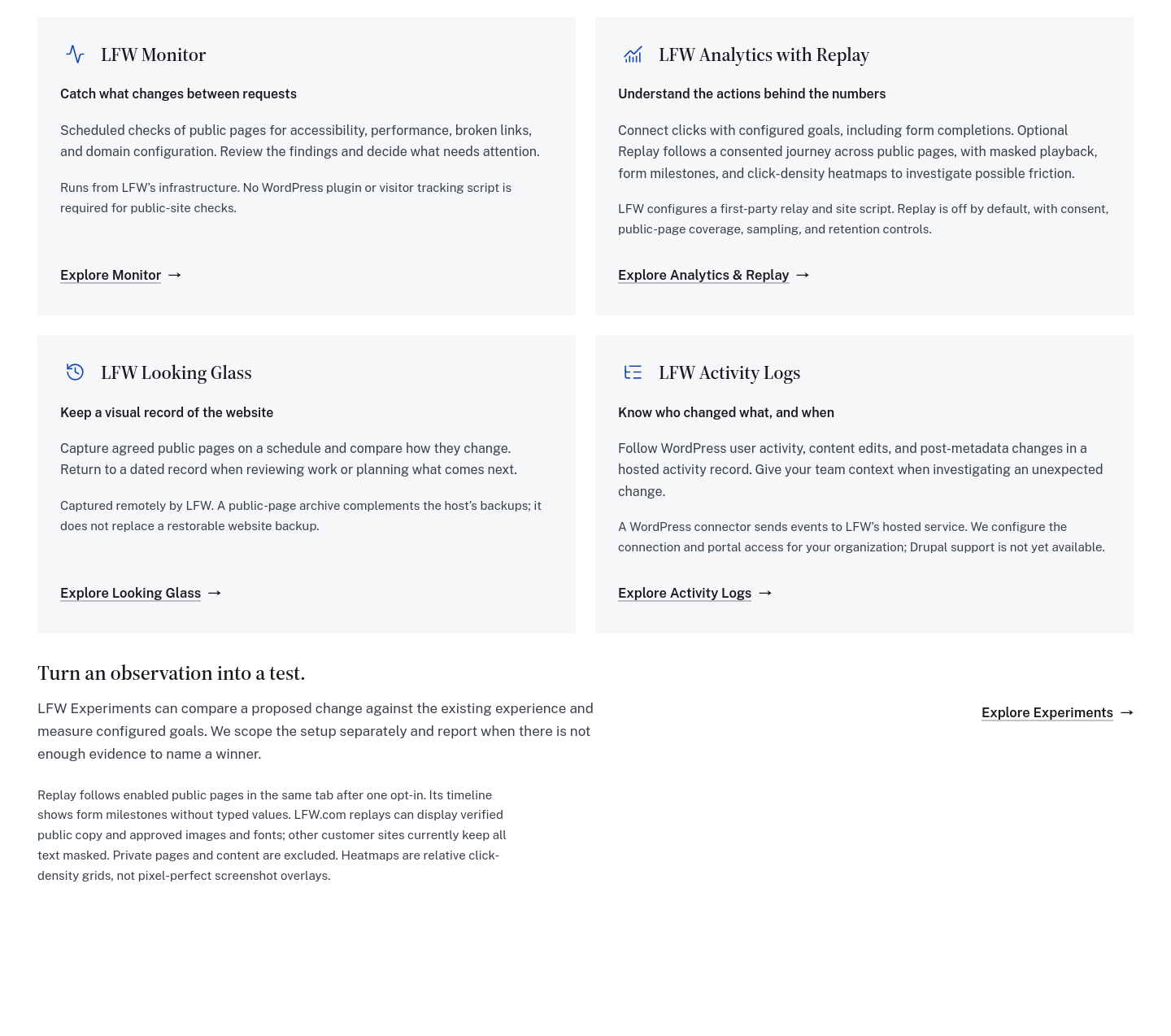
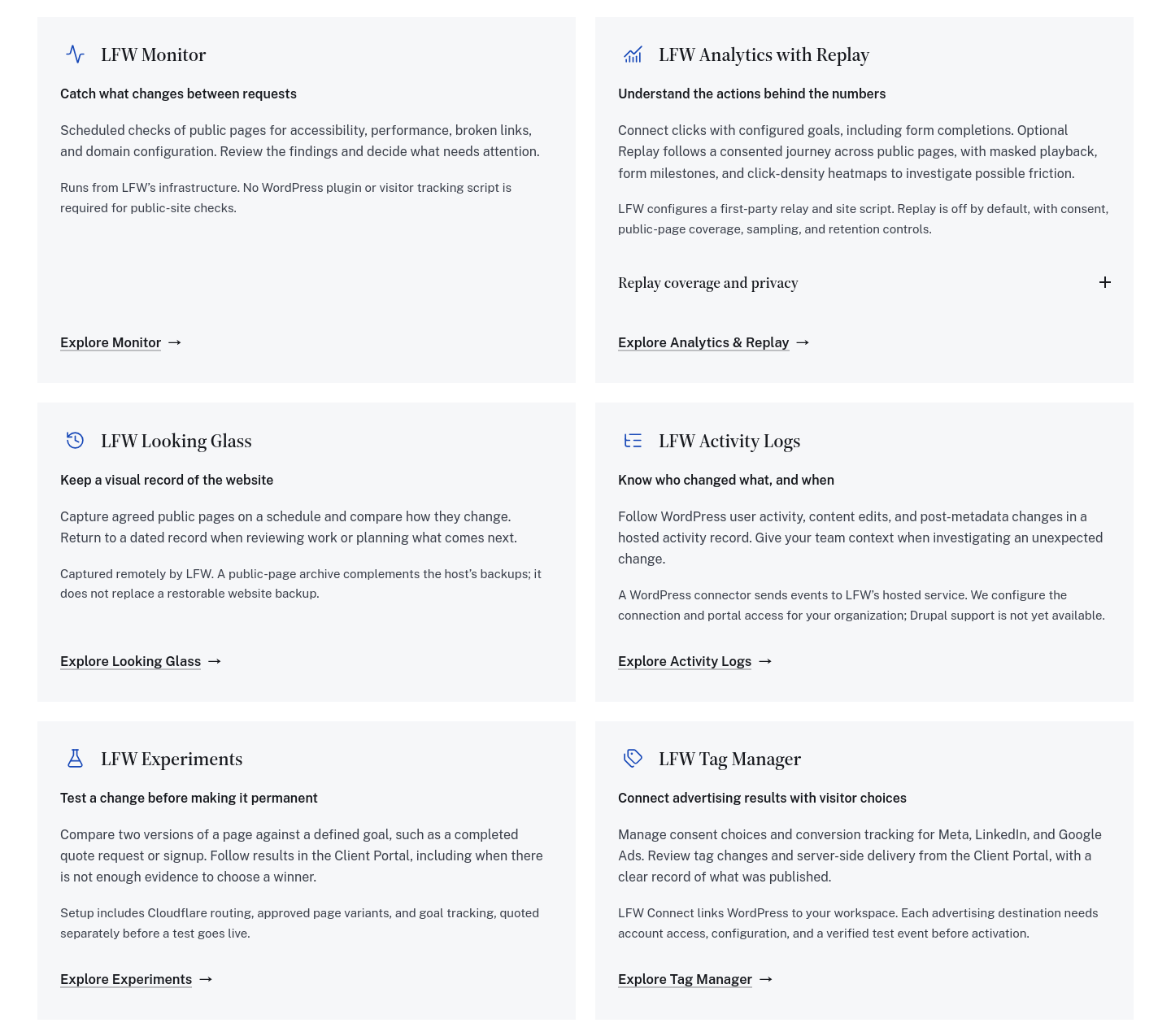
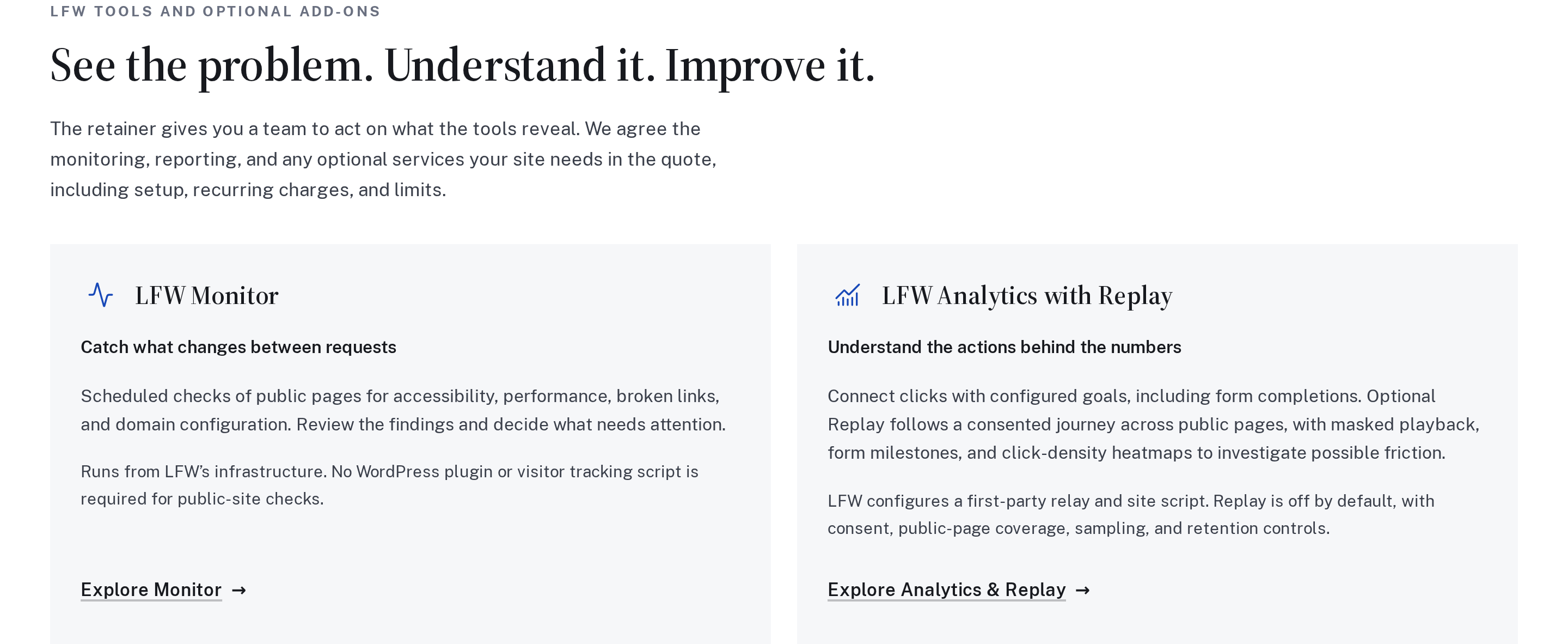
Experiments now sits alongside the other retainer tools, with Tag Manager completing the group. Compare what each service helps you do, how it connects, and what setup is needed.
The six descriptions share one grid on desktop and stack on a phone. Replay’s extra coverage and privacy details open inside its own card, where they belong.
The tools section before and after, reconstructed from the actual components at the same desktop width. These are isolated component previews, not archived production screenshots.
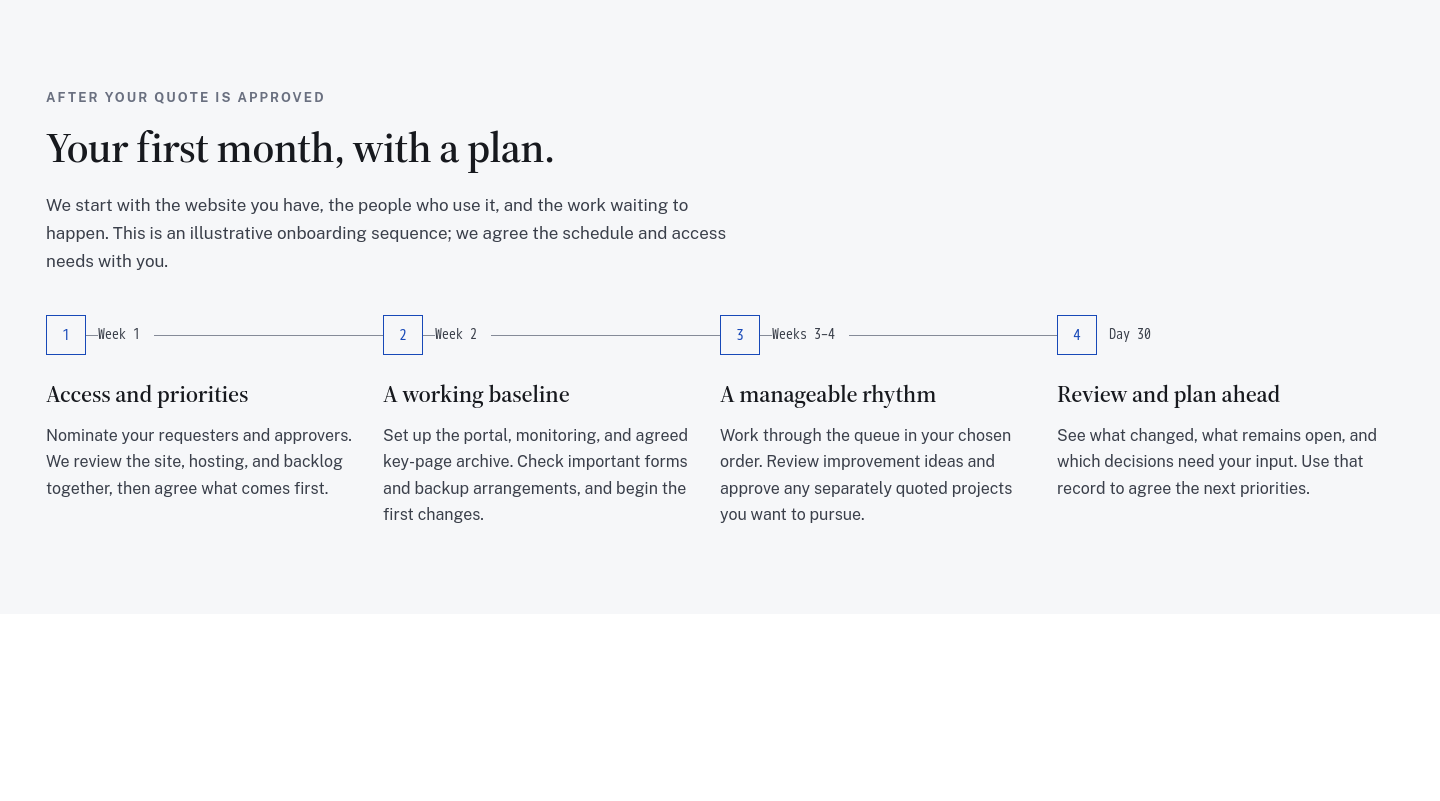
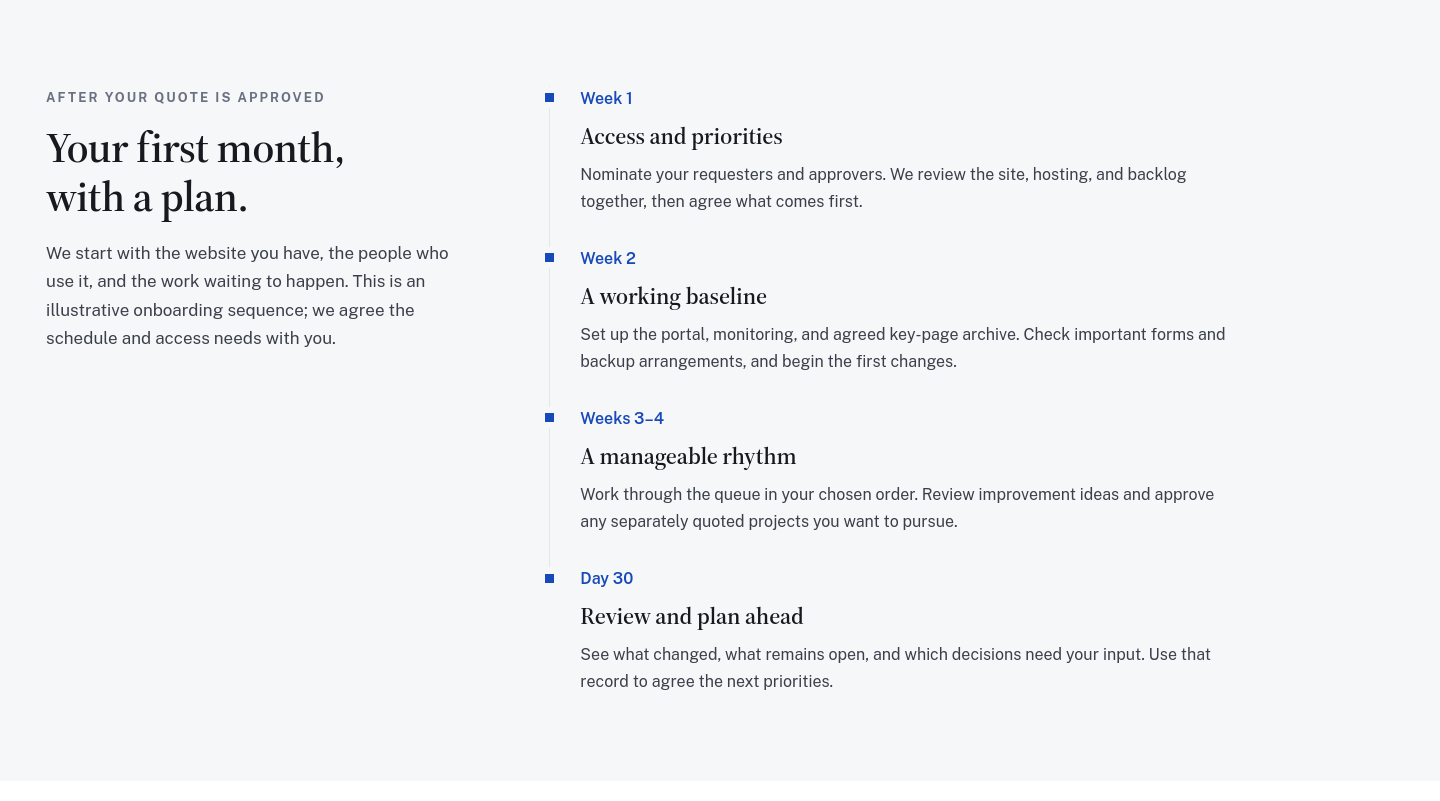
The retainer’s onboarding guide now uses a simple vertical timeline, with blue markers, clear week labels, and room to read each step. The sequence is easier to follow on desktop and mobile.
It uses the same visual approach as our changelog. The plan still covers access, a working baseline, the request queue, and a first-month review, with the actual schedule agreed before work begins.
The same four onboarding steps in matched desktop previews, reconstructed from the original and updated components. The copy is unchanged.
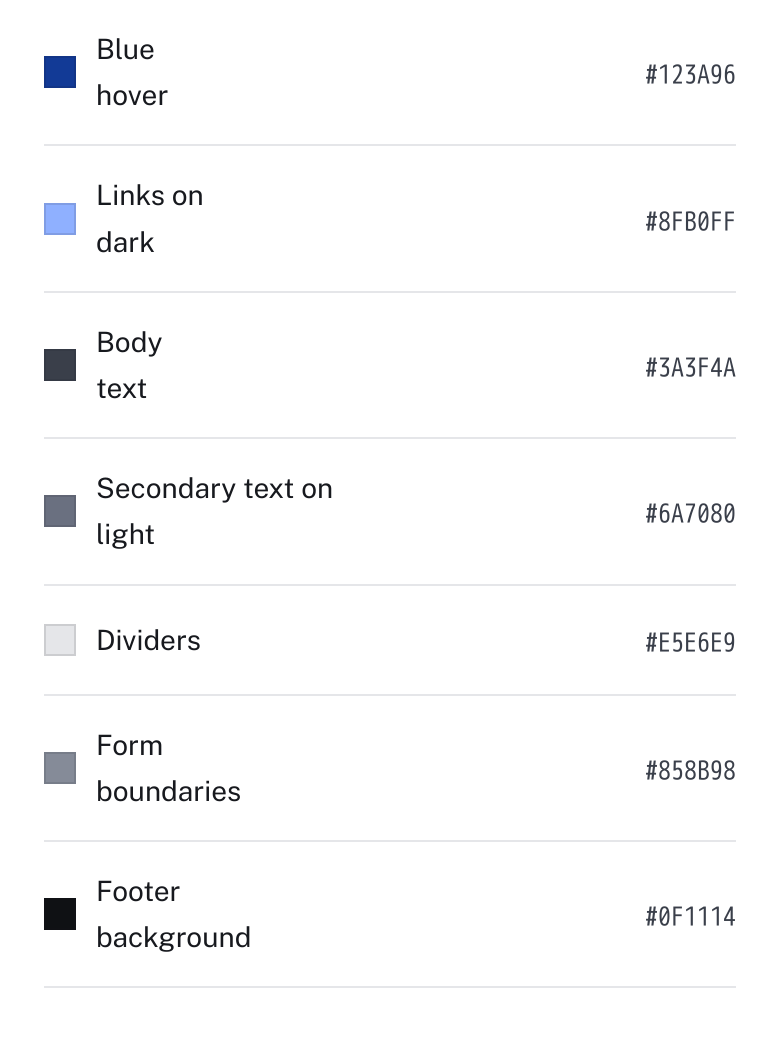
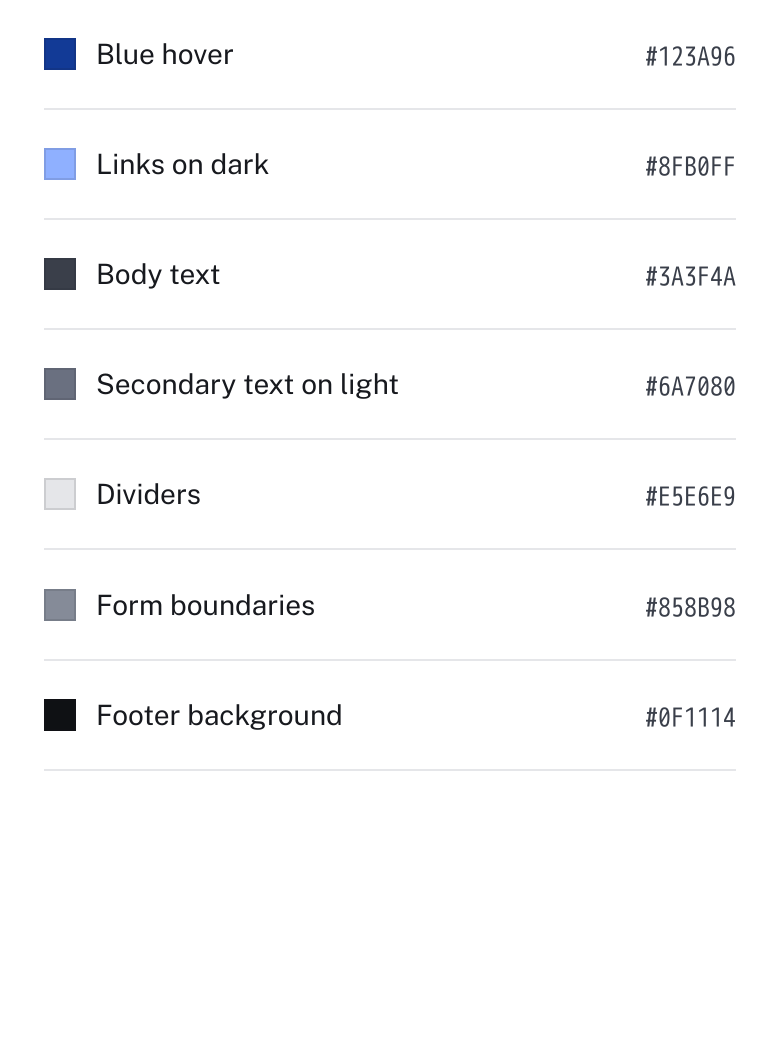
The supporting palette on our brand page now gives color names the space they need. Short labels stay on one line, with a consistent gap before their color codes.
The type stays the same size. Longer labels can still wrap when they need to, including when you enlarge the text.
The same palette component at a 390-pixel phone width. Captured from the original before-and-after source in isolated previews.
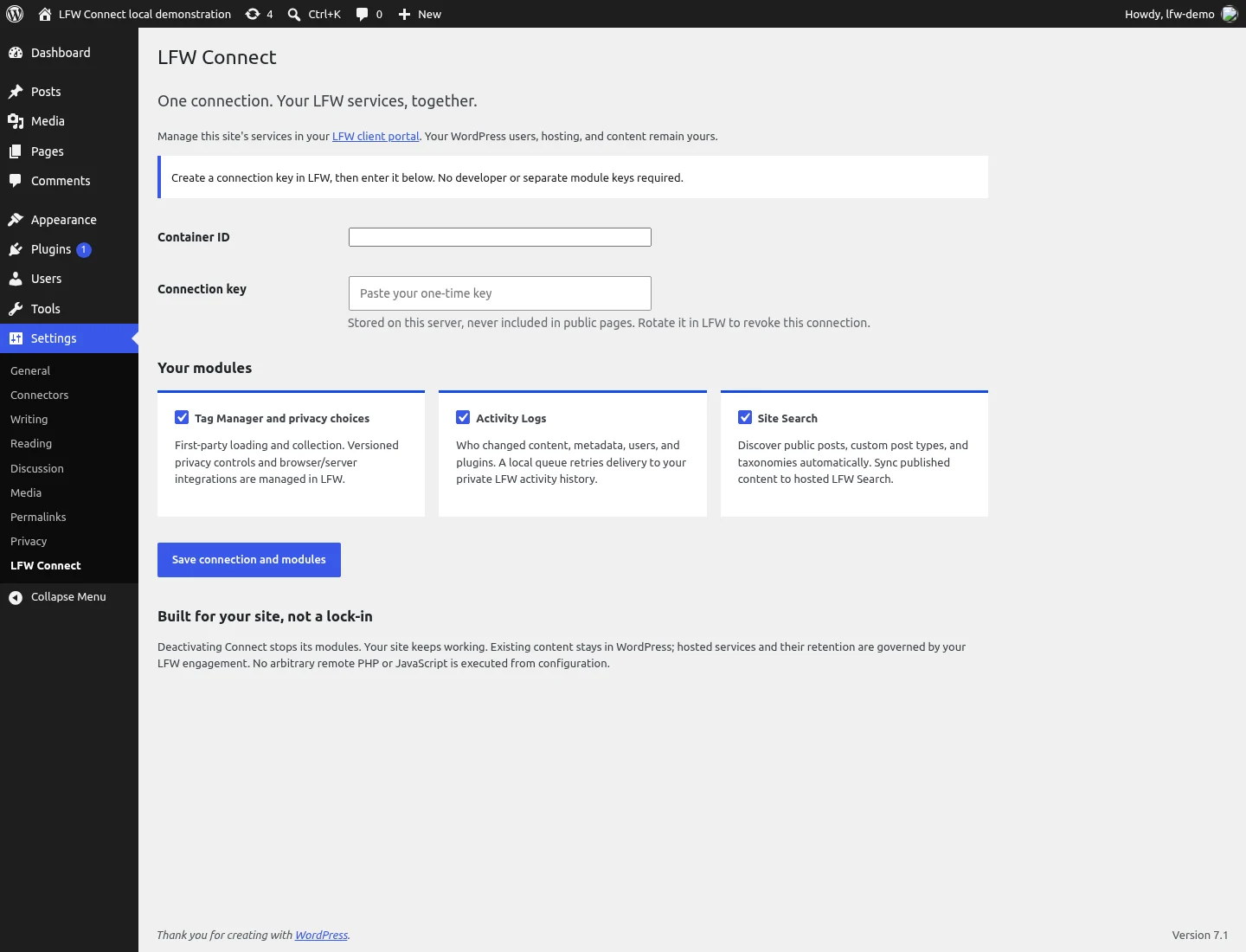
LFW Connect brings the connections for Tag Manager, Activity Logs, and Site Search into one plugin for sites running WordPress. Each module has its own switch, so a site can use the services it needs.
The plugin connects a site to services managed through LFW. Advertising integrations still need account setup and verification before they can send events.
Blog articles have a simpler opening and tidier author links. On desktop, the reading sidebar sits below the fixed header. A white progress bar is easier to see against the blue navigation.
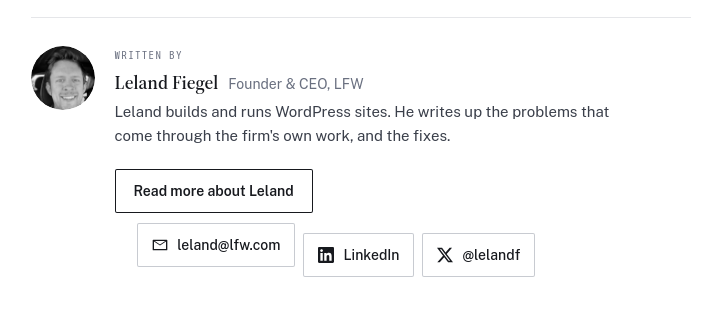
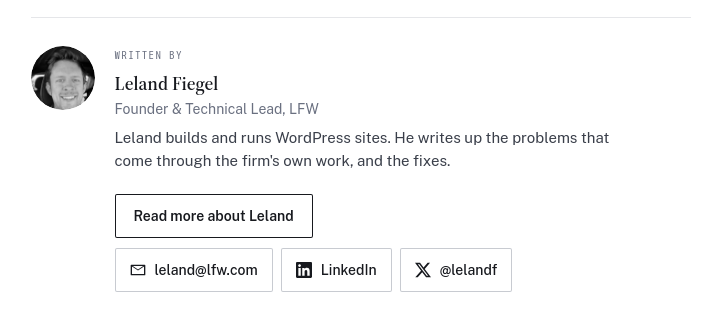
The author card before and after its contact links were aligned and the professional title updated. Matched previews reconstructed from the original source, not saved historical production screenshots.
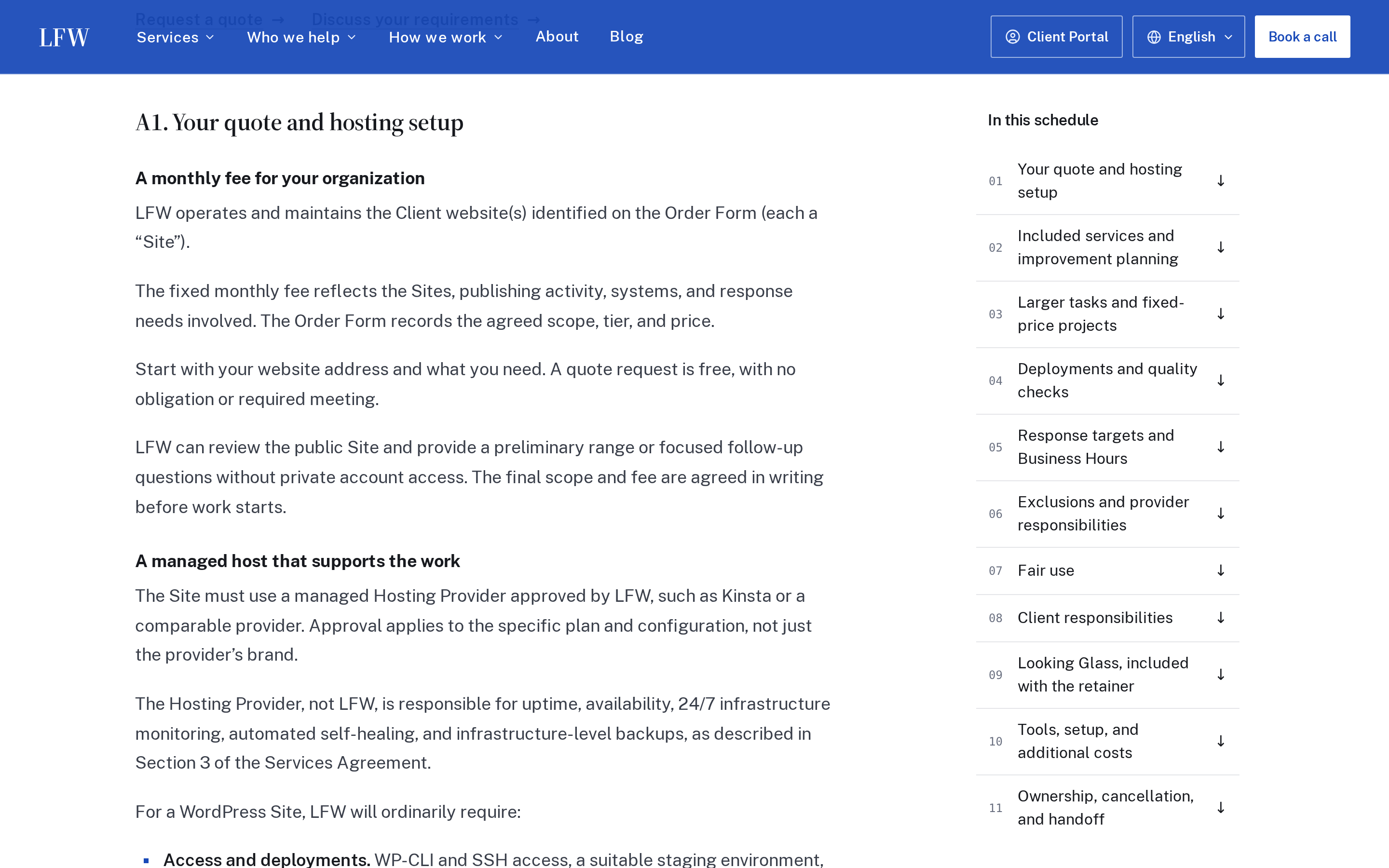
A desktop table of contents follows your place in the Web Operations Retainer schedule. On a phone, it becomes a compact section finder. Shorter passages make the scope easier to review.
You can jump straight to response targets, additional costs, or handoff arrangements when those are the questions you need answered.
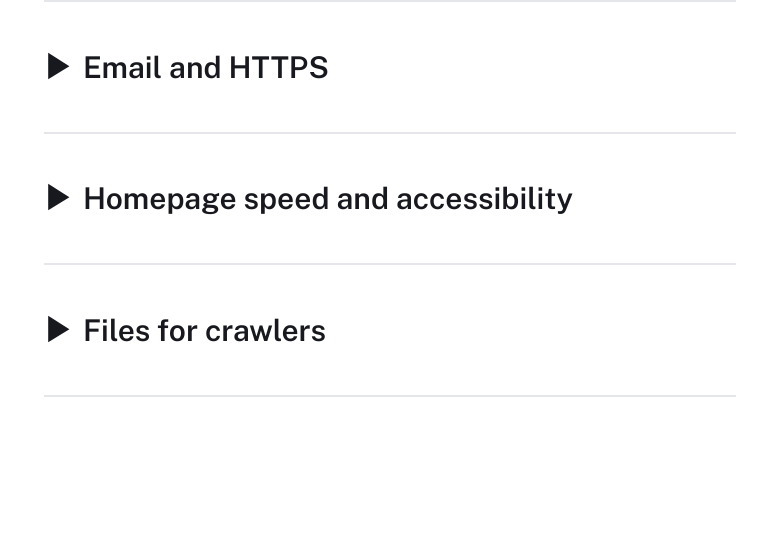
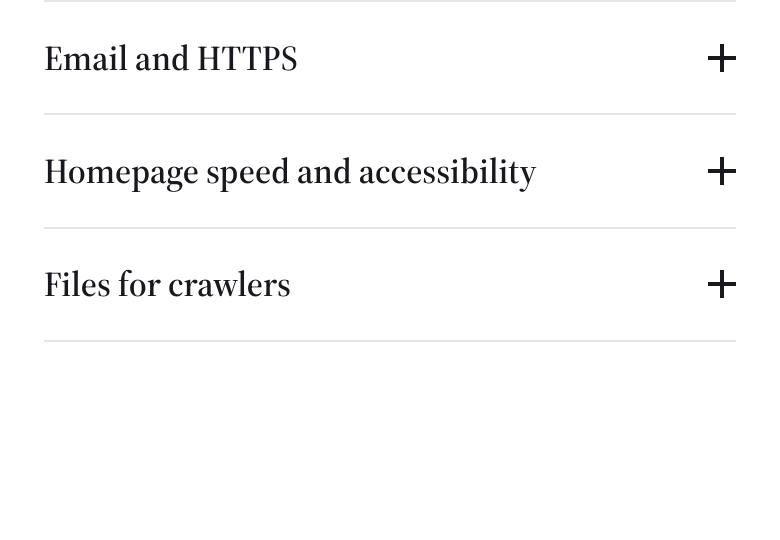
Questions and expandable explanations now share the same plus-and-minus controls across the public site. Lists inside them use our blue square bullets, too.
The audit page’s closed questions at the same phone width, captured from the original components in isolated previews.
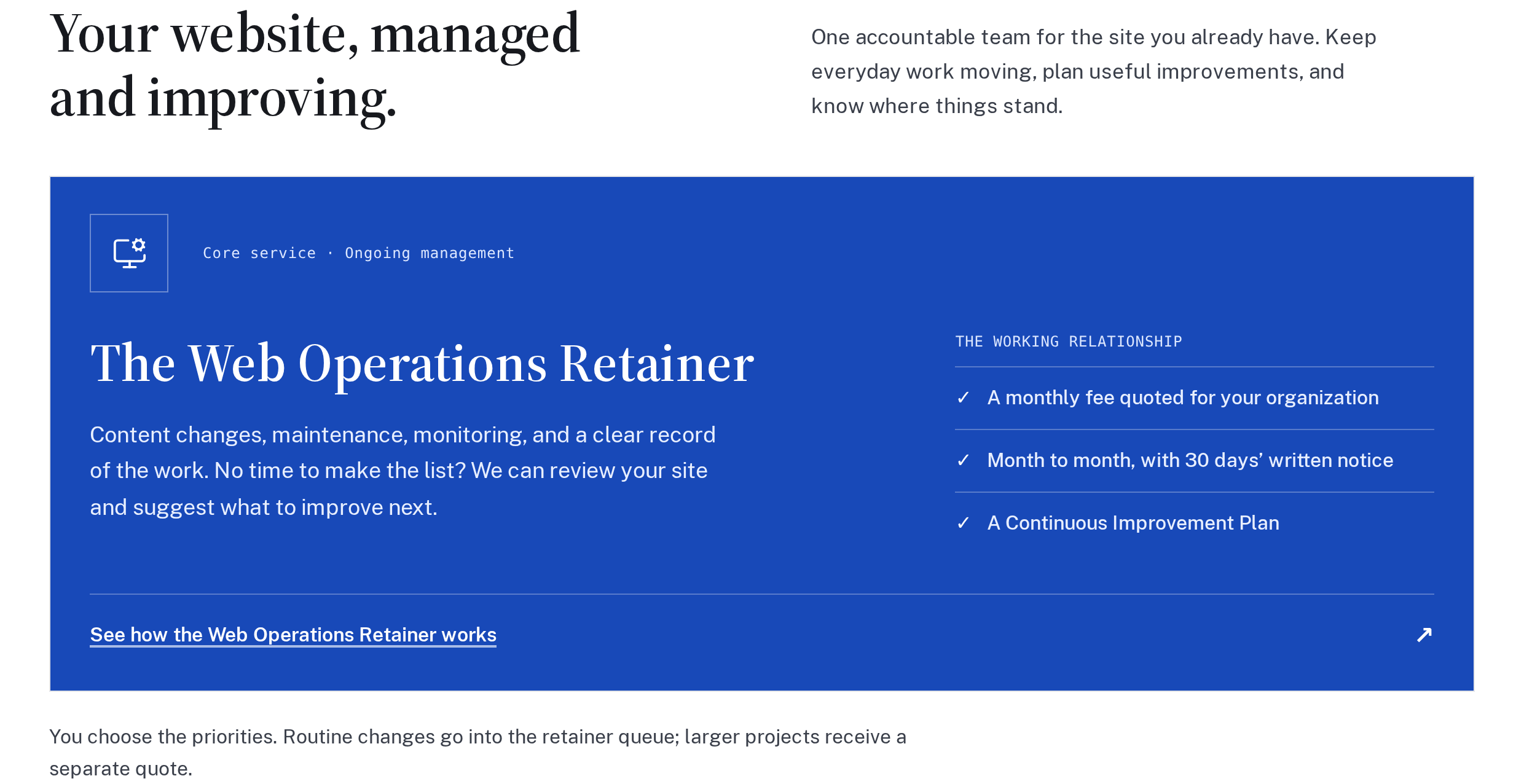
The homepage now leads with the Web Operations Retainer, followed by the working Client Portal and sample service report. You can explore how requests, completed work, and the next decisions fit together before asking for a quote.
The retainer guide now explains how Monitor, Analytics with Replay, Looking Glass, and Activity Logs support ongoing website work. Each description covers what the tool does and how it connects to a site.
Setup, recurring charges, and any limits are agreed in the quote. The guide also explains how an observation can become an experiment or a proposed improvement.
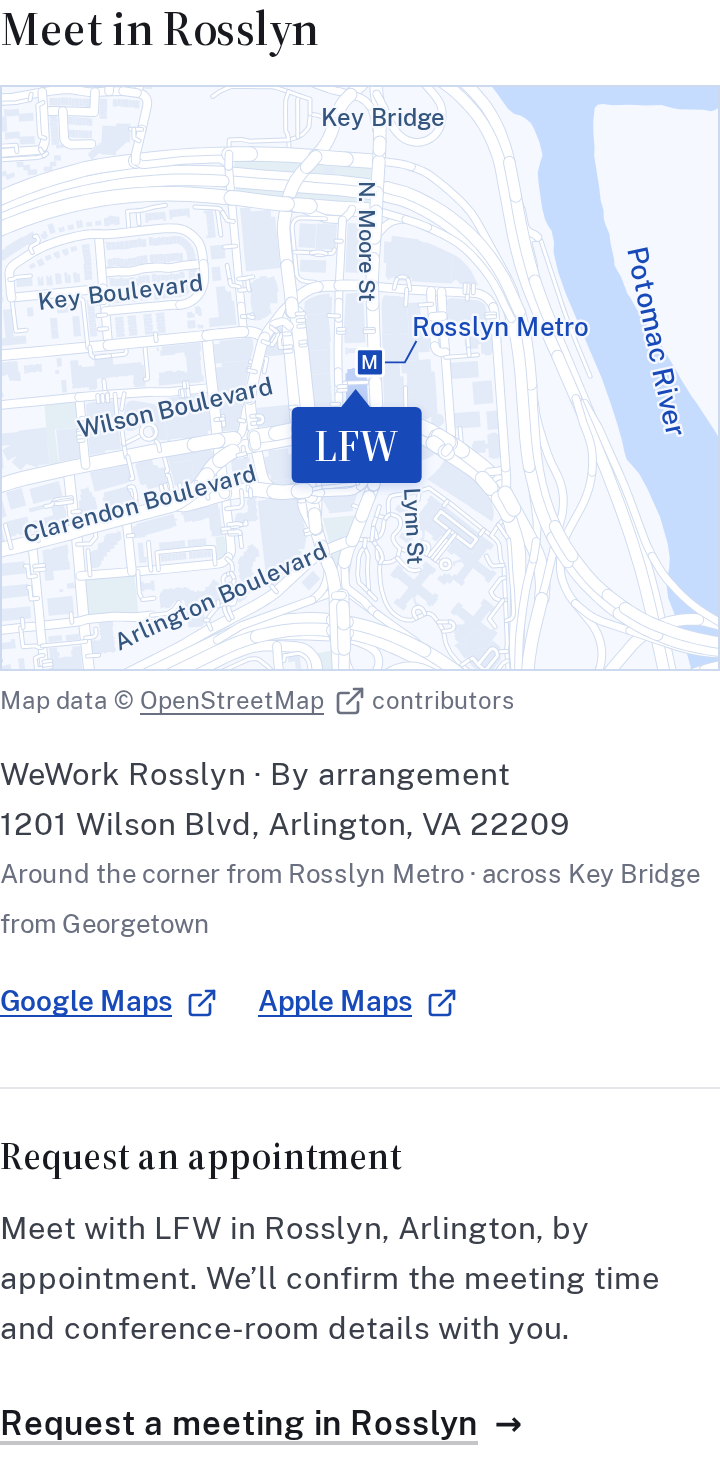
You can request an in-person meeting in Rosslyn through the contact form. Tell us what you would like to discuss, a few times that work, and how many people would attend. We will confirm the time and conference-room details with you.
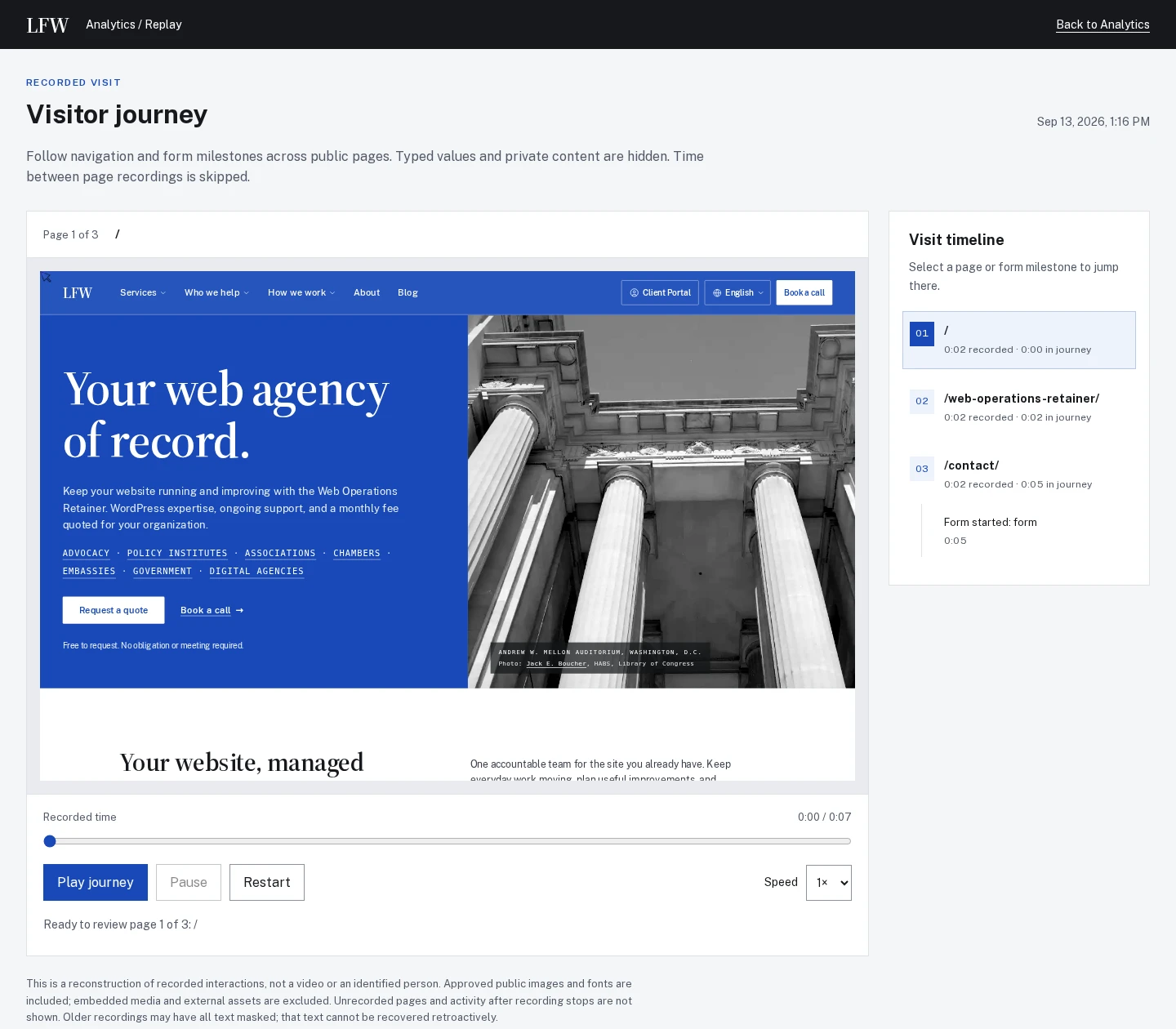
Optional Replay can follow a consenting visitor between enabled public pages in the same tab. Review the pages in order or jump to a form start, validation error, or configured goal to see where the visit needs a closer look.
Replay invitations can be sampled, and remembered choices reduce repeat prompts. A recording shows the activity available to review; its last action does not establish why somebody left.
Selected public improvements to LFW.com. Client work and confidential operational details
stay private. Earlier entries were collected from the project’s history and dated to the
relevant milestones. Screenshots labeled “current” show the version captured for this
changelog, not necessarily the version on the entry’s date.
What could we improve on your site?
Bring the website you have and the things you’d like to change. We’ll talk through the
priorities and prepare a quote for your organization.